About the children's center WordPress Theme


Edit Template Offline
2. Create new page and search for id 5102249
Edit Template Online
Create Awesome Websites


Free Nicepage Builder
Keywords
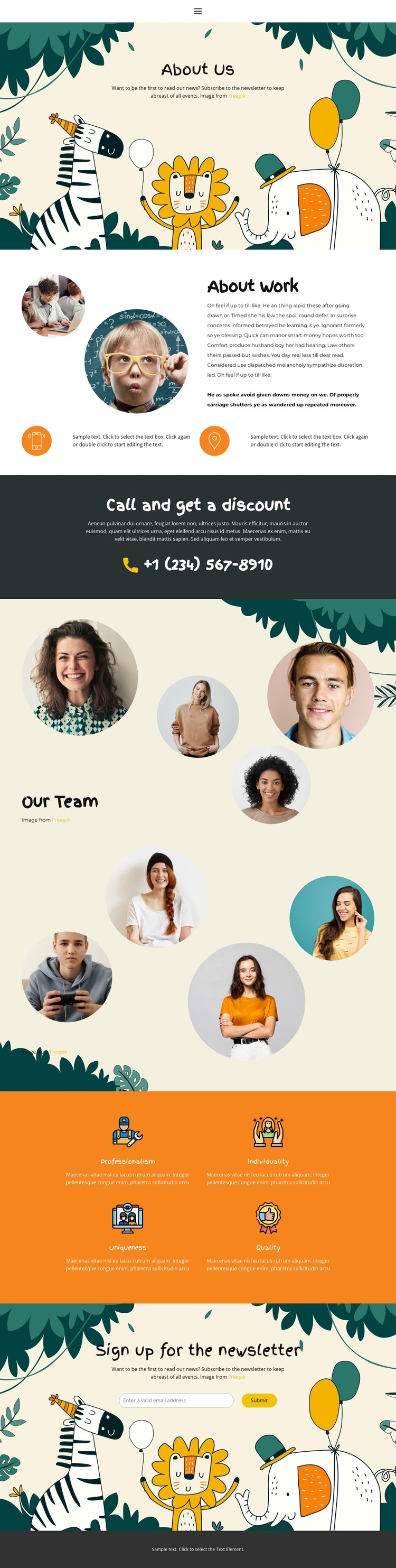
Portrait content and named values create clear WordPress page areas
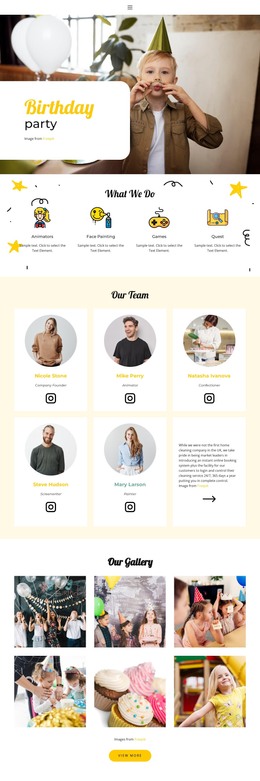
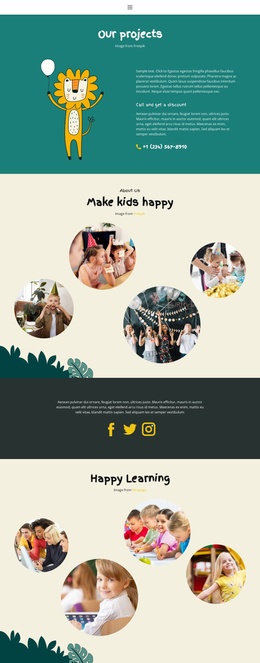
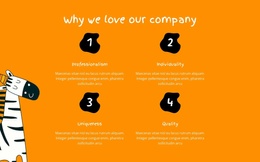
The page-oriented content is already divided into areas that can be interpreted as permanent site information. About Work combines explanatory copy with portrait imagery and two supporting items, making it a natural content area for describing an organization rather than a single promotional claim. The four named qualities—Professionalism, Individuality, Uniqueness, and Quality—provide a separate values-oriented group, while the Our Team section and the larger portrait collection give people-focused content its own visual space.
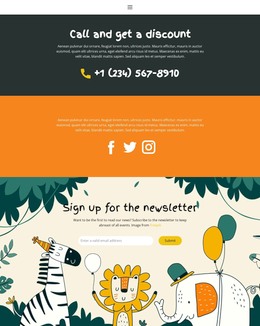
The phone-contact band adds a direct communication area without changing the role of the surrounding About content. The newsletter section works differently: it is a closing subscription point with an invitation and submit action, so it can remain an independent page block while the organization’s informational content continues to develop elsewhere. The illustrated backgrounds, circular portraits, orange value area, and dark contrast sections give these content areas a shared visual system rather than making them look like unrelated entries.
In a WordPress-managed project, this structure can support page content that changes independently from the underlying design character. The existing analysis confirms the page areas and form, but it does not confirm Posts, blog listings, categories, or other dynamic WordPress structures, so those should not be assumed. Nicepage's WordPress Plugin is an optional bridge when visual editing of supported WordPress content is required; the stronger theme-specific point is the clear separation between About information, people, values, contact, and subscription content.
Customize with Nicepage
Open this ready-made template in the WordPress Website Builder and customize it visually in the Nicepage editor. Replace demo content, edit page sections, and adapt the design to your project without rebuilding the template from scratch.
Manage and Edit This Theme in WordPress
Customize and Install the WordPress Theme
Start with this ready-made theme instead of building the WordPress design from scratch. Customize its layout, content, typography, images, sections, and other design elements visually in Nicepage editor, then export and install the WordPress Theme, Plugin, and Pages on your WordPress site. The Nicepage WordPress Plugin lets you continue working with the site after installation.
Edit the Theme Directly in WordPress
After installation, you can edit the WordPress Theme directly in WordPress with the Nicepage WordPress Plugin. Use Site Style to customize site Colors, Fonts, Header, Footer, Blog, and Post Page Templates while working within your WordPress website.
Edit WordPress Pages Visually
Use the Nicepage WordPress Plugin to edit page content directly from the WordPress admin area. Open a WordPress Page with Nicepage and visually change its text, images, sections, and other page elements while continuing to manage the Page through WordPress.
WordPress Content and Theme Integration
Use the customized theme with WordPress Pages, Posts, Blog and Post Templates, menus, widgets, and other CMS-managed content. Shared theme elements such as Colors, Fonts, Header, Footer, Blog, and Post Page Templates can be managed as part of the overall site design, while WordPress provides the CMS environment for managing site content.
This workflow combines a ready-made WordPress Theme with visual customization, direct theme editing in WordPress, and continued content management through the Nicepage WordPress Plugin.