Kids Anniversary WordPress Theme


Edit Template Offline
2. Create new page and search for id 6637375
Edit Template Online
Create Awesome Websites


Free Nicepage Builder
Keywords
Page Content and Repeated Offer Cards Support Managed Event Information
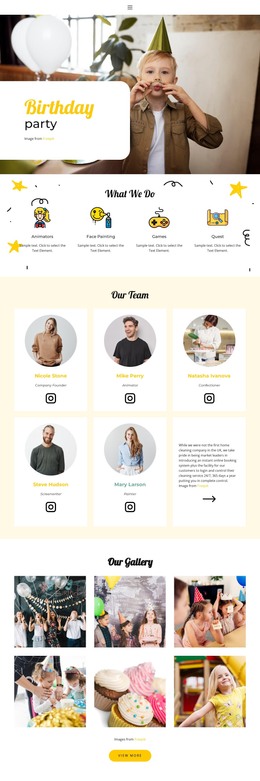
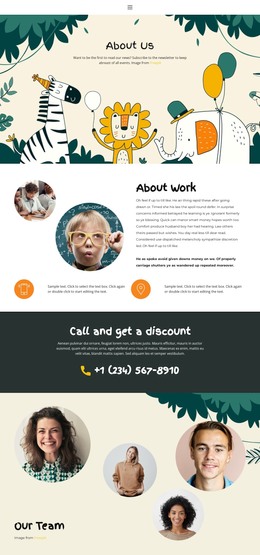
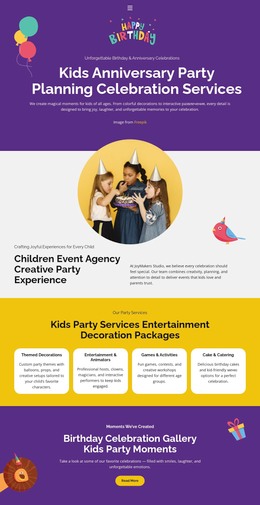
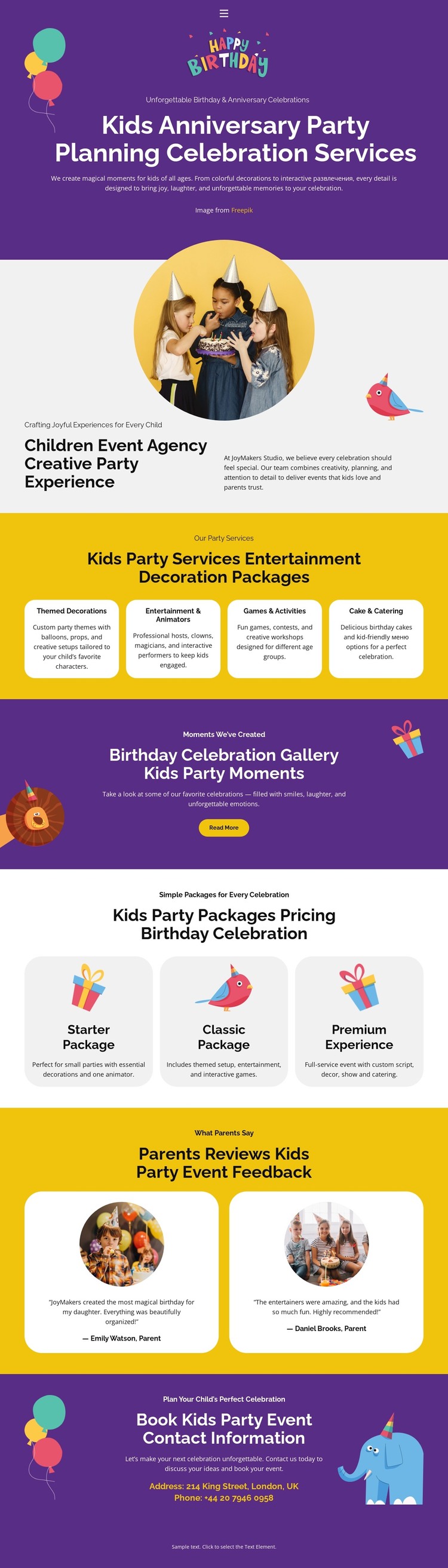
The home page contains several permanent content areas that can be interpreted naturally in a WordPress-managed project. The About Us section gives the site a page-oriented agency introduction, while the four service cards organize the core offer into decorations, entertainment, games, and cake and catering. Because those cards share a repeated role, they can guide consistent presentation when service descriptions or images are updated.
The gallery promotion and parent feedback cards add different content relationships. The gallery points visitors toward visual party moments, making it a useful area for project imagery, while the two reviews provide a separate feedback layer that can be maintained alongside the service information. The three package cards shift the page toward offer comparison through Starter Package, Classic Package, and Premium Experience. These areas could remain part of the home page while related content is expanded elsewhere; the analysis does not claim that blog posts or WordPress-specific post structures already exist.
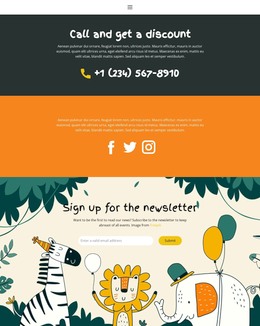
The final booking section provides a clear page-level contact destination with an invitation, email, and phone channels. That makes the design suitable for a WordPress theme interpretation centered on editable service and presentation content rather than on a generic CMS label. The visual system—purple bands, yellow accents, rounded cards, circular photographs, and playful illustrations—can keep permanent pages and any later editorial material visually connected without changing the underlying party-planning character.
Customize with Nicepage
Open this ready-made template in the WordPress Website Builder and customize it visually in the Nicepage editor. Replace demo content, edit page sections, and adapt the design to your project without rebuilding the template from scratch.
Manage and Edit This Theme in WordPress
Customize and Install the WordPress Theme
Start with this ready-made theme instead of building the WordPress design from scratch. Customize its layout, content, typography, images, sections, and other design elements visually in Nicepage editor, then export and install the WordPress Theme, Plugin, and Pages on your WordPress site. The Nicepage WordPress Plugin lets you continue working with the site after installation.
Edit the Theme Directly in WordPress
After installation, you can edit the WordPress Theme directly in WordPress with the Nicepage WordPress Plugin. Use Site Style to customize site Colors, Fonts, Header, Footer, Blog, and Post Page Templates while working within your WordPress website.
Edit WordPress Pages Visually
Use the Nicepage WordPress Plugin to edit page content directly from the WordPress admin area. Open a WordPress Page with Nicepage and visually change its text, images, sections, and other page elements while continuing to manage the Page through WordPress.
WordPress Content and Theme Integration
Use the customized theme with WordPress Pages, Posts, Blog and Post Templates, menus, widgets, and other CMS-managed content. Shared theme elements such as Colors, Fonts, Header, Footer, Blog, and Post Page Templates can be managed as part of the overall site design, while WordPress provides the CMS environment for managing site content.
This workflow combines a ready-made WordPress Theme with visual customization, direct theme editing in WordPress, and continued content management through the Nicepage WordPress Plugin.