Music for everyone WordPress Theme


Edit Template Offline
2. Create new page and search for id 731110
Edit Template Online
Create Awesome Websites


Free Nicepage Builder
Keywords
Service Pages and Artist Content Can Share One Music-Focused Theme Direction
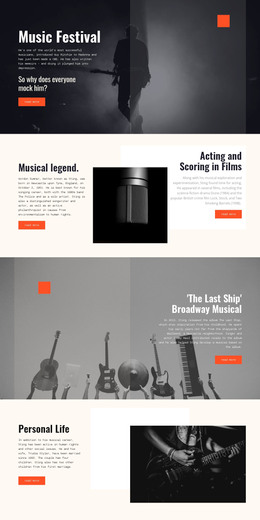
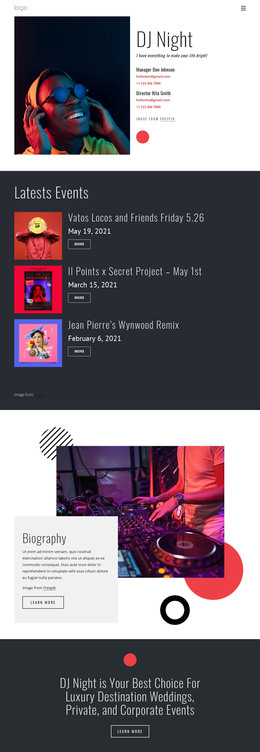
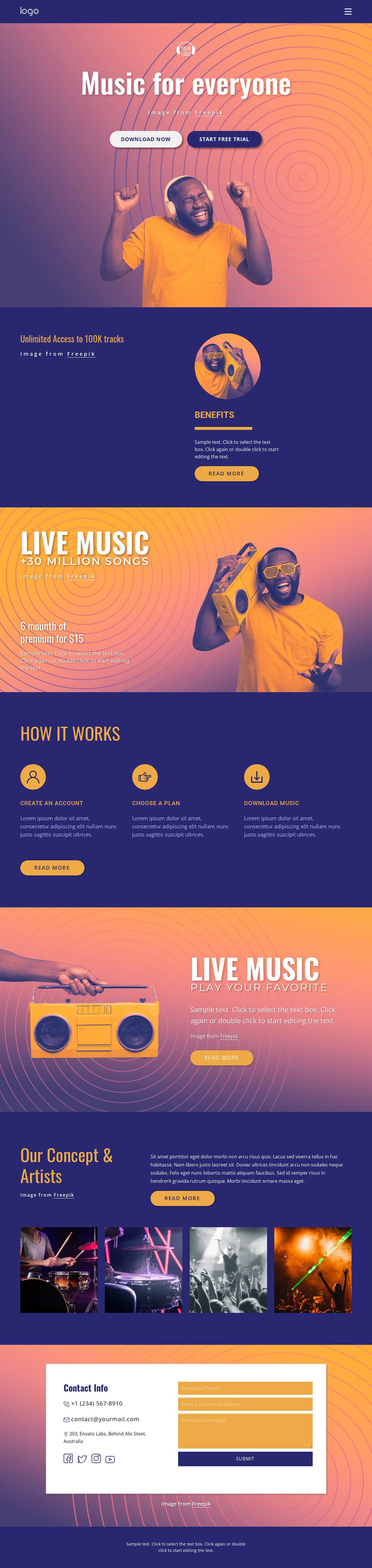
The hero, access statement, and benefits panel provide clear page-oriented content for explaining the music service, while the Live Music sections add promotional material that can be developed into featured listening or premium-access content. The three-step onboarding group supplies a separate instructional role: account creation, plan choice, and music download are presented as a sequence rather than as unrelated promotional claims. This distinction helps permanent service information and guidance remain visually connected but conceptually separate.
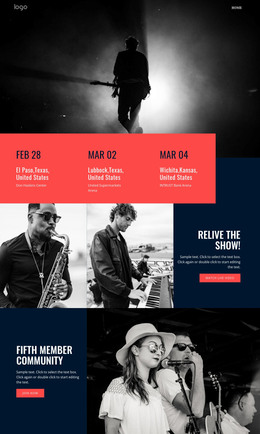
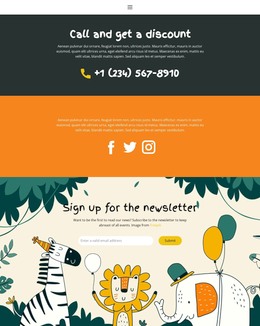
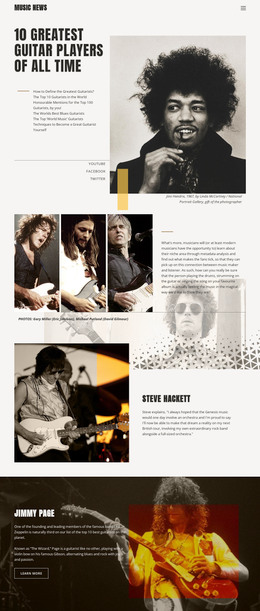
The artist section offers another content direction. Its introduction and four concert images can support project, artist, or concept-focused material while retaining the page’s established color fields and bold typography. At the end, the Contact Info region gathers phone, email, address, social links, and an inquiry form into a stable communication area. In a WordPress project, these page-oriented sections can remain part of one theme character while additional regularly updated content is added around the existing design; the analysis does not verify a blog or post structure in this template. The result is a practical mapping between service content, visual artist material, onboarding information, and shared site elements rather than a claim that WordPress content already exists.
Customize with Nicepage
Open this ready-made template in the WordPress Website Builder and customize it visually in the Nicepage editor. Replace demo content, edit page sections, and adapt the design to your project without rebuilding the template from scratch.
Manage and Edit This Theme in WordPress
Customize and Install the WordPress Theme
Start with this ready-made theme instead of building the WordPress design from scratch. Customize its layout, content, typography, images, sections, and other design elements visually in Nicepage editor, then export and install the WordPress Theme, Plugin, and Pages on your WordPress site. The Nicepage WordPress Plugin lets you continue working with the site after installation.
Edit the Theme Directly in WordPress
After installation, you can edit the WordPress Theme directly in WordPress with the Nicepage WordPress Plugin. Use Site Style to customize site Colors, Fonts, Header, Footer, Blog, and Post Page Templates while working within your WordPress website.
Edit WordPress Pages Visually
Use the Nicepage WordPress Plugin to edit page content directly from the WordPress admin area. Open a WordPress Page with Nicepage and visually change its text, images, sections, and other page elements while continuing to manage the Page through WordPress.
WordPress Content and Theme Integration
Use the customized theme with WordPress Pages, Posts, Blog and Post Templates, menus, widgets, and other CMS-managed content. Shared theme elements such as Colors, Fonts, Header, Footer, Blog, and Post Page Templates can be managed as part of the overall site design, while WordPress provides the CMS environment for managing site content.
This workflow combines a ready-made WordPress Theme with visual customization, direct theme editing in WordPress, and continued content management through the Nicepage WordPress Plugin.