Organization of holidays WordPress Theme



Edit Template Offline
2. Create new page and search for id 3281665
Edit Template Online
Create Awesome Websites


Free Nicepage Builder
Keywords
Service and People Content Give the Theme a Manageable Page Structure
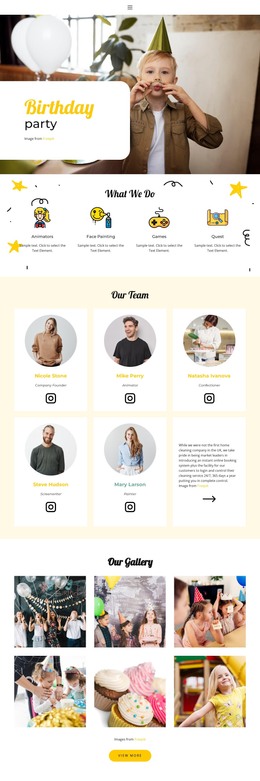
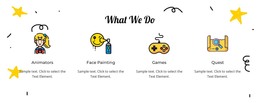
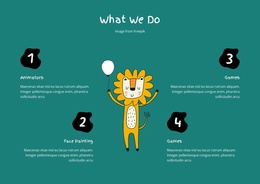
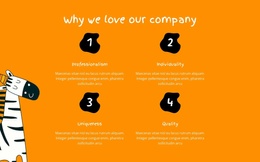
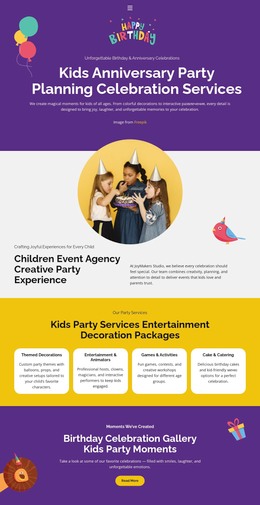
The four numbered benefits and four “What we do” items create two different content groups for a children’s event organization. The first explains the qualities associated with the company, while the second can carry more specific service information. Keeping those roles separate helps permanent page content remain readable as wording and imagery change, without treating the sample labels as verified claims about a real business.
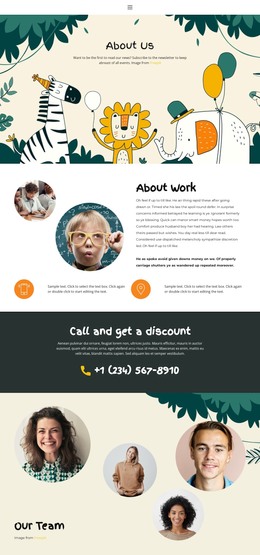
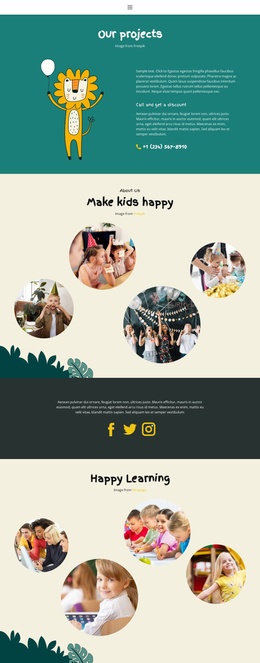
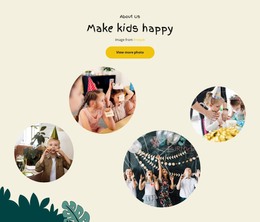
The design also supports page-oriented content through its about, team, and testimonial areas. Four circular event photographs establish visual context for the organization, and four circular portraits create a dedicated people section. The testimonial block uses centered text with previous and next controls, marking it as a separate proof-oriented presentation. These regions can remain part of one visual system while their content is maintained in a WordPress environment; the supplied analysis does not, however, verify existing posts, categories, or blog structures.
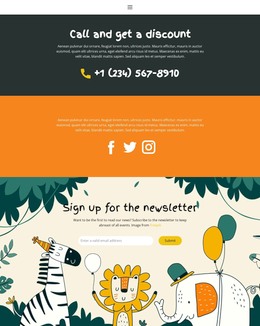
The contact and follow-up areas complete the content relationship. The dark “Call and get a discount” band gives the page a strong phone-oriented contact region, while the newsletter section includes an email input and Subscribe button. Social icons add another shared connection point near the page end. Together, these areas make the design interpretable as a WordPress theme foundation for permanent service and organization content, with room to surround the existing birthday presentation with additional managed material when the broader project requires it.
Customize with Nicepage
Open this ready-made template in the WordPress Website Builder and customize it visually in the Nicepage editor. Replace demo content, edit page sections, and adapt the design to your project without rebuilding the template from scratch.
Manage and Edit This Theme in WordPress
Customize and Install the WordPress Theme
Start with this ready-made theme instead of building the WordPress design from scratch. Customize its layout, content, typography, images, sections, and other design elements visually in Nicepage editor, then export and install the WordPress Theme, Plugin, and Pages on your WordPress site. The Nicepage WordPress Plugin lets you continue working with the site after installation.
Edit the Theme Directly in WordPress
After installation, you can edit the WordPress Theme directly in WordPress with the Nicepage WordPress Plugin. Use Site Style to customize site Colors, Fonts, Header, Footer, Blog, and Post Page Templates while working within your WordPress website.
Edit WordPress Pages Visually
Use the Nicepage WordPress Plugin to edit page content directly from the WordPress admin area. Open a WordPress Page with Nicepage and visually change its text, images, sections, and other page elements while continuing to manage the Page through WordPress.
WordPress Content and Theme Integration
Use the customized theme with WordPress Pages, Posts, Blog and Post Templates, menus, widgets, and other CMS-managed content. Shared theme elements such as Colors, Fonts, Header, Footer, Blog, and Post Page Templates can be managed as part of the overall site design, while WordPress provides the CMS environment for managing site content.
This workflow combines a ready-made WordPress Theme with visual customization, direct theme editing in WordPress, and continued content management through the Nicepage WordPress Plugin.