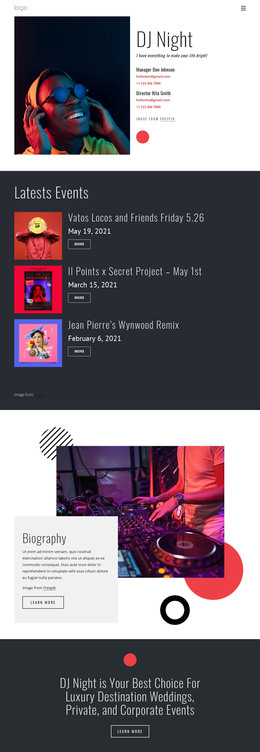
Listening your favorite music WordPress Theme


Edit Template Offline
2. Create new page and search for id 20021
Edit Template Online
Create Awesome Websites


Free Nicepage Builder
Keywords
Product Pages and Editorial Content Share One Review Language
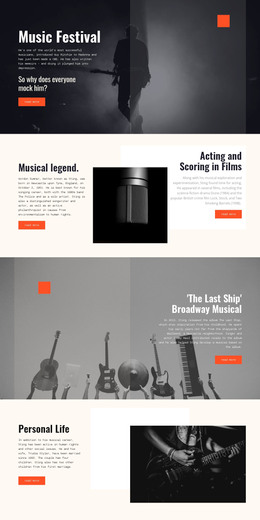
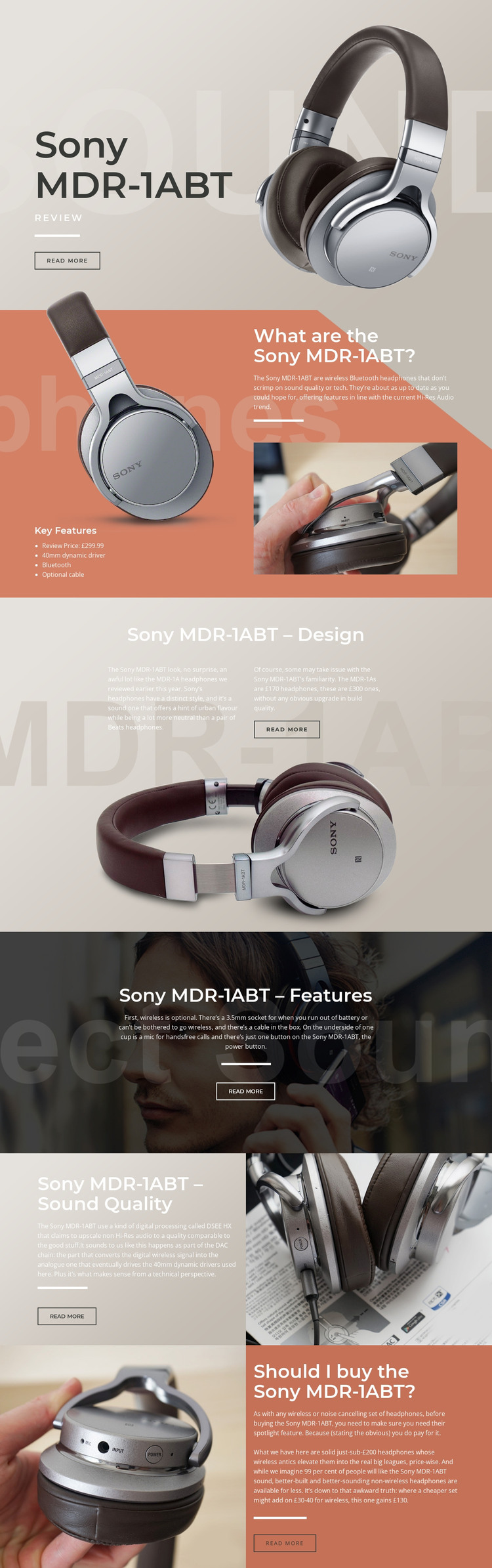
The page separates permanent product information from the sequence of editorial judgments that explain it. The hero and overview can serve as page-oriented content about the Sony MDR-1ABT, including Bluetooth, the 40mm dynamic driver, optional cable, 3.5mm socket, and the £299.99 review price. The design, features, and sound-quality sections then provide distinct places for explanatory or regularly updated review content, while the final recommendation gathers the conclusion around value and suitability.
The repeated visual structure matters for a WordPress-managed interpretation. A product image remains associated with the relevant explanation, the four-item feature list gives specifications a compact presentation, and the split sound-quality section keeps DSEE HX and driver discussion beside close-up imagery. The practical features block provides a separate relationship between wireless use, wired fallback, microphone, and controls instead of mixing those details into the product introduction.
If the project later adds related reviews, comparisons, or announcements, the same editorial language can frame that content around images, strong headings, muted beige and coral fields, dark photographic panels, and compact outlined actions. This does not assert that Posts, categories, or WordPress templates are already present in the source design. It shows instead how the verified page areas can be interpreted within a WordPress theme: stable product content can remain visually consistent while additional review or editorial material grows around the established structure.
Customize with Nicepage
Open this ready-made template in the WordPress Website Builder and customize it visually in the Nicepage editor. Replace demo content, edit page sections, and adapt the design to your project without rebuilding the template from scratch.
Manage and Edit This Theme in WordPress
Customize and Install the WordPress Theme
Start with this ready-made theme instead of building the WordPress design from scratch. Customize its layout, content, typography, images, sections, and other design elements visually in Nicepage editor, then export and install the WordPress Theme, Plugin, and Pages on your WordPress site. The Nicepage WordPress Plugin lets you continue working with the site after installation.
Edit the Theme Directly in WordPress
After installation, you can edit the WordPress Theme directly in WordPress with the Nicepage WordPress Plugin. Use Site Style to customize site Colors, Fonts, Header, Footer, Blog, and Post Page Templates while working within your WordPress website.
Edit WordPress Pages Visually
Use the Nicepage WordPress Plugin to edit page content directly from the WordPress admin area. Open a WordPress Page with Nicepage and visually change its text, images, sections, and other page elements while continuing to manage the Page through WordPress.
WordPress Content and Theme Integration
Use the customized theme with WordPress Pages, Posts, Blog and Post Templates, menus, widgets, and other CMS-managed content. Shared theme elements such as Colors, Fonts, Header, Footer, Blog, and Post Page Templates can be managed as part of the overall site design, while WordPress provides the CMS environment for managing site content.
This workflow combines a ready-made WordPress Theme with visual customization, direct theme editing in WordPress, and continued content management through the Nicepage WordPress Plugin.