Build great digital products WordPress Theme



Edit Template Offline
2. Create new page and search for id 507269
Edit Template Online
Create Awesome Websites


Free Nicepage Builder
Keywords
Process, Capabilities, and Team Content Suit a Studio Theme
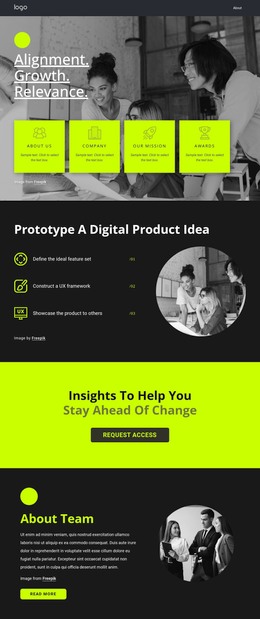
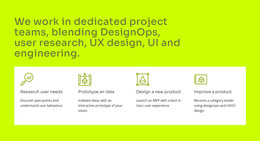
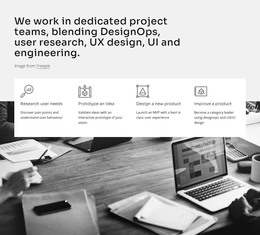
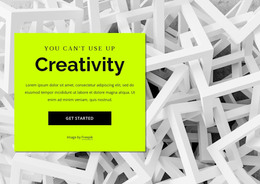
The design contains several page-oriented content groups that can work together inside a WordPress-managed studio site. Its hero and overview cards provide introductory content, while the three numbered prototype steps create a focused process section with a clear beginning, middle, and presentation stage. The “About Team” block adds people-focused context, and the wide statement below it gathers DesignOps, user research, UX design, UI, and engineering into one capability-led content area.
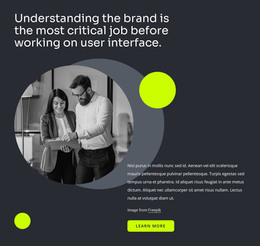
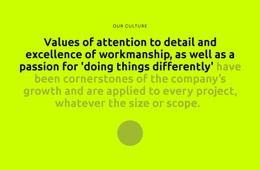
The culture and brand sections provide a second layer of recurring editorial material. One uses oversized typography on a lime background to express values, while the other combines a circular image, supporting copy, and a learn-more action to explain why brand understanding precedes interface work. These distinct treatments allow permanent studio information and future updates to share one visual direction without flattening every section into the same format.
A bright request-access block establishes an important response point before the closing contact area. The final section pairs project-introduction copy and social links with a stacked inquiry form, giving the site a natural place for visitor submissions. Home, Team, and Contact navigation further supports movement between content areas. As a WordPress theme foundation, the design therefore connects durable studio pages, capability information, and inquiry content around a consistent charcoal-and-lime identity.
Customize with Nicepage
Open this ready-made template in the WordPress Website Builder and customize it visually in the Nicepage editor. Replace demo content, edit page sections, and adapt the design to your project without rebuilding the template from scratch.
Manage and Edit This Theme in WordPress
Customize and Install the WordPress Theme
Start with this ready-made theme instead of building the WordPress design from scratch. Customize its layout, content, typography, images, sections, and other design elements visually in Nicepage editor, then export and install the WordPress Theme, Plugin, and Pages on your WordPress site. The Nicepage WordPress Plugin lets you continue working with the site after installation.
Edit the Theme Directly in WordPress
After installation, you can edit the WordPress Theme directly in WordPress with the Nicepage WordPress Plugin. Use Site Style to customize site Colors, Fonts, Header, Footer, Blog, and Post Page Templates while working within your WordPress website.
Edit WordPress Pages Visually
Use the Nicepage WordPress Plugin to edit page content directly from the WordPress admin area. Open a WordPress Page with Nicepage and visually change its text, images, sections, and other page elements while continuing to manage the Page through WordPress.
WordPress Content and Theme Integration
Use the customized theme with WordPress Pages, Posts, Blog and Post Templates, menus, widgets, and other CMS-managed content. Shared theme elements such as Colors, Fonts, Header, Footer, Blog, and Post Page Templates can be managed as part of the overall site design, while WordPress provides the CMS environment for managing site content.
This workflow combines a ready-made WordPress Theme with visual customization, direct theme editing in WordPress, and continued content management through the Nicepage WordPress Plugin.