Text with shape WordPress Theme


Stable culture content with a clear WordPress page role
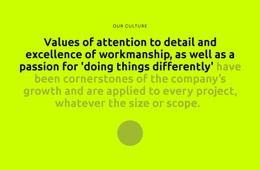
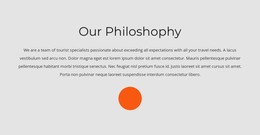
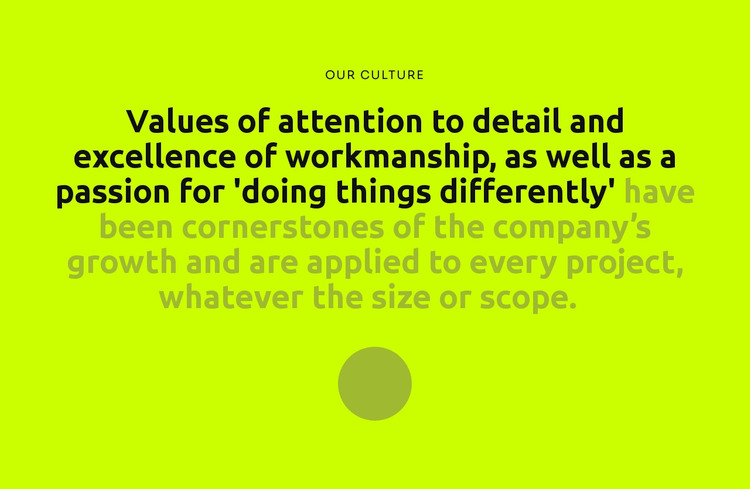
The centered “Our Culture” label and long statement read as lasting page content rather than a stream of dated updates. The section gives a WordPress-managed page one defined place for company values, using a single continuous message to connect attention to detail, excellence of workmanship, and a preference for doing things differently. The final part of the statement broadens that message by saying the values apply to every project, regardless of size or scope.
Its content model is intentionally compact: one label, one substantial text region, and one decorative circular accent. That simplicity makes the block easy to position as a stable section within a larger page while other content areas carry more detailed information. The bright lime background separates the section from neighboring content, dark charcoal type supports the primary reading task, and the muted accent color creates emphasis within the statement without requiring another content item.
In a WordPress-oriented project, the block can function as permanent culture or About-style page content while the broader site manages additional pages and editorial material separately. The circular detail gives the section a memorable visual endpoint, and the generous spacing preserves readability when the surrounding page uses different content densities. Its value comes from keeping the culture message concentrated and visually distinct, not from acting as a standalone theme.
Customize with Nicepage
Open this ready-made template in the WordPress Website Builder and customize it visually in the Nicepage editor. Replace demo content, edit page sections, and adapt the design to your project without rebuilding the template from scratch.
Edit Template Offline
2. Create a new page or select existing
3. Click Add new block, search for id 499808 and click enter
Edit Template Online
Create Awesome Websites


Free Nicepage Builder
Keywords
Manage and Edit This Theme in WordPress
Customize and Install the WordPress Theme
Start with this ready-made theme instead of building the WordPress design from scratch. Customize its layout, content, typography, images, sections, and other design elements visually in Nicepage editor, then export and install the WordPress Theme, Plugin, and Pages on your WordPress site. The Nicepage WordPress Plugin lets you continue working with the site after installation.
Edit the Theme Directly in WordPress
After installation, you can edit the WordPress Theme directly in WordPress with the Nicepage WordPress Plugin. Use Site Style to customize site Colors, Fonts, Header, Footer, Blog, and Post Page Templates while working within your WordPress website.
Edit WordPress Pages Visually
Use the Nicepage WordPress Plugin to edit page content directly from the WordPress admin area. Open a WordPress Page with Nicepage and visually change its text, images, sections, and other page elements while continuing to manage the Page through WordPress.
WordPress Content and Theme Integration
Use the customized theme with WordPress Pages, Posts, Blog and Post Templates, menus, widgets, and other CMS-managed content. Shared theme elements such as Colors, Fonts, Header, Footer, Blog, and Post Page Templates can be managed as part of the overall site design, while WordPress provides the CMS environment for managing site content.
This workflow combines a ready-made WordPress Theme with visual customization, direct theme editing in WordPress, and continued content management through the Nicepage WordPress Plugin.