We offer homemade pizza WordPress Theme


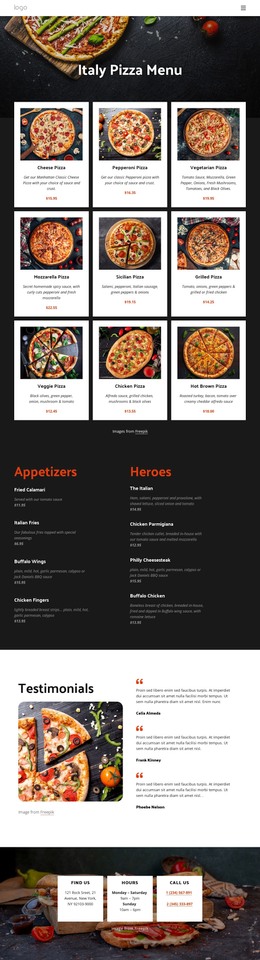
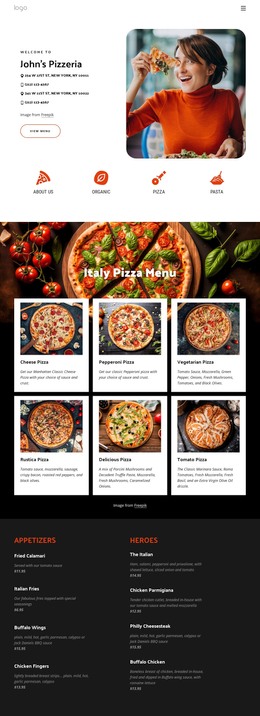
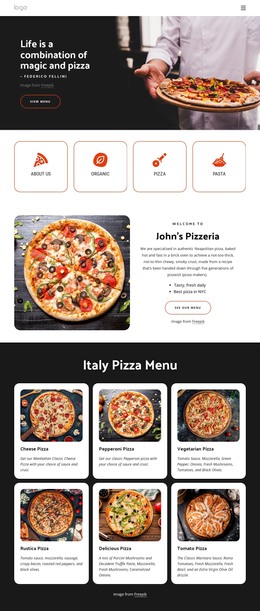
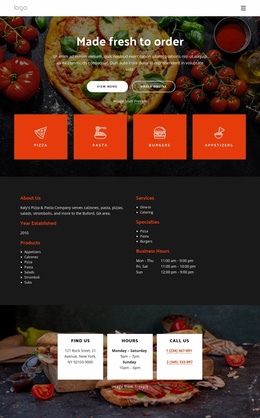
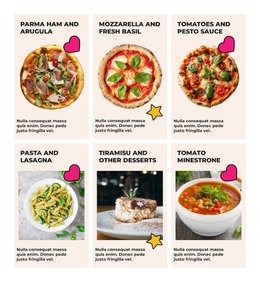
Six pizza offerings create a stable WordPress page section
The left side of the block presents the classic menu as three vertically stacked items. New York is associated with a thin crust, Deep Dish Pan with a thick pan crust, and Sicilian with a square deep-dish format featuring onion and tomato sauce. The right side uses the “Specialty Pizza” heading to introduce New York Special, Vegetarian, and Papperoni. Their descriptions identify combinations such as vegetables, pepperoni, sausage, meatball, ham, and bacon. Across both sides, the repeated description and size-price lines give the menu a consistent reading rhythm.
That structure fits permanent page-oriented content in a WordPress-managed restaurant site. The section can carry the pizza offering visually while other parts of the project handle broader information, updates, navigation, or customer contact. It remains a focused content area rather than a complete WordPress Theme. The close-up pizza image supplies the visual setting, and the two dark translucent panels keep the six entries separated from the background. White headings and italicized light descriptions make the distinction between group labels and item details easy to follow.
The menu’s displayed medium and large prices can be replaced with the project’s current content while preserving the same two-column organization. This makes the block suitable for a stable services or menu page section, especially when classic and specialty choices need to be compared without collapsing them into one undifferentiated list.
Customize with Nicepage
Open this ready-made template in the WordPress Website Builder and customize it visually in the Nicepage editor. Replace demo content, edit page sections, and adapt the design to your project without rebuilding the template from scratch.
Edit Template Offline
2. Create a new page or select existing
3. Click Add new block, search for id 4694522 and click enter
Edit Template Online
Create Awesome Websites


Free Nicepage Builder
Keywords
Manage and Edit This Theme in WordPress
Customize and Install the WordPress Theme
Start with this ready-made theme instead of building the WordPress design from scratch. Customize its layout, content, typography, images, sections, and other design elements visually in Nicepage editor, then export and install the WordPress Theme, Plugin, and Pages on your WordPress site. The Nicepage WordPress Plugin lets you continue working with the site after installation.
Edit the Theme Directly in WordPress
After installation, you can edit the WordPress Theme directly in WordPress with the Nicepage WordPress Plugin. Use Site Style to customize site Colors, Fonts, Header, Footer, Blog, and Post Page Templates while working within your WordPress website.
Edit WordPress Pages Visually
Use the Nicepage WordPress Plugin to edit page content directly from the WordPress admin area. Open a WordPress Page with Nicepage and visually change its text, images, sections, and other page elements while continuing to manage the Page through WordPress.
WordPress Content and Theme Integration
Use the customized theme with WordPress Pages, Posts, Blog and Post Templates, menus, widgets, and other CMS-managed content. Shared theme elements such as Colors, Fonts, Header, Footer, Blog, and Post Page Templates can be managed as part of the overall site design, while WordPress provides the CMS environment for managing site content.
This workflow combines a ready-made WordPress Theme with visual customization, direct theme editing in WordPress, and continued content management through the Nicepage WordPress Plugin.