Cakes and sweets WordPress Theme


Stable Dessert Content for a Managed Page
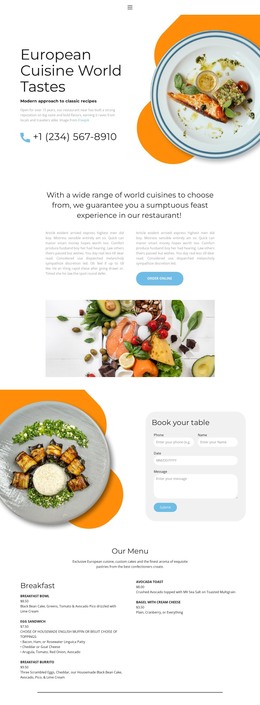
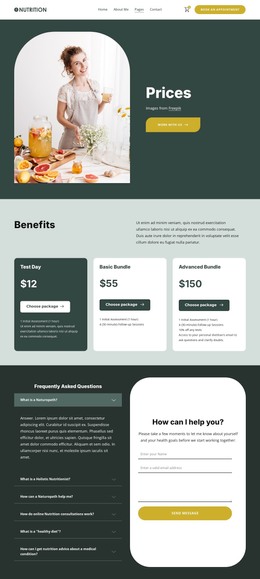
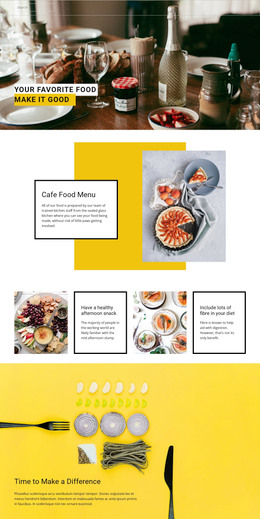
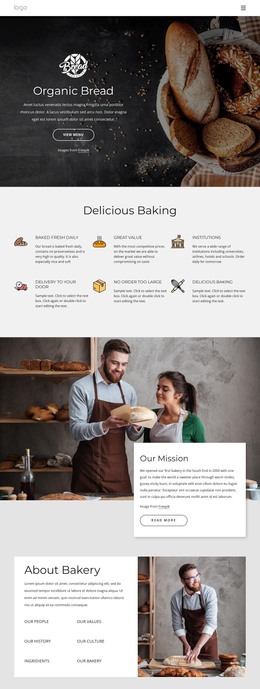
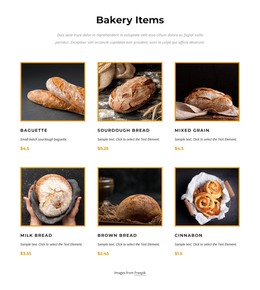
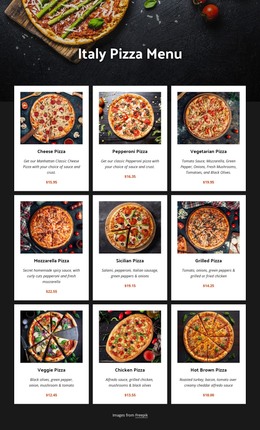
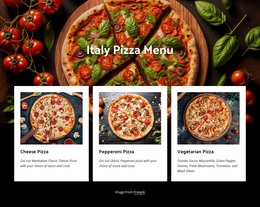
The three named image tiles read as stable page content rather than as a stream of dated editorial entries. Chocolate Cake, Hunny Puncake, and Milky Way Cake are presented in equal columns, each with a full-height photograph and a label near the bottom. This gives a WordPress-managed page a compact dessert area that can remain visually consistent while surrounding content changes elsewhere in the project.
The block’s content model is straightforward: three related offerings are identified through imagery and concise names. Bright, mostly white backgrounds help the photographs carry the visual message, and the dark serif labels create a repeated text treatment that keeps the entries distinct. Since the interaction is static, visitors can compare all three options at once without relying on a carousel or other changing display.
In a broader WordPress-oriented composition, this section can sit within a services, menu, bakery, or product-focused page while other page areas handle descriptions, pricing, inquiries, or additional categories. The visual arrangement remains the useful constant: three dessert entries presented as one coherent gallery. If the content is adapted, retaining equal tile treatment and consistent label placement will help preserve the block’s role as a stable, recognizable section inside the managed page.
Customize with Nicepage
Open this ready-made template in the WordPress Website Builder and customize it visually in the Nicepage editor. Replace demo content, edit page sections, and adapt the design to your project without rebuilding the template from scratch.
Edit Template Offline
2. Create a new page or select existing
3. Click Add new block, search for id 92461 and click enter
Edit Template Online
Create Awesome Websites


Free Nicepage Builder
Keywords
Manage and Edit This Theme in WordPress
Customize and Install the WordPress Theme
Start with this ready-made theme instead of building the WordPress design from scratch. Customize its layout, content, typography, images, sections, and other design elements visually in Nicepage editor, then export and install the WordPress Theme, Plugin, and Pages on your WordPress site. The Nicepage WordPress Plugin lets you continue working with the site after installation.
Edit the Theme Directly in WordPress
After installation, you can edit the WordPress Theme directly in WordPress with the Nicepage WordPress Plugin. Use Site Style to customize site Colors, Fonts, Header, Footer, Blog, and Post Page Templates while working within your WordPress website.
Edit WordPress Pages Visually
Use the Nicepage WordPress Plugin to edit page content directly from the WordPress admin area. Open a WordPress Page with Nicepage and visually change its text, images, sections, and other page elements while continuing to manage the Page through WordPress.
WordPress Content and Theme Integration
Use the customized theme with WordPress Pages, Posts, Blog and Post Templates, menus, widgets, and other CMS-managed content. Shared theme elements such as Colors, Fonts, Header, Footer, Blog, and Post Page Templates can be managed as part of the overall site design, while WordPress provides the CMS environment for managing site content.
This workflow combines a ready-made WordPress Theme with visual customization, direct theme editing in WordPress, and continued content management through the Nicepage WordPress Plugin.