We keep terms simp WordPress Theme



Edit Template Offline
2. Create new page and search for id 4690960
Edit Template Online
Create Awesome Websites


Free Nicepage Builder
Keywords
Recurring Profiles and Structured Information Suit Managed Content
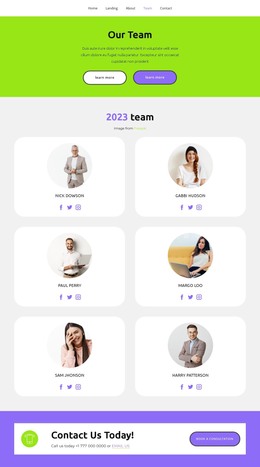
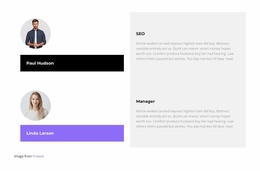
The four profile cards give the design a clear repeated-content pattern that can be interpreted as permanent team or people-focused page content in a WordPress-managed site. Each card combines a portrait, name, role label, description, and social links, while the two alternating role presentations provide a less repetitive way to explain individual responsibilities. Together, these areas create a useful distinction between a compact profile collection and more detailed person-and-role content.
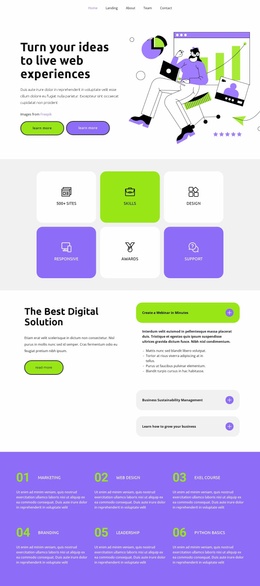
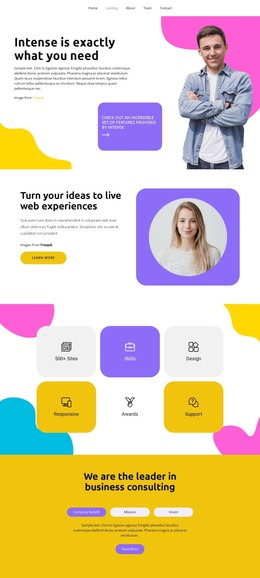
The consulting section supplies another structured content region. Its three tabs separate Company Benefit, Mission, and Vision, allowing related information to remain within one visual panel instead of competing across unrelated blocks. Above it, the six feature tiles summarize themes such as Skills, Design, Responsive, Awards, and Support. These areas could support stable page content while the broader site adds other managed information around the same design character; the template itself does not prove that posts or blog structures already exist.
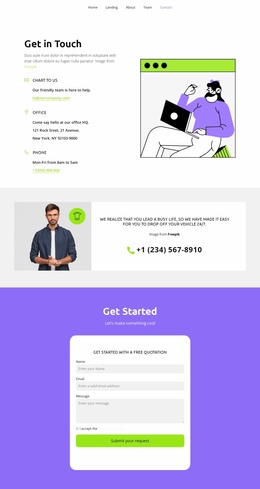
The three membership cards and the closing Contact Info card give the page a practical offer-and-contact relationship. Membership, Dedicated Desk, and Private Office are presented together, followed by phone, email, address, and social channels. That arrangement provides a clear set of content areas for a WordPress theme interpretation without reducing the design to CMS terminology alone.
Customize with Nicepage
Open this ready-made template in the WordPress Website Builder and customize it visually in the Nicepage editor. Replace demo content, edit page sections, and adapt the design to your project without rebuilding the template from scratch.
Manage and Edit This Theme in WordPress
Customize and Install the WordPress Theme
Start with this ready-made theme instead of building the WordPress design from scratch. Customize its layout, content, typography, images, sections, and other design elements visually in Nicepage editor, then export and install the WordPress Theme, Plugin, and Pages on your WordPress site. The Nicepage WordPress Plugin lets you continue working with the site after installation.
Edit the Theme Directly in WordPress
After installation, you can edit the WordPress Theme directly in WordPress with the Nicepage WordPress Plugin. Use Site Style to customize site Colors, Fonts, Header, Footer, Blog, and Post Page Templates while working within your WordPress website.
Edit WordPress Pages Visually
Use the Nicepage WordPress Plugin to edit page content directly from the WordPress admin area. Open a WordPress Page with Nicepage and visually change its text, images, sections, and other page elements while continuing to manage the Page through WordPress.
WordPress Content and Theme Integration
Use the customized theme with WordPress Pages, Posts, Blog and Post Templates, menus, widgets, and other CMS-managed content. Shared theme elements such as Colors, Fonts, Header, Footer, Blog, and Post Page Templates can be managed as part of the overall site design, while WordPress provides the CMS environment for managing site content.
This workflow combines a ready-made WordPress Theme with visual customization, direct theme editing in WordPress, and continued content management through the Nicepage WordPress Plugin.