Come and see Website Template


Edit Template Offline
2. Create new page and search for id 4721686
Edit Template Online
Create Awesome Websites


Free Nicepage Builder
Keywords
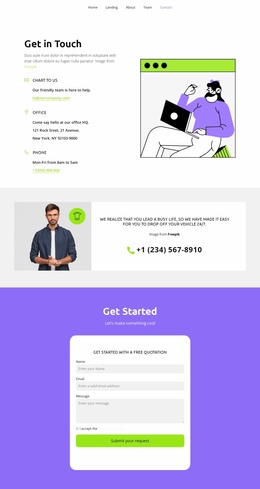
Navigation, Contact Channels, and Quotation Content Form a Site Foundation
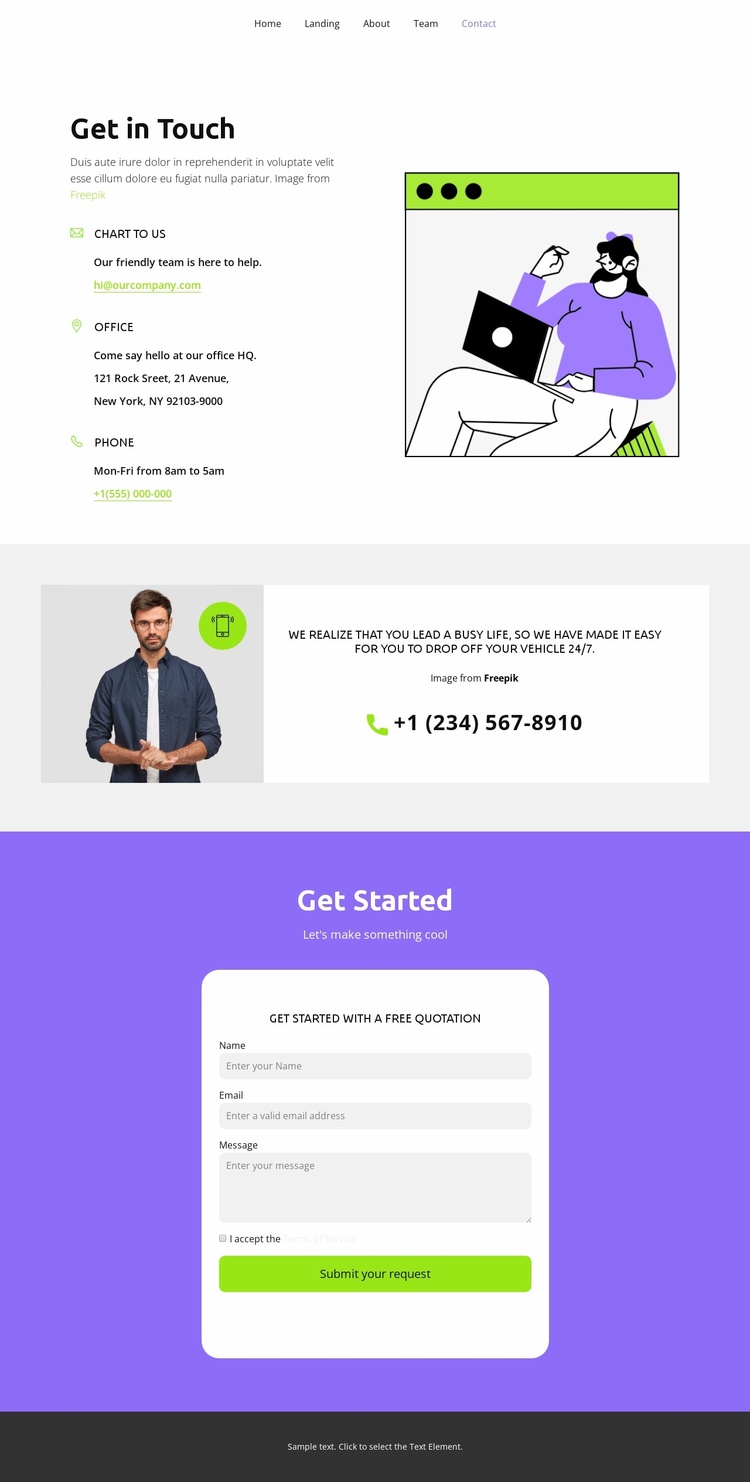
The navigation line names Home, Landing, About, Team, and Contact, so the design does more than present an isolated inquiry panel. It establishes a compact map for a broader website project, with the current page occupying a clear contact role inside that visible sequence. The mobile-navigation component supports the same site-oriented reading without requiring a claim about the linked pages themselves.
Within the page, the Get in Touch section supplies the practical contact category through email, office address, and phone details. Beside it, the illustration creates a visual entry point, while the following vehicle drop-off message and telephone action introduce a distinct service-related content area. Together, these sections provide a foundation that could be extended with the destinations already named in the navigation, rather than limiting the design to a single undifferentiated form.
The Get Started block then gives the project a defined request area. Its quotation prompt, name, email, and message inputs, terms acceptance checkbox, and Submit your request action create a natural endpoint for visitors who have reviewed the contact and service context. Purple content fields and lime-green actions separate information from response, while the dark footer closes the page with a restrained shared-site style.
Customize with Nicepage
Open this ready-made template in the Website Template Builder and customize it visually in the Nicepage editor. Replace demo content, edit page sections, and adapt the design to your project without rebuilding the template from scratch.
Build a Complete Website From This Template
Customize the Website Visually
Use this ready-made website template as a starting point for your project and adapt its pages visually in Nicepage. Change content, images, typography, navigation, sections, and other design elements while keeping the website together as a single editable project.
Manage Website Pages in One Project
Use the Pages panel to open, add, duplicate, and manage the pages of your website. Work on individual pages while keeping navigation and the overall site structure accessible from the same project, making it easier to develop a complete website instead of managing separate page files.
Expand the Website With Matching Designs
When you need additional pages or sections, use Page Design Sets to find Page and Block Designs created in the same visual style. Design Sets group matching designs together, making it easier to expand the website with new content while maintaining a consistent look across its pages and sections.
Organize Larger Multi-Page Websites
As the website grows, use Page Folders to organize related pages and keep larger multi-page projects easier to navigate in the editor. This is especially useful for websites with separate service pages, company information, contacts, landing pages, and other content areas.
This workflow makes the template a practical foundation for building and expanding a complete website while managing its pages, content, and visual design within one Nicepage project.