Run for your goal WordPress Theme


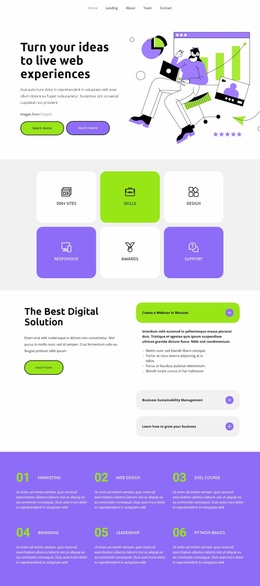
Stable hero content pairs service messaging with visual context
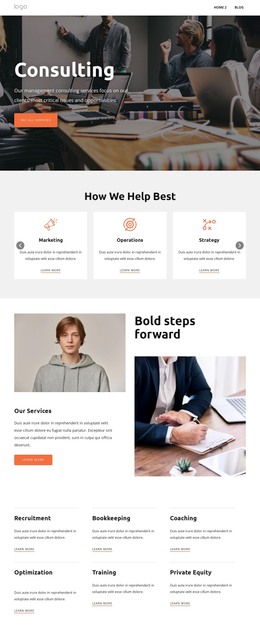
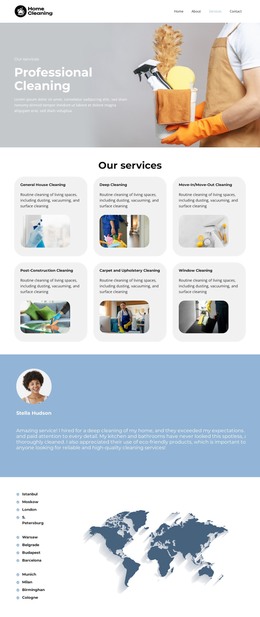
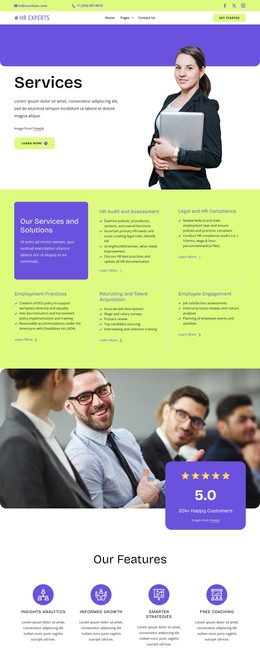
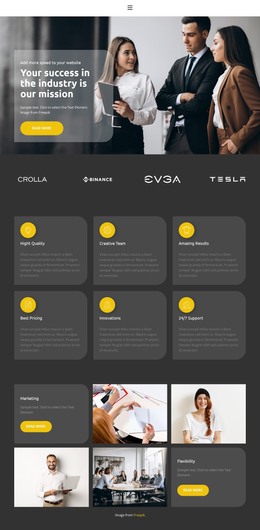
The heading, supporting paragraph, and two “learn more” buttons make this block read as stable introductory page content rather than a time-sensitive list of updates. The left column keeps that message in a compact sequence, while the right column presents a colorful illustration of a person using a laptop alongside charts and interface imagery. In a WordPress-managed project, this combination can serve as a reusable hero region on a page about web experiences or digital services, with the wider site handling additional content around it.
The block’s structure also gives the content a clear editorial boundary. The heading states the central idea, the paragraph provides room for a short explanation, and the buttons indicate routes to further information. The illustration supports the subject without introducing another written content group, and the generous whitespace prevents the text from becoming crowded against the image. Black typography on white is balanced by lime-green and purple accents, creating visual cues that can be coordinated with related page sections.
The repeated “learn more” label leaves the specific destination open, so the block can remain a general page introduction rather than implying a particular WordPress content type. It can lead into separate service explanations, project examples, or contact content within the surrounding site.
Customize with Nicepage
Open this ready-made template in the WordPress Website Builder and customize it visually in the Nicepage editor. Replace demo content, edit page sections, and adapt the design to your project without rebuilding the template from scratch.
Edit Template Offline
2. Create a new page or select existing
3. Click Add new block, search for id 3941505 and click enter
Edit Template Online
Create Awesome Websites


Free Nicepage Builder
Keywords
Manage and Edit This Theme in WordPress
Customize and Install the WordPress Theme
Start with this ready-made theme instead of building the WordPress design from scratch. Customize its layout, content, typography, images, sections, and other design elements visually in Nicepage editor, then export and install the WordPress Theme, Plugin, and Pages on your WordPress site. The Nicepage WordPress Plugin lets you continue working with the site after installation.
Edit the Theme Directly in WordPress
After installation, you can edit the WordPress Theme directly in WordPress with the Nicepage WordPress Plugin. Use Site Style to customize site Colors, Fonts, Header, Footer, Blog, and Post Page Templates while working within your WordPress website.
Edit WordPress Pages Visually
Use the Nicepage WordPress Plugin to edit page content directly from the WordPress admin area. Open a WordPress Page with Nicepage and visually change its text, images, sections, and other page elements while continuing to manage the Page through WordPress.
WordPress Content and Theme Integration
Use the customized theme with WordPress Pages, Posts, Blog and Post Templates, menus, widgets, and other CMS-managed content. Shared theme elements such as Colors, Fonts, Header, Footer, Blog, and Post Page Templates can be managed as part of the overall site design, while WordPress provides the CMS environment for managing site content.
This workflow combines a ready-made WordPress Theme with visual customization, direct theme editing in WordPress, and continued content management through the Nicepage WordPress Plugin.