Settlement Team WordPress Theme


Edit Template Offline
2. Create new page and search for id 4724539
Edit Template Online
Create Awesome Websites


Free Nicepage Builder
Keywords
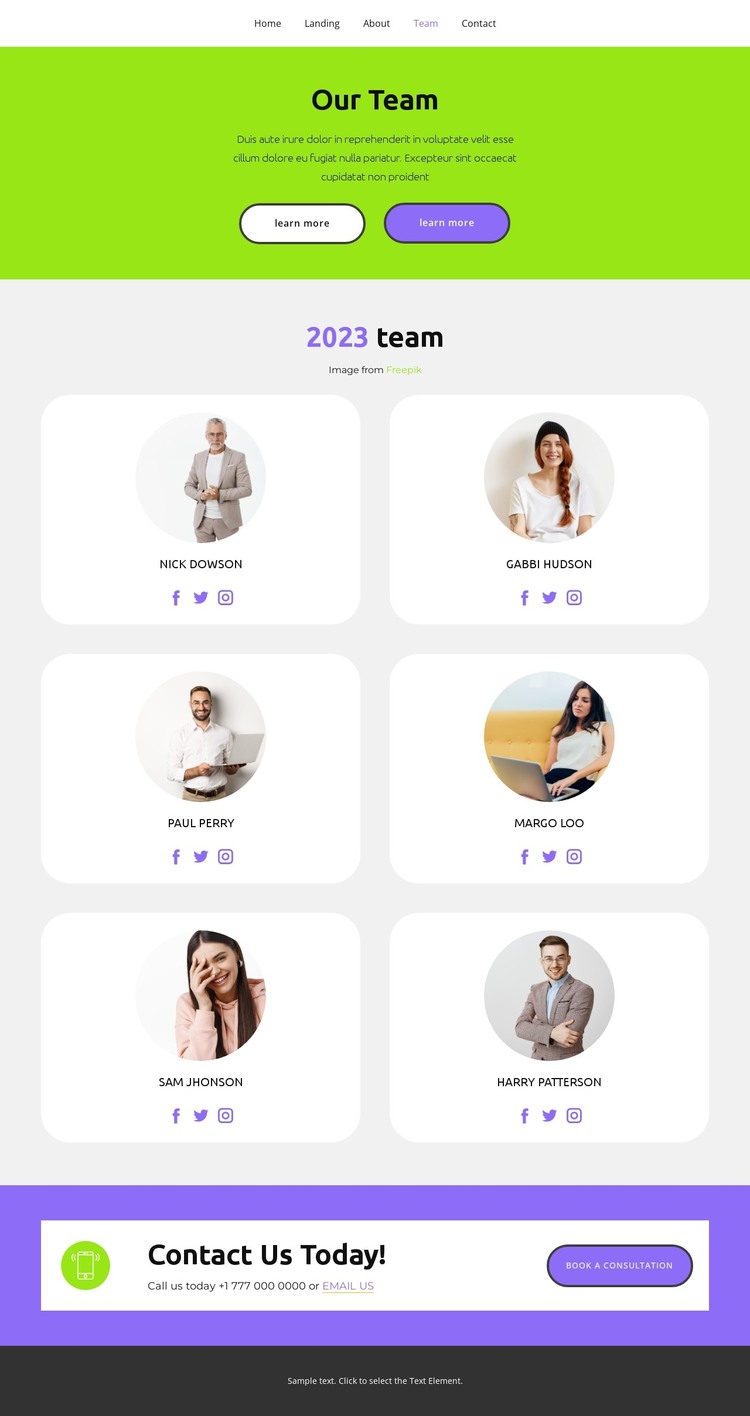
Six Profile Entries Give WordPress Content a Clear Page-Oriented Shape
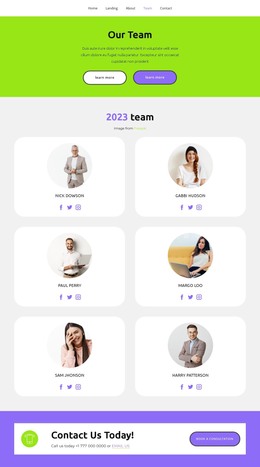
The six portrait cards create a natural set of permanent page content for a WordPress-oriented project. Each entry has the same relationship between circular image, member name, and social links, so the visual system can remain consistent while profile information is maintained as page content. The repeated card pattern is especially useful for a team destination because visitors can scan several people without losing the connection between individual identity and the shared design.
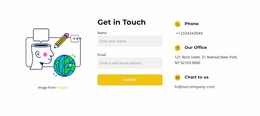
The surrounding sections add different content roles. The lime-green introduction frames the team subject, while the purple lower band gathers phone and email options with the Book a consultation action. Together, these areas distinguish informational profile content from the response point, and the top navigation connects them with Home, Landing, About, and Contact destinations. A WordPress project could therefore use this design as a theme-level presentation for stable team information and related site pages, without claiming that posts, categories, or other CMS structures already exist in the template. The Nicepage WordPress Plugin is an optional product bridge for continuing visual work with WordPress content; the template's main value remains its clear separation of profile, navigation, and contact areas.
Customize with Nicepage
Open this ready-made template in the WordPress Website Builder and customize it visually in the Nicepage editor. Replace demo content, edit page sections, and adapt the design to your project without rebuilding the template from scratch.
Manage and Edit This Theme in WordPress
Customize and Install the WordPress Theme
Start with this ready-made theme instead of building the WordPress design from scratch. Customize its layout, content, typography, images, sections, and other design elements visually in Nicepage editor, then export and install the WordPress Theme, Plugin, and Pages on your WordPress site. The Nicepage WordPress Plugin lets you continue working with the site after installation.
Edit the Theme Directly in WordPress
After installation, you can edit the WordPress Theme directly in WordPress with the Nicepage WordPress Plugin. Use Site Style to customize site Colors, Fonts, Header, Footer, Blog, and Post Page Templates while working within your WordPress website.
Edit WordPress Pages Visually
Use the Nicepage WordPress Plugin to edit page content directly from the WordPress admin area. Open a WordPress Page with Nicepage and visually change its text, images, sections, and other page elements while continuing to manage the Page through WordPress.
WordPress Content and Theme Integration
Use the customized theme with WordPress Pages, Posts, Blog and Post Templates, menus, widgets, and other CMS-managed content. Shared theme elements such as Colors, Fonts, Header, Footer, Blog, and Post Page Templates can be managed as part of the overall site design, while WordPress provides the CMS environment for managing site content.
This workflow combines a ready-made WordPress Theme with visual customization, direct theme editing in WordPress, and continued content management through the Nicepage WordPress Plugin.