Beatles opens up WordPress Theme


A Stable Story Feature With a Distinct Media-to-Headline Flow
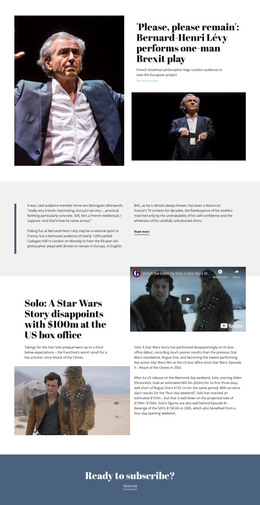
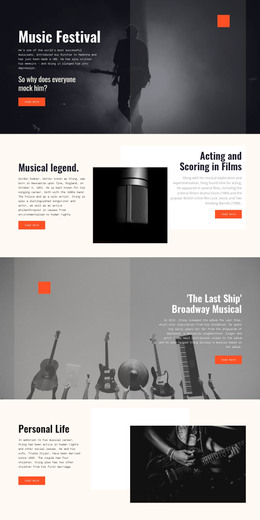
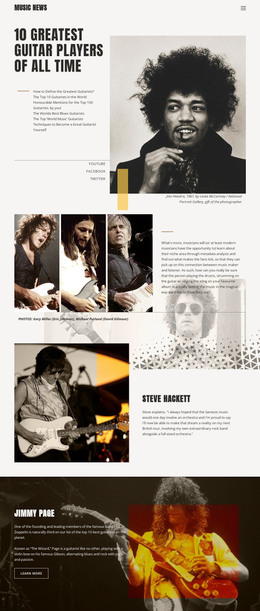
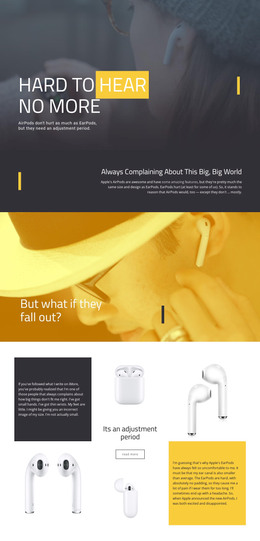
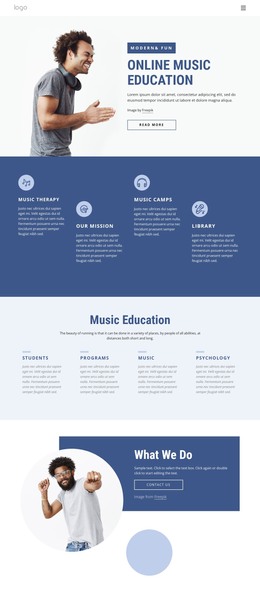
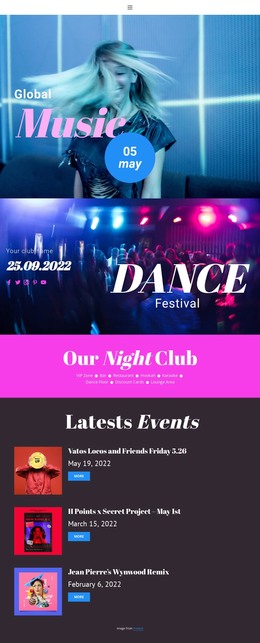
The block reads as permanent editorial content because its visual sequence is built around one quotation and one clearly named feature. The left panel starts with a circular play icon and the “play now” label, then uses a horizontal divider before the quotation, giving the supporting voice a compact but separate position. The right panel is wider and carries one large black-and-white image above the headline, “The former Beatle opens up about the band's split.” This makes the image and title the primary story anchor while the quotation provides a second editorial entry point.
Within a WordPress-managed page, the section can serve as a reusable content area for a music or entertainment feature, with the surrounding project handling other page content and publishing needs. The block’s internal roles remain clear even when placed beside additional sections: the quote panel introduces the voice, and the image-and-headline panel identifies the subject. The peach background and pale vertical shape keep both areas visually connected, while blue-purple accents give the play cue and divider a consistent detail. Since the interaction is static, the section depends on readable grouping and magazine-style spacing rather than a dynamic content control. It can therefore support a broader editorial page without being treated as a complete WordPress theme.
Customize with Nicepage
Open this ready-made template in the WordPress Website Builder and customize it visually in the Nicepage editor. Replace demo content, edit page sections, and adapt the design to your project without rebuilding the template from scratch.
Edit Template Offline
2. Create a new page or select existing
3. Click Add new block, search for id 43724 and click enter
Edit Template Online
Create Awesome Websites


Free Nicepage Builder
Keywords
Manage and Edit This Theme in WordPress
Customize and Install the WordPress Theme
Start with this ready-made theme instead of building the WordPress design from scratch. Customize its layout, content, typography, images, sections, and other design elements visually in Nicepage editor, then export and install the WordPress Theme, Plugin, and Pages on your WordPress site. The Nicepage WordPress Plugin lets you continue working with the site after installation.
Edit the Theme Directly in WordPress
After installation, you can edit the WordPress Theme directly in WordPress with the Nicepage WordPress Plugin. Use Site Style to customize site Colors, Fonts, Header, Footer, Blog, and Post Page Templates while working within your WordPress website.
Edit WordPress Pages Visually
Use the Nicepage WordPress Plugin to edit page content directly from the WordPress admin area. Open a WordPress Page with Nicepage and visually change its text, images, sections, and other page elements while continuing to manage the Page through WordPress.
WordPress Content and Theme Integration
Use the customized theme with WordPress Pages, Posts, Blog and Post Templates, menus, widgets, and other CMS-managed content. Shared theme elements such as Colors, Fonts, Header, Footer, Blog, and Post Page Templates can be managed as part of the overall site design, while WordPress provides the CMS environment for managing site content.
This workflow combines a ready-made WordPress Theme with visual customization, direct theme editing in WordPress, and continued content management through the Nicepage WordPress Plugin.