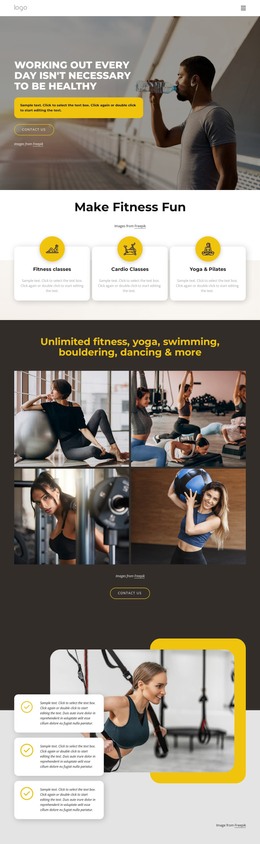
Unlimited fitness, yoga, swimming, bouldering WordPress Theme


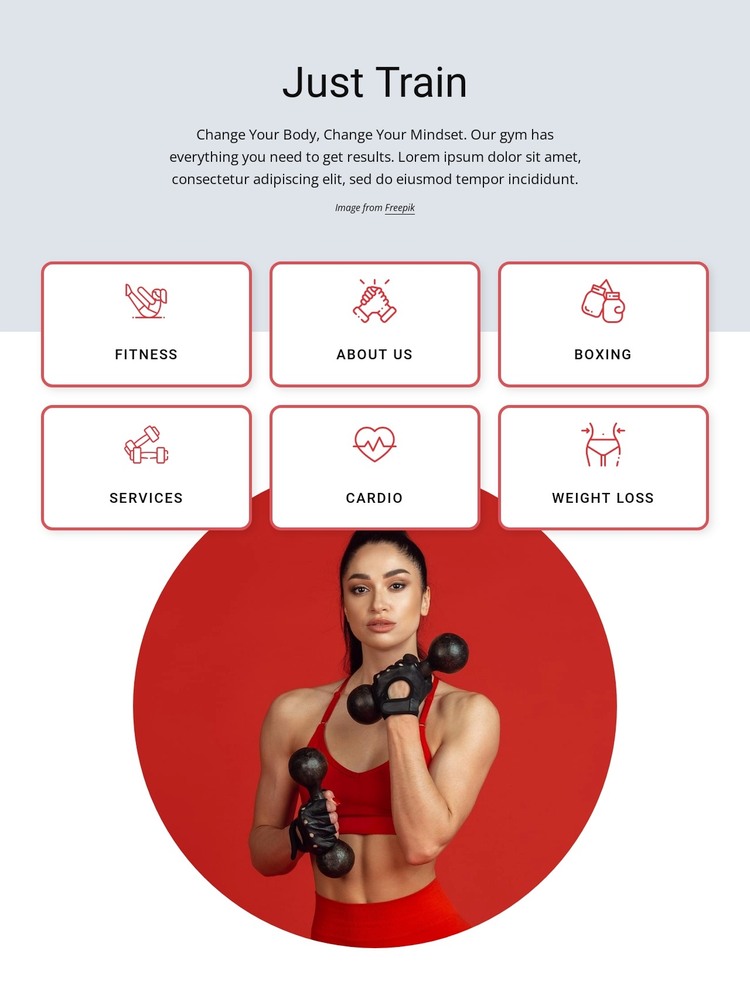
Card Labels Create a Structured Training Content Area
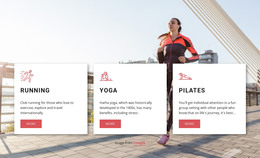
The “Just Train” heading and centered introductory copy provide a stable piece of page content before the six category cards begin. Fitness, About Us, Boxing, Services, Cardio, and Weight Loss are separated into repeated white cards, each using a centered red line icon and label. In a WordPress-managed page, this organization suits a durable fitness or wellness services area: the section can present several related content destinations together while the surrounding site handles broader navigation and other page content.
The two-row, three-column arrangement gives the categories a consistent visual pattern instead of presenting them as unrelated links. The circular fitness portrait below supplies a second content cue and adds emphasis after the labeled group, while the red backing relates it to the card borders and icons. A light gray upper background frames the introduction, then the white card and image area keeps the main content visually open. This makes the block suitable for stable page content that can sit alongside other WordPress-managed sections. Its labels and visual grouping provide the section’s identity; the block does not need to carry an entire theme or site structure to contribute a useful training-focused content area.
Customize with Nicepage
Open this ready-made template in the WordPress Website Builder and customize it visually in the Nicepage editor. Replace demo content, edit page sections, and adapt the design to your project without rebuilding the template from scratch.
Edit Template Offline
2. Create a new page or select existing
3. Click Add new block, search for id 3152198 and click enter
Edit Template Online
Create Awesome Websites


Free Nicepage Builder
Keywords
Manage and Edit This Theme in WordPress
Customize and Install the WordPress Theme
Start with this ready-made theme instead of building the WordPress design from scratch. Customize its layout, content, typography, images, sections, and other design elements visually in Nicepage editor, then export and install the WordPress Theme, Plugin, and Pages on your WordPress site. The Nicepage WordPress Plugin lets you continue working with the site after installation.
Edit the Theme Directly in WordPress
After installation, you can edit the WordPress Theme directly in WordPress with the Nicepage WordPress Plugin. Use Site Style to customize site Colors, Fonts, Header, Footer, Blog, and Post Page Templates while working within your WordPress website.
Edit WordPress Pages Visually
Use the Nicepage WordPress Plugin to edit page content directly from the WordPress admin area. Open a WordPress Page with Nicepage and visually change its text, images, sections, and other page elements while continuing to manage the Page through WordPress.
WordPress Content and Theme Integration
Use the customized theme with WordPress Pages, Posts, Blog and Post Templates, menus, widgets, and other CMS-managed content. Shared theme elements such as Colors, Fonts, Header, Footer, Blog, and Post Page Templates can be managed as part of the overall site design, while WordPress provides the CMS environment for managing site content.
This workflow combines a ready-made WordPress Theme with visual customization, direct theme editing in WordPress, and continued content management through the Nicepage WordPress Plugin.