Traveling in africa WordPress Theme


Travel Topic and Supporting Copy in a WordPress Page Section
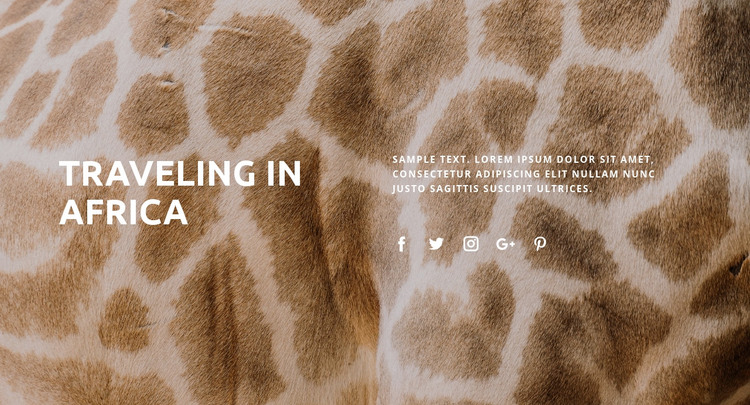
The “Traveling in Africa” heading can function as stable page content within a WordPress-managed site, especially when a page needs an introductory travel section rather than a long article or complex interactive component. The full-width animal-pattern image supplies the block’s visual context, while white typography keeps the heading and supporting paragraph legible across the warm tan and brown background. This image-to-text relationship lets the section establish atmosphere and subject at the same time.
Internally, the content is divided into two visible text areas. The large heading anchors the left side, and the supporting paragraph occupies the right, creating a balanced split without adding unnecessary density. Five social link icons appear beneath the paragraph in one horizontal row. They provide a compact secondary element that can accompany the introduction, while the topic heading remains the main point of attention. The static interaction means the section communicates through its fixed composition rather than through changing panels or user input.
In a WordPress-oriented project, this block can remain a reusable visual section on a travel or tourism page while the wider site manages additional content around it. Other page sections may present destinations, photographs, stories, or practical information, but this block can preserve the opening topic and its visual identity. Its role is therefore publishable page content within a broader CMS-managed site, not a standalone WordPress theme.
Customize with Nicepage
Open this ready-made template in the WordPress Website Builder and customize it visually in the Nicepage editor. Replace demo content, edit page sections, and adapt the design to your project without rebuilding the template from scratch.
Edit Template Offline
2. Create a new page or select existing
3. Click Add new block, search for id 313553 and click enter
Edit Template Online
Create Awesome Websites


Free Nicepage Builder
Keywords
Manage and Edit This Theme in WordPress
Customize and Install the WordPress Theme
Start with this ready-made theme instead of building the WordPress design from scratch. Customize its layout, content, typography, images, sections, and other design elements visually in Nicepage editor, then export and install the WordPress Theme, Plugin, and Pages on your WordPress site. The Nicepage WordPress Plugin lets you continue working with the site after installation.
Edit the Theme Directly in WordPress
After installation, you can edit the WordPress Theme directly in WordPress with the Nicepage WordPress Plugin. Use Site Style to customize site Colors, Fonts, Header, Footer, Blog, and Post Page Templates while working within your WordPress website.
Edit WordPress Pages Visually
Use the Nicepage WordPress Plugin to edit page content directly from the WordPress admin area. Open a WordPress Page with Nicepage and visually change its text, images, sections, and other page elements while continuing to manage the Page through WordPress.
WordPress Content and Theme Integration
Use the customized theme with WordPress Pages, Posts, Blog and Post Templates, menus, widgets, and other CMS-managed content. Shared theme elements such as Colors, Fonts, Header, Footer, Blog, and Post Page Templates can be managed as part of the overall site design, while WordPress provides the CMS environment for managing site content.
This workflow combines a ready-made WordPress Theme with visual customization, direct theme editing in WordPress, and continued content management through the Nicepage WordPress Plugin.