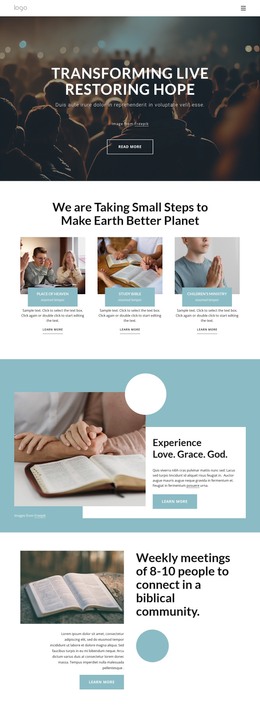
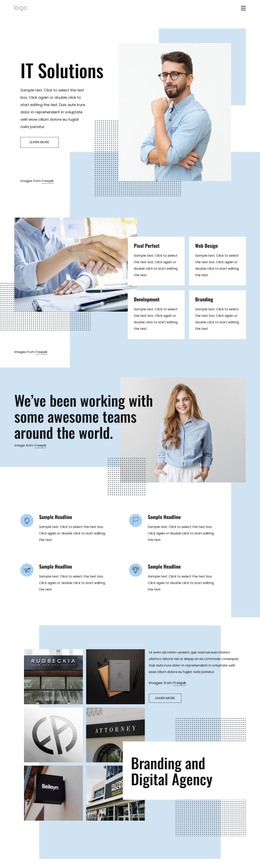
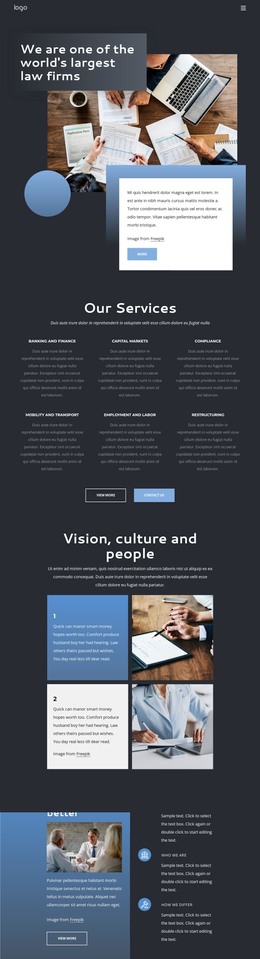
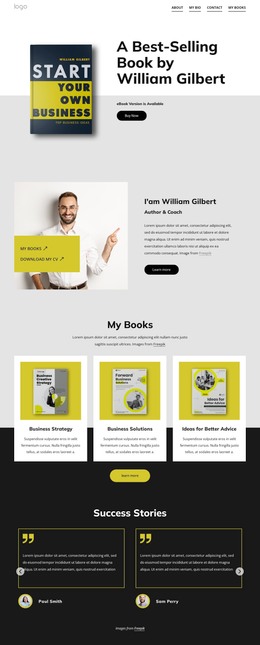
Well designed web WordPress Theme



The Hero Message Reads as Stable WordPress Page Content
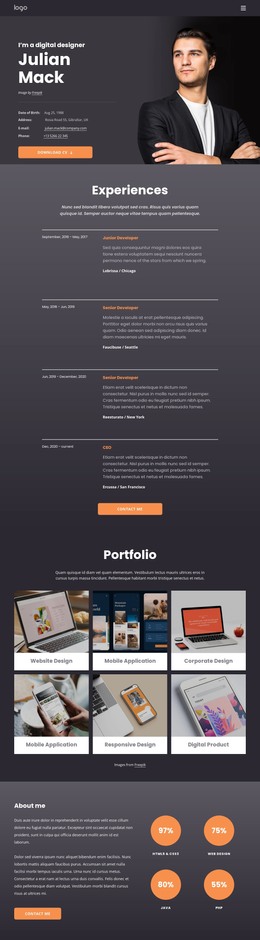
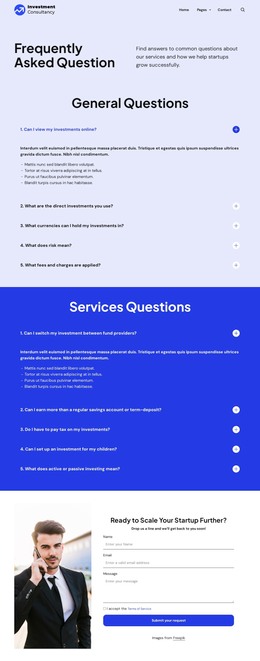
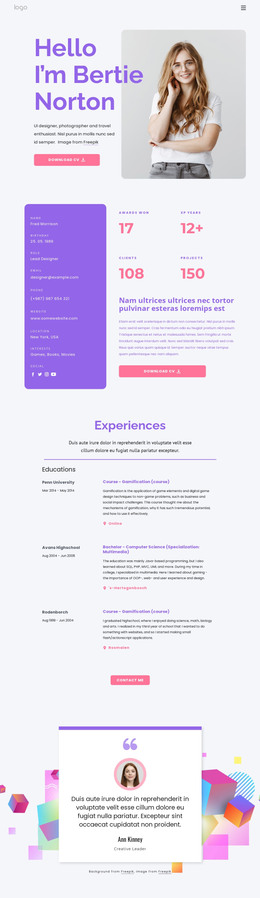
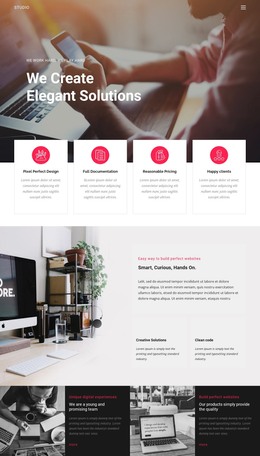
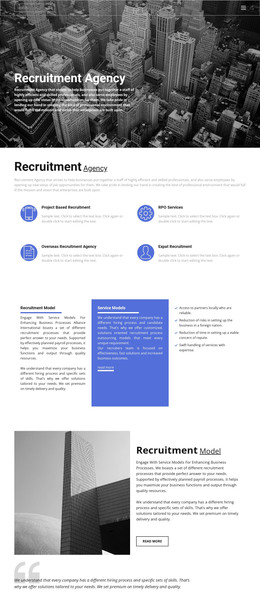
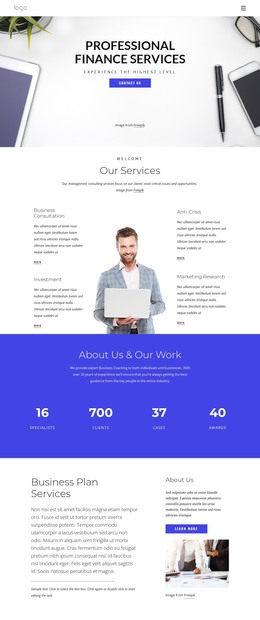
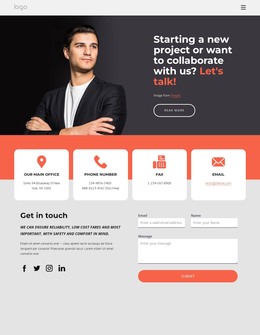
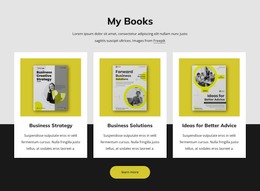
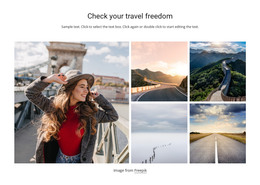
The four-image collage gives the section a strong visual opening, but the block’s content remains organized around one written introduction. Photographs of a business professional, a building, a workspace, and a person holding a tablet appear above the text, creating a visual set that supports the “Web Design Studio” label without replacing the heading’s role. The phrase “Turn your ideas to live web experiences” carries the central message, and the attribution line stays within the same compact information group.
For a WordPress-managed page, this block can serve as stable introductory content for a web design service while the wider project manages other page areas around it. The “Learn More” button offers a clear continuation point, but the surrounding page can determine where that action leads. White space separates the collage from the lower-left text, rounded corners soften the image edges, and the lavender-blue organic shape and button create a repeatable accent relationship. This makes the section suitable for a page that needs a visually distinctive introduction without treating the block as a complete theme or site. Nicepage’s WordPress Pages workflow describes the broader CMS setting in which designed page content can participate.
Customize with Nicepage
Open this ready-made template in the WordPress Website Builder and customize it visually in the Nicepage editor. Replace demo content, edit page sections, and adapt the design to your project without rebuilding the template from scratch.
Edit Template Offline
2. Create a new page or select existing
3. Click Add new block, search for id 1775044 and click enter
Edit Template Online
Create Awesome Websites


Free Nicepage Builder
Keywords
Manage and Edit This Theme in WordPress
Customize and Install the WordPress Theme
Start with this ready-made theme instead of building the WordPress design from scratch. Customize its layout, content, typography, images, sections, and other design elements visually in Nicepage editor, then export and install the WordPress Theme, Plugin, and Pages on your WordPress site. The Nicepage WordPress Plugin lets you continue working with the site after installation.
Edit the Theme Directly in WordPress
After installation, you can edit the WordPress Theme directly in WordPress with the Nicepage WordPress Plugin. Use Site Style to customize site Colors, Fonts, Header, Footer, Blog, and Post Page Templates while working within your WordPress website.
Edit WordPress Pages Visually
Use the Nicepage WordPress Plugin to edit page content directly from the WordPress admin area. Open a WordPress Page with Nicepage and visually change its text, images, sections, and other page elements while continuing to manage the Page through WordPress.
WordPress Content and Theme Integration
Use the customized theme with WordPress Pages, Posts, Blog and Post Templates, menus, widgets, and other CMS-managed content. Shared theme elements such as Colors, Fonts, Header, Footer, Blog, and Post Page Templates can be managed as part of the overall site design, while WordPress provides the CMS environment for managing site content.
This workflow combines a ready-made WordPress Theme with visual customization, direct theme editing in WordPress, and continued content management through the Nicepage WordPress Plugin.