Luxury spa services WordPress Theme


Amenity Details That Read as Stable WordPress Page Content
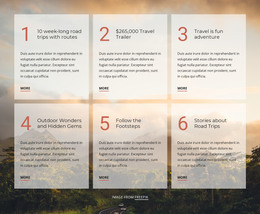
The left-hand list gives this block the character of stable page content in a WordPress-managed site. It is organized around a clear heading, six facility descriptions, and a Learn more action, so it can fit naturally on a services or amenities page while the broader project handles navigation, additional content, and other page areas. The section does not need to function as a complete WordPress Theme; its value lies in the focused information it contributes to one page.
The entries provide distinct content units rather than vague promotional copy. The list mentions 27 treatment rooms, separate men’s and women’s saunas, steam rooms and whirlpools, private fireplace lounges, co-ed soaking pools with heated Hydromassage WaterWalls, an indoor pool designed for aqua classes, and an outdoor Horizon Edge Whirlpool. In WordPress-oriented page content, these details can remain readable as a fixed facilities overview that editors may later refine alongside related spa information.
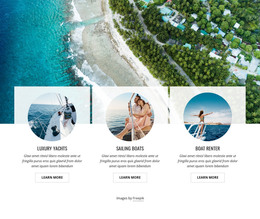
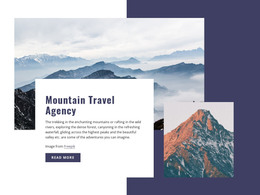
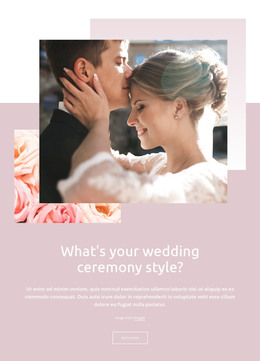
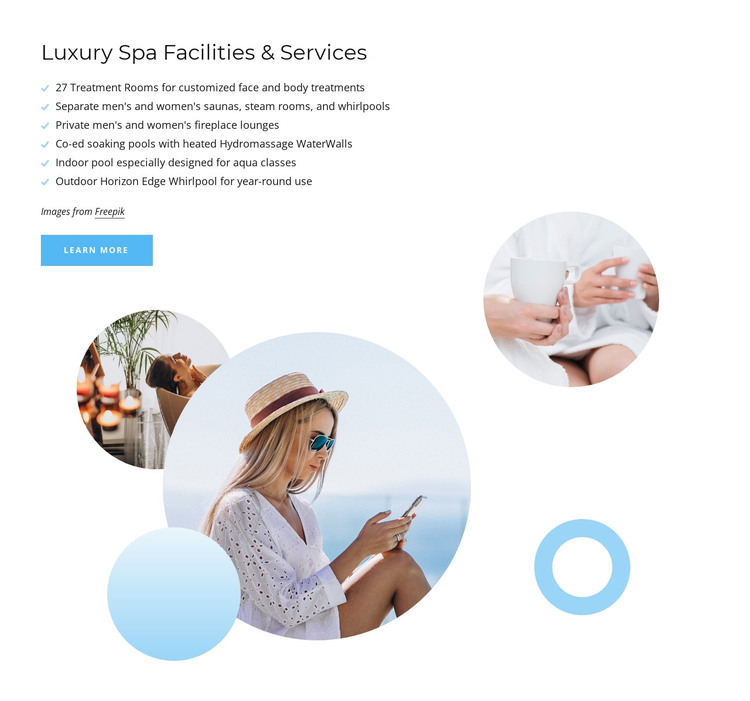
The presentation gives that content a strong visual wrapper. Three overlapping circular photographs create a layered image group beside the text, and light blue shapes repeat the calm visual accent against the white background. The Learn more button marks a natural handoff to deeper information, such as a dedicated facility description, without turning the block into a complete booking workflow. This makes the section suitable for a stable, visually distinctive content region within a wider WordPress-managed site.
Customize with Nicepage
Open this ready-made template in the WordPress Website Builder and customize it visually in the Nicepage editor. Replace demo content, edit page sections, and adapt the design to your project without rebuilding the template from scratch.
Edit Template Offline
2. Create a new page or select existing
3. Click Add new block, search for id 149684 and click enter
Edit Template Online
Create Awesome Websites


Free Nicepage Builder
Keywords
Manage and Edit This Theme in WordPress
Customize and Install the WordPress Theme
Start with this ready-made theme instead of building the WordPress design from scratch. Customize its layout, content, typography, images, sections, and other design elements visually in Nicepage editor, then export and install the WordPress Theme, Plugin, and Pages on your WordPress site. The Nicepage WordPress Plugin lets you continue working with the site after installation.
Edit the Theme Directly in WordPress
After installation, you can edit the WordPress Theme directly in WordPress with the Nicepage WordPress Plugin. Use Site Style to customize site Colors, Fonts, Header, Footer, Blog, and Post Page Templates while working within your WordPress website.
Edit WordPress Pages Visually
Use the Nicepage WordPress Plugin to edit page content directly from the WordPress admin area. Open a WordPress Page with Nicepage and visually change its text, images, sections, and other page elements while continuing to manage the Page through WordPress.
WordPress Content and Theme Integration
Use the customized theme with WordPress Pages, Posts, Blog and Post Templates, menus, widgets, and other CMS-managed content. Shared theme elements such as Colors, Fonts, Header, Footer, Blog, and Post Page Templates can be managed as part of the overall site design, while WordPress provides the CMS environment for managing site content.
This workflow combines a ready-made WordPress Theme with visual customization, direct theme editing in WordPress, and continued content management through the Nicepage WordPress Plugin.