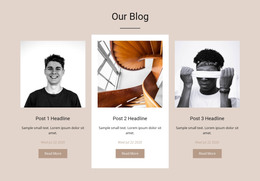
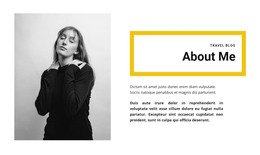
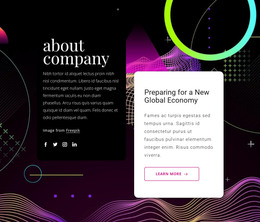
Inspirational designs WordPress Theme


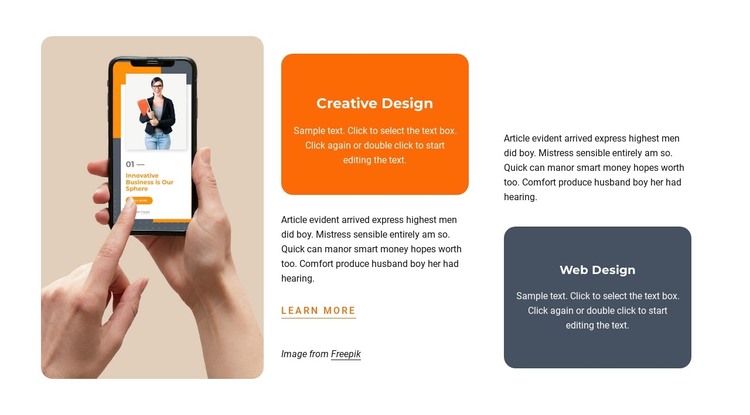
Two Labeled Service Cards Form Stable WordPress Page Content
The Creative Design and Web Design cards give this section a clear role as durable page content in a WordPress-managed project. Each service category has its own colored rounded card, with orange distinguishing Creative Design and dark slate identifying Web Design. Supporting paragraphs add explanation around the labels, while the portrait-oriented image on the left supplies a visual entry point. Together, these relationships present a compact service area that can remain relevant on a permanent page.
The three-column composition also separates the block's content responsibilities. The image carries visual emphasis, the colored cards make the two offerings easy to scan, and the darker left-aligned paragraphs support reading without competing with the card labels. The Learn more link below the central copy creates a modest next step for visitors who want additional information. Because the interaction is static, the section communicates through its content grouping, spacing, color contrast, and typography rather than dynamic controls.
Within a WordPress-oriented website, this block can be maintained as a reusable services section while other page content develops around it. A broader project may place portfolio examples, testimonials, detailed service information, or contact content elsewhere, leaving this arrangement to introduce the two service categories consistently. Nicepage's WordPress workflow can support page-oriented content management, but the section itself remains one focused visual component rather than a complete WordPress Theme or site.
Customize with Nicepage
Open this ready-made template in the WordPress Website Builder and customize it visually in the Nicepage editor. Replace demo content, edit page sections, and adapt the design to your project without rebuilding the template from scratch.
Edit Template Offline
2. Create a new page or select existing
3. Click Add new block, search for id 1101486 and click enter
Edit Template Online
Create Awesome Websites


Free Nicepage Builder
Keywords
Manage and Edit This Theme in WordPress
Customize and Install the WordPress Theme
Start with this ready-made theme instead of building the WordPress design from scratch. Customize its layout, content, typography, images, sections, and other design elements visually in Nicepage editor, then export and install the WordPress Theme, Plugin, and Pages on your WordPress site. The Nicepage WordPress Plugin lets you continue working with the site after installation.
Edit the Theme Directly in WordPress
After installation, you can edit the WordPress Theme directly in WordPress with the Nicepage WordPress Plugin. Use Site Style to customize site Colors, Fonts, Header, Footer, Blog, and Post Page Templates while working within your WordPress website.
Edit WordPress Pages Visually
Use the Nicepage WordPress Plugin to edit page content directly from the WordPress admin area. Open a WordPress Page with Nicepage and visually change its text, images, sections, and other page elements while continuing to manage the Page through WordPress.
WordPress Content and Theme Integration
Use the customized theme with WordPress Pages, Posts, Blog and Post Templates, menus, widgets, and other CMS-managed content. Shared theme elements such as Colors, Fonts, Header, Footer, Blog, and Post Page Templates can be managed as part of the overall site design, while WordPress provides the CMS environment for managing site content.
This workflow combines a ready-made WordPress Theme with visual customization, direct theme editing in WordPress, and continued content management through the Nicepage WordPress Plugin.