Geography quiz questions Template


Edit Template Offline
2. Create new page and search for id 6532388
Edit Template Online
Create Awesome Websites


Free Nicepage Builder
Keywords
Nine Quiz Directions Support a Visually Led Learning Choice
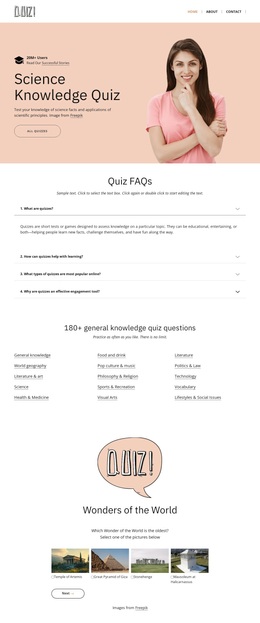
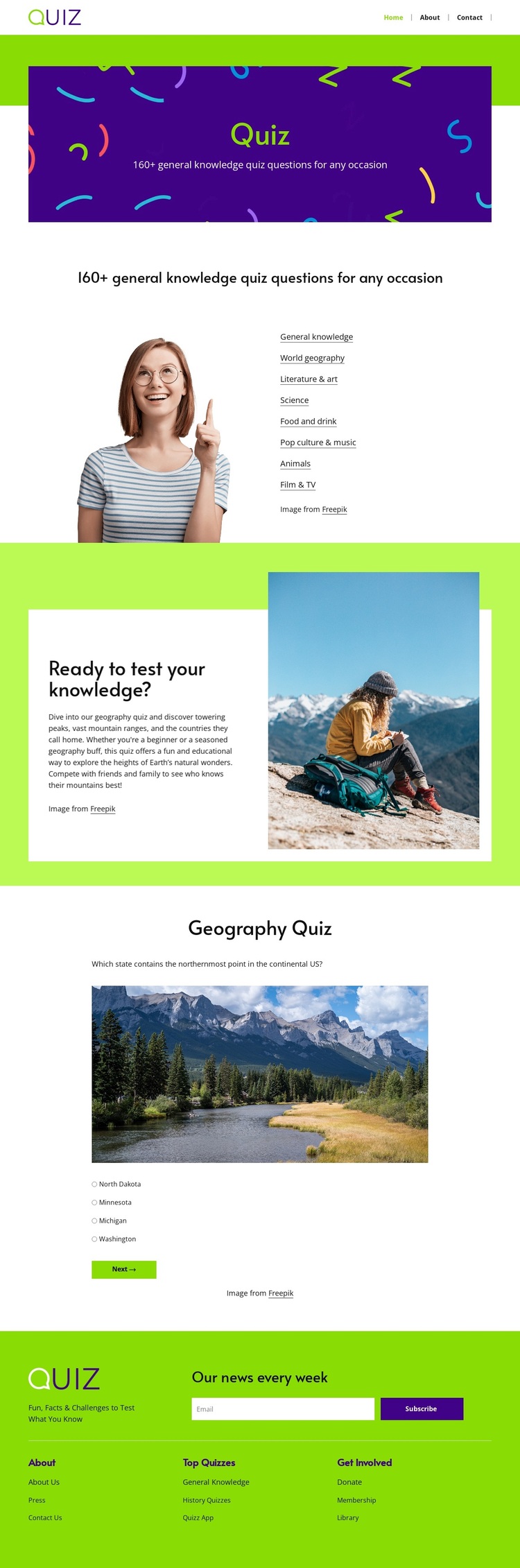
The design’s strongest distinguishing feature is the relationship between broad quiz coverage and one concrete example. The category introduction presents nine directions, from general knowledge and world geography to literature and arts, science, food and drink, pop culture and music, animals, film and television, and image-based quizzes. This gives the page more range than a layout centered on only one subject, while the photographic introduction keeps that range approachable.
The featured Geography Quiz shows how the concept becomes an actual visitor experience. Its landscape image, question prompt, multiple answer choices, and Next button provide a clear sample of the content format without requiring the whole page to be dense with questions. The lime green participation section links the explanatory category content to that example through a direct invitation to test knowledge. Purple illustration, white space, and clean typography keep the educational subject visually light rather than presenting it as a formal examination page.
The closing footer adds practical coverage through About, Top Quizzes, and Get Involved link groups plus a newsletter signup. Together, these facts make the design a useful option for projects that want quiz variety, visual storytelling, an example interaction, and ongoing audience participation in one coherent starting layout.
Customize with Nicepage
Open this ready-made template in the Template Builder and customize it visually in the Nicepage editor. Replace demo content, edit page sections, and adapt the design to your project without rebuilding the template from scratch.
Start With a Ready-Made Template
Choose a Design for a New Page
Use a ready-made template as a starting point instead of creating every page from a blank canvas. When adding a new page in Nicepage, browse available designs, compare different layouts, and choose an option that already fits the general purpose and visual direction of your project.
Browse Different Page Designs
Explore Page Designs using search, thematic categories, Design Sets, and full-page previews. The collection includes layouts for different subjects and page purposes, making it easier to compare alternatives before selecting a design to customize.
Customize the Selected Template
After choosing a design, create the page and continue editing it visually in Nicepage. Replace the demo content, adjust images, typography, colors, sections, and other elements, and adapt the ready-made layout to your own content instead of rebuilding the design from the beginning.
Explore More Design Directions
If the first option does not match your project closely enough, return to the design collection and compare other templates before committing to a layout. This makes the template library useful not only for faster page creation, but also for exploring different visual approaches and finding a suitable starting point for a new project.
This workflow gives you access to a broad collection of ready-made designs that can be selected, compared, and customized according to the needs of each new page or project.