Build new creative skills Template



Edit Template Offline
2. Create new page and search for id 1083619
Edit Template Online
Create Awesome Websites


Free Nicepage Builder
Keywords
Creative Categories Meet Circular Lesson Storytelling
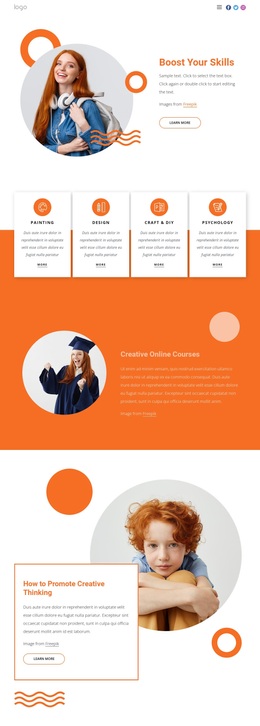
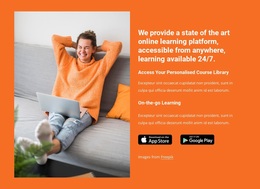
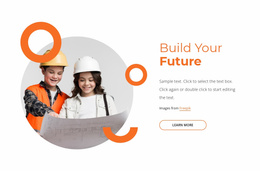
The four bordered course cards make the design immediately specific: Paintings, Design, Art, and Technology are presented as related directions within one creative-learning offer. That category overview is supported by the opening “Boost Your Skills” message and a learner portrait, so the page communicates both a broad educational theme and concrete subjects to explore. This combination makes the design a useful option for projects that need course discovery without beginning with a dense catalog.
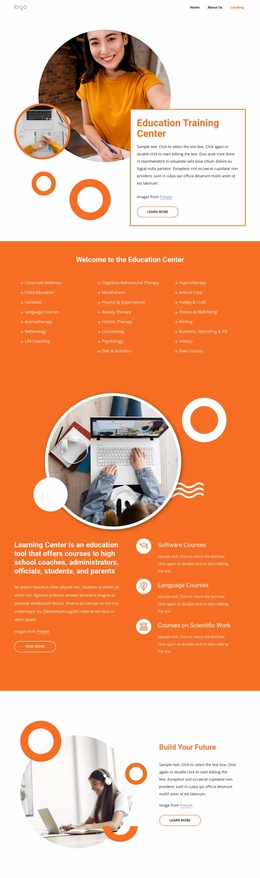
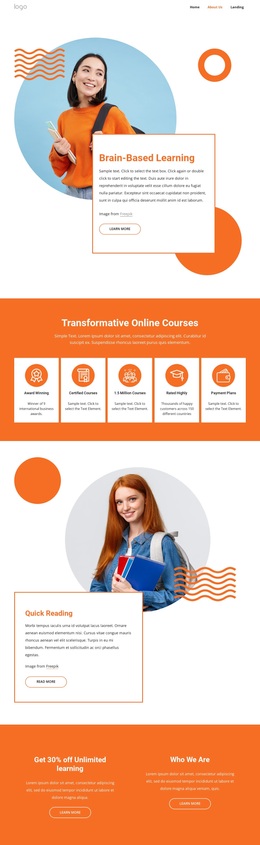
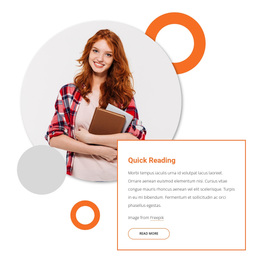
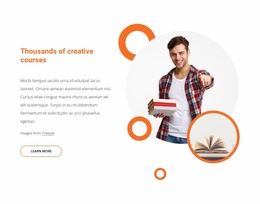
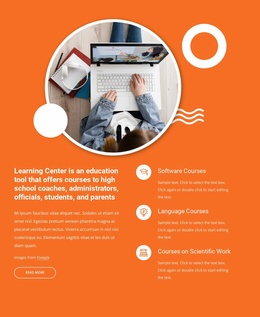
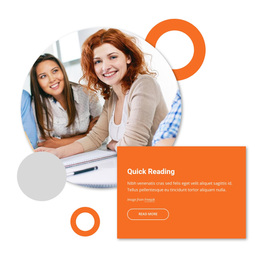
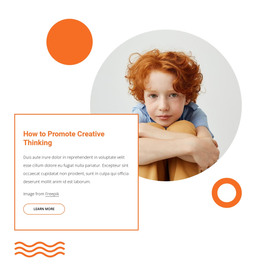
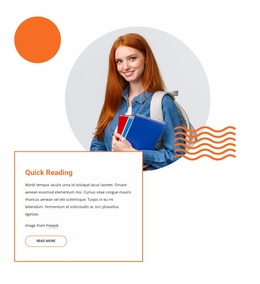
Its strongest distinction is the way featured lessons are presented. How to Promote Creative Thinking and Quick Reading each use a large portrait with an overlapping information card, creating separate editorial moments within the same page. The motivational statement about enjoying every minute of life adds a text-led pause, while the three circular offerings for Meditation Lessons, Top Courses, and Learn Spanish extend the subject beyond the first four categories. The result is a varied learning presentation rather than a page built only from uniform service cards.
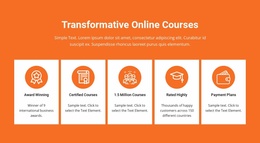
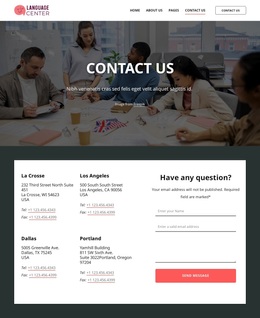
The orange backgrounds, rounded image compositions, thin card outlines, and generous spacing give these different subjects one visual direction. The final Contact Us form then adds a practical inquiry area without overwhelming the educational storytelling. Taken together, the content coverage and visual repetition suit an online course, creative-skills, or learning-promotion project that wants visitors to browse several related interests before contacting the provider.
Customize with Nicepage
Open this ready-made template in the Template Builder and customize it visually in the Nicepage editor. Replace demo content, edit page sections, and adapt the design to your project without rebuilding the template from scratch.
Start With a Ready-Made Template
Choose a Design for a New Page
Use a ready-made template as a starting point instead of creating every page from a blank canvas. When adding a new page in Nicepage, browse available designs, compare different layouts, and choose an option that already fits the general purpose and visual direction of your project.
Browse Different Page Designs
Explore Page Designs using search, thematic categories, Design Sets, and full-page previews. The collection includes layouts for different subjects and page purposes, making it easier to compare alternatives before selecting a design to customize.
Customize the Selected Template
After choosing a design, create the page and continue editing it visually in Nicepage. Replace the demo content, adjust images, typography, colors, sections, and other elements, and adapt the ready-made layout to your own content instead of rebuilding the design from the beginning.
Explore More Design Directions
If the first option does not match your project closely enough, return to the design collection and compare other templates before committing to a layout. This makes the template library useful not only for faster page creation, but also for exploring different visual approaches and finding a suitable starting point for a new project.
This workflow gives you access to a broad collection of ready-made designs that can be selected, compared, and customized according to the needs of each new page or project.