Brain-based learning Template



Edit Template Offline
2. Create new page and search for id 6081434
Edit Template Online
Create Awesome Websites


Free Nicepage Builder
Keywords
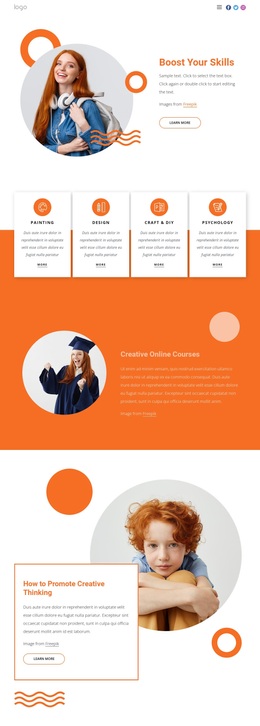
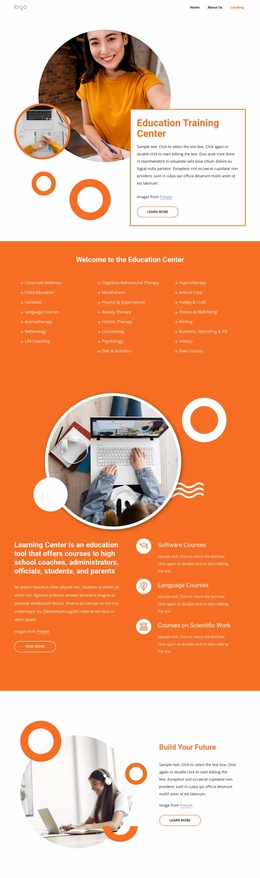
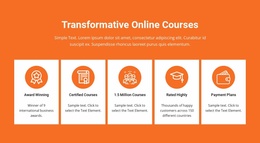
Five Course Cards Anchor a Visual Education Presentation
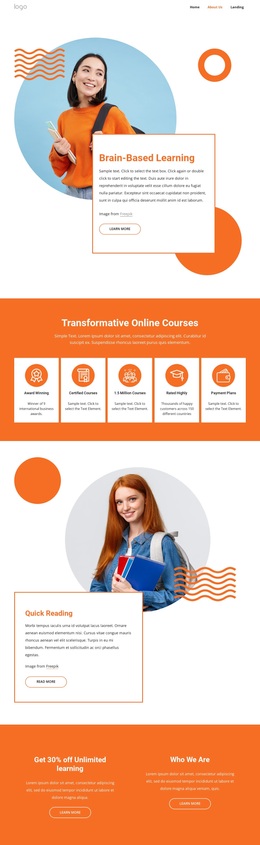
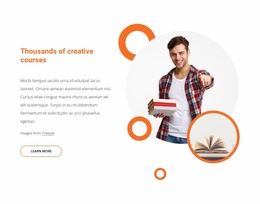
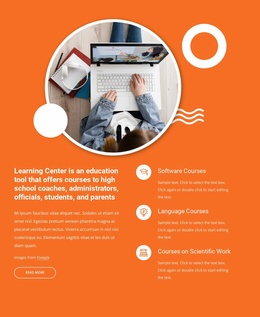
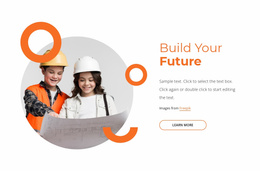
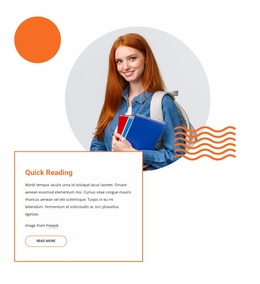
The strongest reason to choose this design is the way it combines a clear educational subject with varied visual treatment. Brain-Based Learning begins beside a large circular learner photograph and an overlapping text card, establishing imagery as part of the message rather than as decoration alone. The five-card Transformative Online Courses section then gives the offer a compact, repeatable center, with course-related items such as Certified Courses and Payment Plans arranged in an easily recognized group.
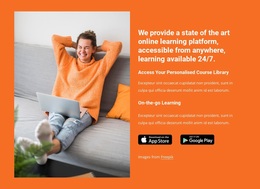
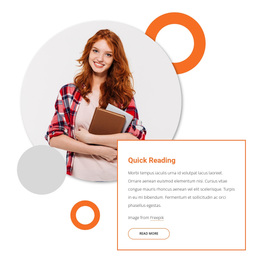
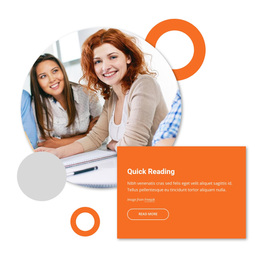
The page continues with several content directions without losing that theme. Quick Reading uses a second circular photograph and bordered panel, while the two-column promotional band separates unlimited learning from the Who We Are message. Plan Your Success Now adds a more layered arrangement of learner images, and the platform section connects personalized course access and on-the-go learning with app-store badges. This combination suits projects that need both educational explanation and a visually promotional presentation.
Three testimonial cards extend the learner-centered character before the final contact area. The form beside a separate contact-information panel means the design can support a direct inquiry without making the entire page depend on a single repeated card pattern. Social links provide a recognizable closing detail.
The design is worth considering when image-led learning content, course highlights, access messaging, and learner stories need to coexist on one page. Demo statistics, names, address, discount, and awards should be replaced or verified before publication.
Customize with Nicepage
Open this ready-made template in the Template Builder and customize it visually in the Nicepage editor. Replace demo content, edit page sections, and adapt the design to your project without rebuilding the template from scratch.
Start With a Ready-Made Template
Choose a Design for a New Page
Use a ready-made template as a starting point instead of creating every page from a blank canvas. When adding a new page in Nicepage, browse available designs, compare different layouts, and choose an option that already fits the general purpose and visual direction of your project.
Browse Different Page Designs
Explore Page Designs using search, thematic categories, Design Sets, and full-page previews. The collection includes layouts for different subjects and page purposes, making it easier to compare alternatives before selecting a design to customize.
Customize the Selected Template
After choosing a design, create the page and continue editing it visually in Nicepage. Replace the demo content, adjust images, typography, colors, sections, and other elements, and adapt the ready-made layout to your own content instead of rebuilding the design from the beginning.
Explore More Design Directions
If the first option does not match your project closely enough, return to the design collection and compare other templates before committing to a layout. This makes the template library useful not only for faster page creation, but also for exploring different visual approaches and finding a suitable starting point for a new project.
This workflow gives you access to a broad collection of ready-made designs that can be selected, compared, and customized according to the needs of each new page or project.