Start learning for free Template



Edit Template Offline
2. Create new page and search for id 2801002
Edit Template Online
Create Awesome Websites


Free Nicepage Builder
Keywords
Nine Classes and Six Camp Categories Give the Design a Clear Educational Focus
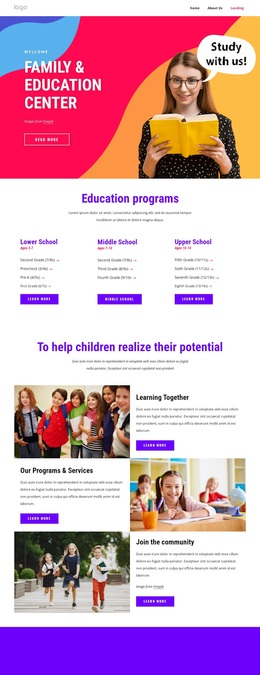
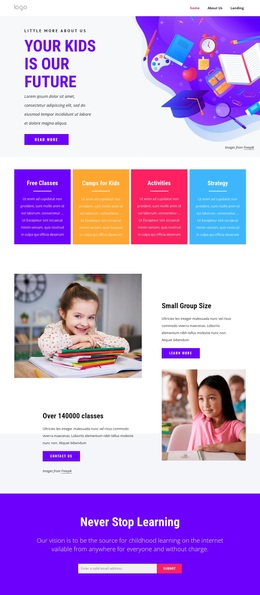
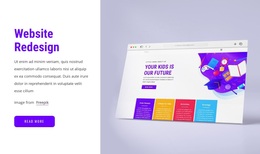
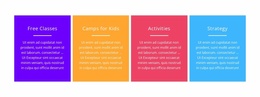
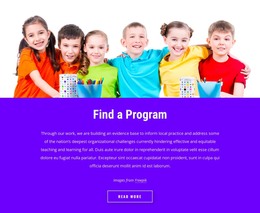
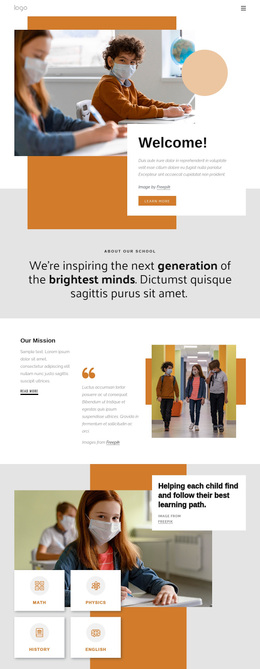
The strongest reason to choose this design is the way it combines broad educational discovery with specific class browsing. The hero establishes a child-focused purpose through “Your Kids is Our Future,” while the four feature cards immediately distinguish free classes, camps, activities, and strategy. That opening coverage suits projects that need to speak to families interested in more than one kind of learning activity without relying on dense introductory copy.
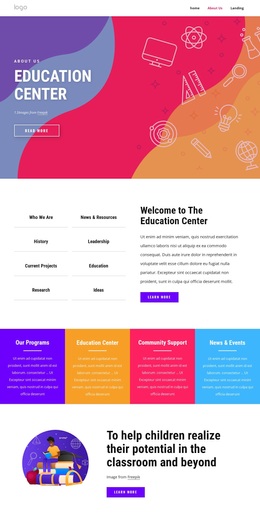
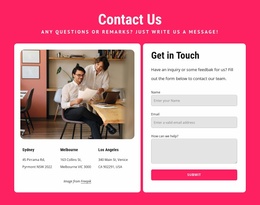
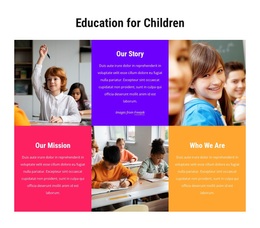
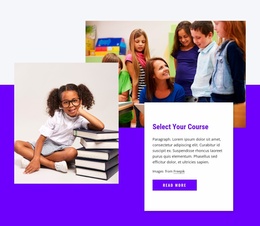
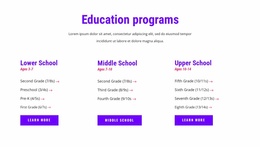
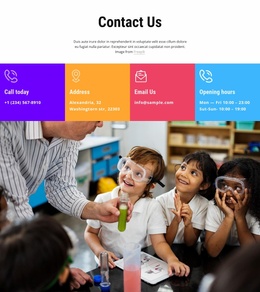
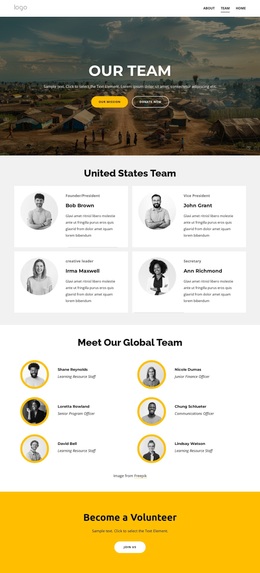
The six-tile gallery reinforces that direction through visual categories including one-of-a-kind classes, summer camps, sport camps, in-person camps, and anywhere learning. Below it, the nine named online class entries make the design more practical by showing how a colorful presentation can lead into a browseable catalog. Age ranges from 3–5 through 7–9 years add a useful organizing detail, and subjects such as math, English, coding, robotics, crafts, and drawing demonstrate the breadth of the educational offer without requiring the demo text to be treated as real program data. A subscription-style email form, four team cards, course-selection content, and contact categories round out the design. It is therefore a strong option for projects that need visual energy, content variety, and a clear learning-centered starting point.
Customize with Nicepage
Open this ready-made template in the Template Builder and customize it visually in the Nicepage editor. Replace demo content, edit page sections, and adapt the design to your project without rebuilding the template from scratch.
Start With a Ready-Made Template
Choose a Design for a New Page
Use a ready-made template as a starting point instead of creating every page from a blank canvas. When adding a new page in Nicepage, browse available designs, compare different layouts, and choose an option that already fits the general purpose and visual direction of your project.
Browse Different Page Designs
Explore Page Designs using search, thematic categories, Design Sets, and full-page previews. The collection includes layouts for different subjects and page purposes, making it easier to compare alternatives before selecting a design to customize.
Customize the Selected Template
After choosing a design, create the page and continue editing it visually in Nicepage. Replace the demo content, adjust images, typography, colors, sections, and other elements, and adapt the ready-made layout to your own content instead of rebuilding the design from the beginning.
Explore More Design Directions
If the first option does not match your project closely enough, return to the design collection and compare other templates before committing to a layout. This makes the template library useful not only for faster page creation, but also for exploring different visual approaches and finding a suitable starting point for a new project.
This workflow gives you access to a broad collection of ready-made designs that can be selected, compared, and customized according to the needs of each new page or project.