The babysitting company Template



Edit Template Offline
2. Create new page and search for id 6330896
Edit Template Online
Create Awesome Websites


Free Nicepage Builder
Keywords
Six Care Offerings Give the Family-Focused Layout Range
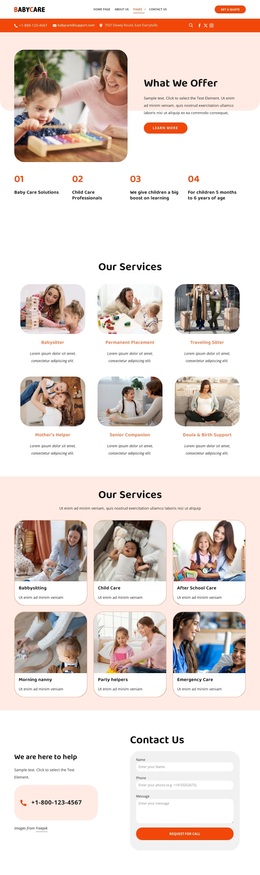
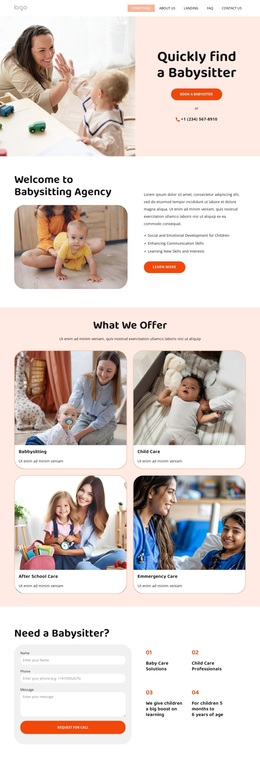
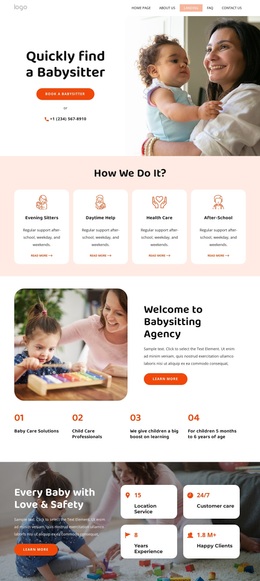
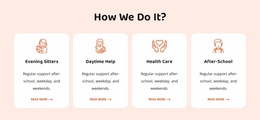
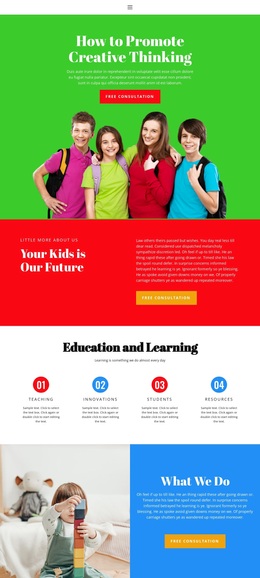
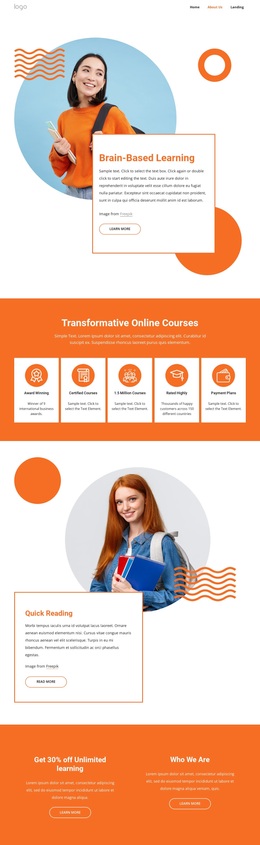
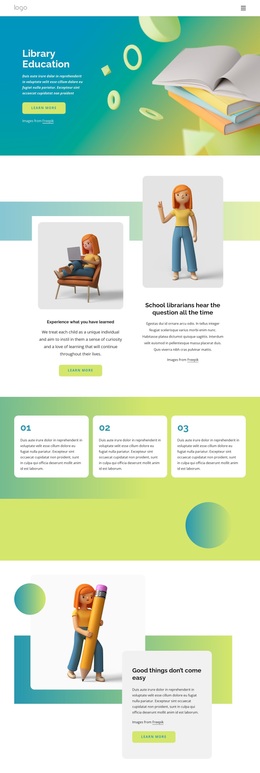
The six illustrated offering cards make this design a useful choice for a child-care project that needs to show more than one service. Babysitting, child care, after-school care, morning nanny support, party helpers, and emergency care appear as distinct categories, while the earlier four-card process section introduces evening sitters, daytime help, health care, and after-school support. Together, these groups give the page both a broad service range and a more focused explanation of how care may be organized.
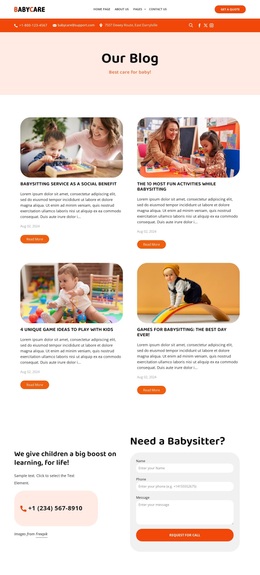
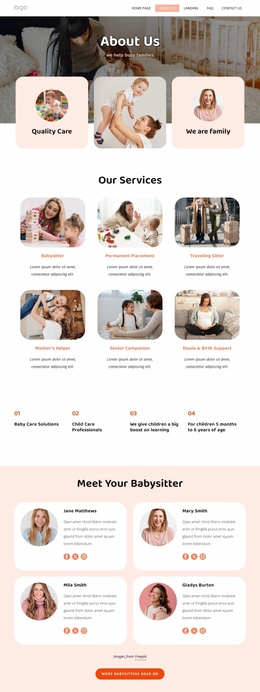
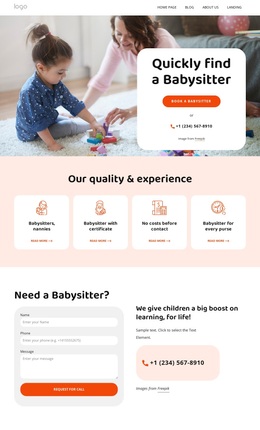
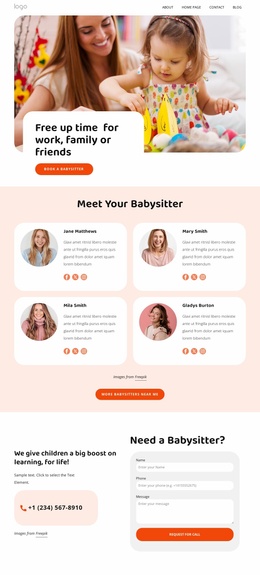
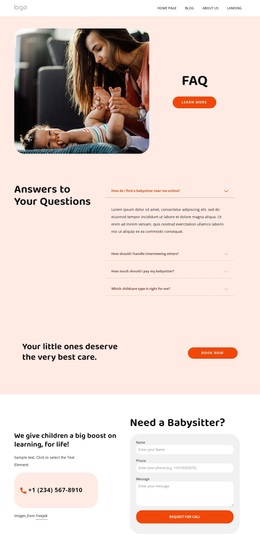
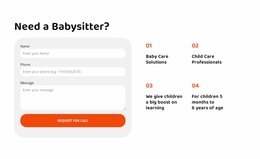
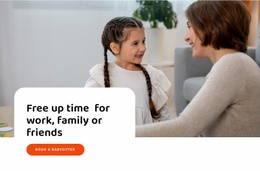
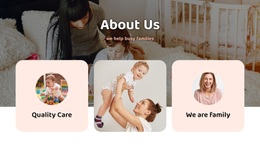
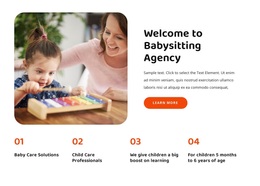
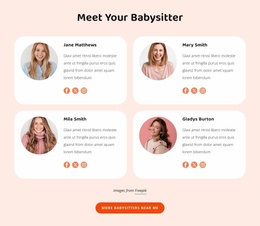
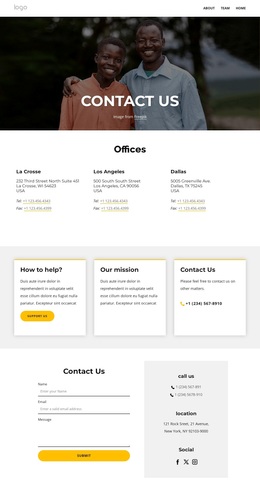
The design also covers the questions families may have before contacting an agency. The hero begins with a direct babysitter-search message, then the agency introduction and care-promise section provide context. Testimonials, four caregiver profiles, and a six-image gallery add different kinds of reassurance without relying on one repeated content format. The FAQ accordion creates a dedicated place for childcare questions, and two request-for-call forms connect the information to a possible next step. Article previews and newsletter signup extend the page beyond an immediate booking decision. This combination makes the template stand out as a content-rich option for projects that need service coverage, human profiles, visual context, questions, and contact opportunities within one friendly child-care direction.
Customize with Nicepage
Open this ready-made template in the Template Builder and customize it visually in the Nicepage editor. Replace demo content, edit page sections, and adapt the design to your project without rebuilding the template from scratch.
Start With a Ready-Made Template
Choose a Design for a New Page
Use a ready-made template as a starting point instead of creating every page from a blank canvas. When adding a new page in Nicepage, browse available designs, compare different layouts, and choose an option that already fits the general purpose and visual direction of your project.
Browse Different Page Designs
Explore Page Designs using search, thematic categories, Design Sets, and full-page previews. The collection includes layouts for different subjects and page purposes, making it easier to compare alternatives before selecting a design to customize.
Customize the Selected Template
After choosing a design, create the page and continue editing it visually in Nicepage. Replace the demo content, adjust images, typography, colors, sections, and other elements, and adapt the ready-made layout to your own content instead of rebuilding the design from the beginning.
Explore More Design Directions
If the first option does not match your project closely enough, return to the design collection and compare other templates before committing to a layout. This makes the template library useful not only for faster page creation, but also for exploring different visual approaches and finding a suitable starting point for a new project.
This workflow gives you access to a broad collection of ready-made designs that can be selected, compared, and customized according to the needs of each new page or project.

Design Set (21)
-

-
-
-
-
-
-
-
-
-
-
-
-
Free Website Builder SoftwareDownload
-