Personal campus education Template


Edit Template Offline
2. Create new page and search for id 16521
Edit Template Online
Create Awesome Websites


Free Nicepage Builder
Keywords
Three Courses and Four Teacher Profiles Define the Academic Direction
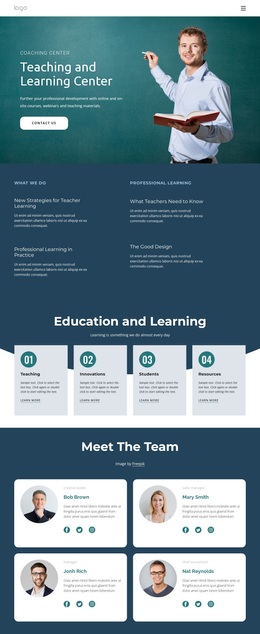
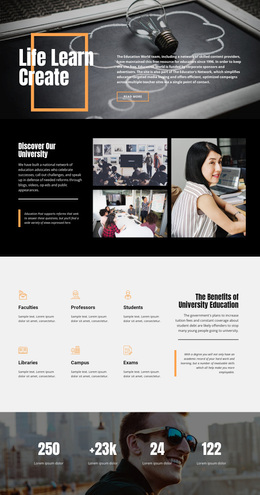
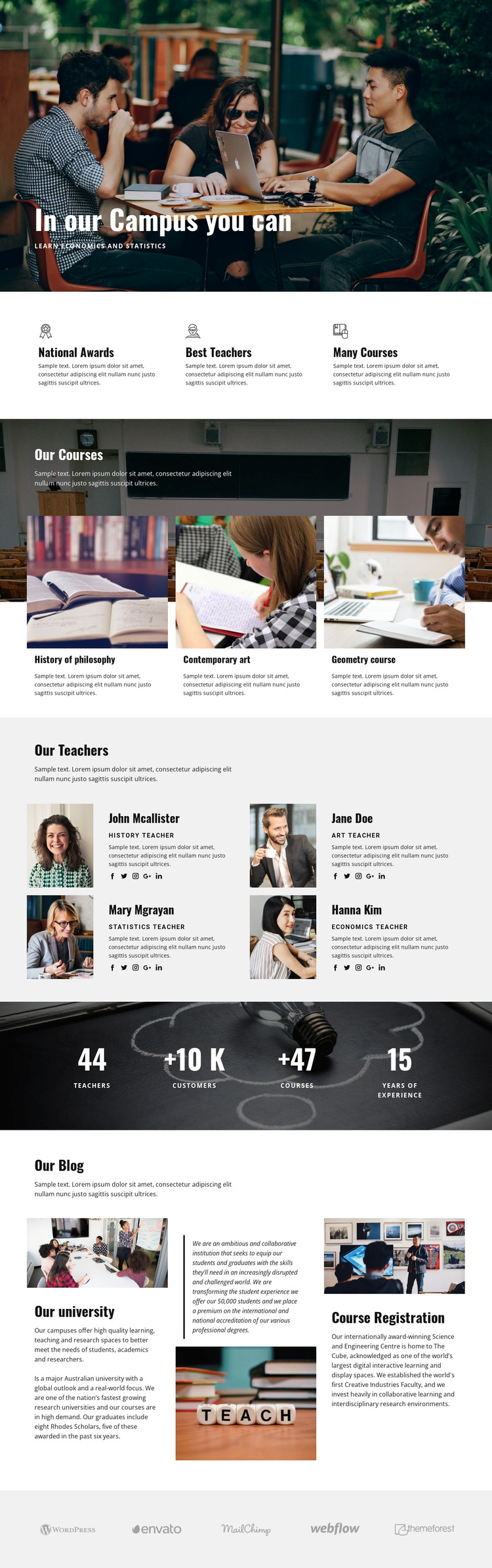
The combination of a photographic campus hero, three course cards, and four teacher profiles gives this design a clear reason to stand out among education-focused options. The hero communicates the campus setting visually, while the course group makes the academic offer concrete through history of philosophy, contemporary art, and geometry. The teacher section then adds a human dimension with portraits, roles, descriptions, and social links rather than relying only on institutional statements.
The three feature items reinforce that direction through National Awards, Best Teachers, and Many Courses. A dark band with four labeled metrics provides a separate proof-oriented moment, although the displayed demo values should remain structural examples until independently verified. Three blog-style columns broaden the content coverage with university and Course Registration subjects, making the page suitable for projects that need both program information and institutional storytelling. Five logo marks at the bottom add a restrained association motif.
This design is worth considering when an education project needs several content types to work together: academic offerings, staff introductions, institutional strengths, numerical highlights, and editorial information. It is less narrowly focused than a page built around one course or one enrollment form. Its distinctive choice is the balance between campus imagery, repeated academic cards, people-focused profiles, and a structured institutional narrative.
Customize with Nicepage
Open this ready-made template in the Template Builder and customize it visually in the Nicepage editor. Replace demo content, edit page sections, and adapt the design to your project without rebuilding the template from scratch.
Start With a Ready-Made Template
Choose a Design for a New Page
Use a ready-made template as a starting point instead of creating every page from a blank canvas. When adding a new page in Nicepage, browse available designs, compare different layouts, and choose an option that already fits the general purpose and visual direction of your project.
Browse Different Page Designs
Explore Page Designs using search, thematic categories, Design Sets, and full-page previews. The collection includes layouts for different subjects and page purposes, making it easier to compare alternatives before selecting a design to customize.
Customize the Selected Template
After choosing a design, create the page and continue editing it visually in Nicepage. Replace the demo content, adjust images, typography, colors, sections, and other elements, and adapt the ready-made layout to your own content instead of rebuilding the design from the beginning.
Explore More Design Directions
If the first option does not match your project closely enough, return to the design collection and compare other templates before committing to a layout. This makes the template library useful not only for faster page creation, but also for exploring different visual approaches and finding a suitable starting point for a new project.
This workflow gives you access to a broad collection of ready-made designs that can be selected, compared, and customized according to the needs of each new page or project.