Pristine Shine Template


Edit Template Offline
2. Create new page and search for id 6400935
Edit Template Online
Create Awesome Websites


Free Nicepage Builder
Keywords
Three Cleaning Categories Give the Design a Clear Starting Point
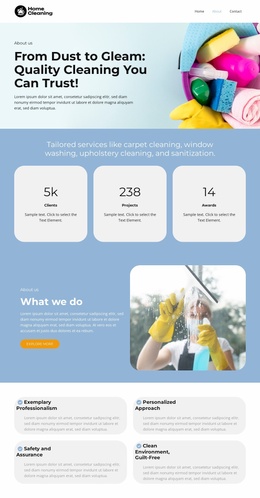
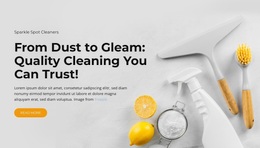
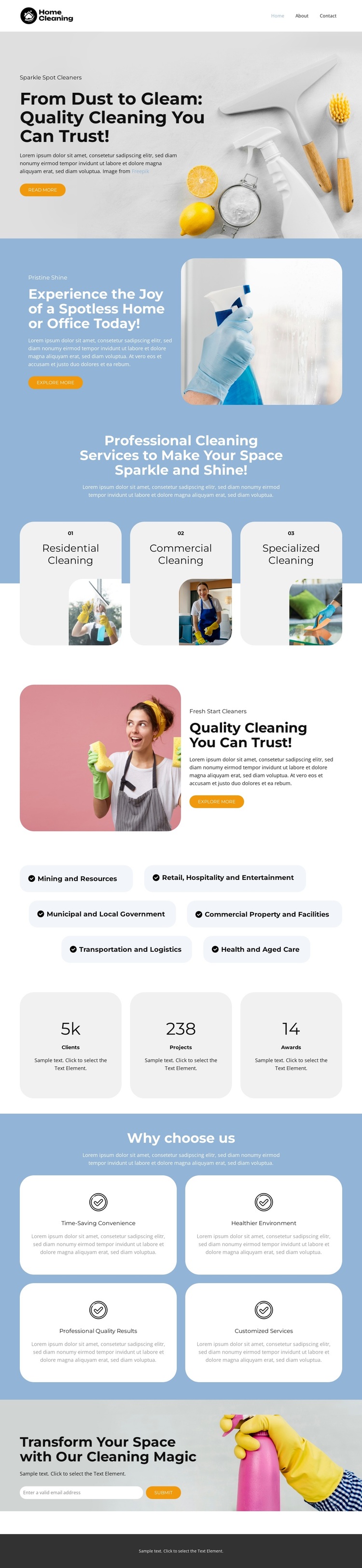
Residential, commercial, and specialized cleaning appear as three peer service cards beneath a focused introduction, making the main offer understandable without dense explanation. That coverage is a useful reason to consider this design: it can speak to homeowners and organizations within the same page while keeping the categories visibly separated. The large opening image and “From Dust to Gleam” message establish a concrete cleaning theme, rather than leaving the subject to generic business imagery or abstract service language.
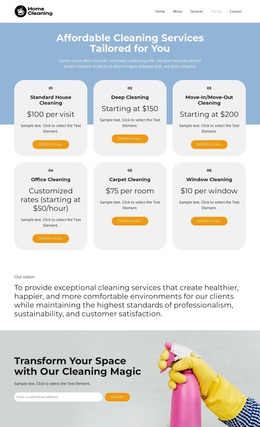
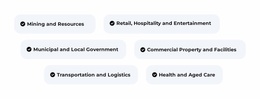
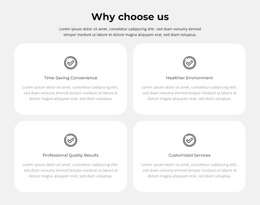
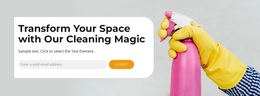
The surrounding sections broaden the design’s usefulness as a ready-made option. A blue split block addresses the promise of a spotless home or office, four benefit cards describe convenience, environmental health, professional results, and customization, and six industry pills identify organizational contexts such as retail, hospitality, transport, and health-related care. The three metric cards create another content pattern for structural proof, although the displayed values should be verified before publication. Repeated Get a Quote buttons keep the presentation connected to a practical service inquiry, while the pink quality section and final image-led invitation add variation without changing the central subject. Compared with a layout centered only on pricing or a single service, this option combines broad cleaning coverage, audience context, benefits, and response prompts in one visually calm page. It is therefore a useful choice for projects that need service storytelling before asking visitors for a quote.
Customize with Nicepage
Open this ready-made template in the Template Builder and customize it visually in the Nicepage editor. Replace demo content, edit page sections, and adapt the design to your project without rebuilding the template from scratch.
Start With a Ready-Made Template
Choose a Design for a New Page
Use a ready-made template as a starting point instead of creating every page from a blank canvas. When adding a new page in Nicepage, browse available designs, compare different layouts, and choose an option that already fits the general purpose and visual direction of your project.
Browse Different Page Designs
Explore Page Designs using search, thematic categories, Design Sets, and full-page previews. The collection includes layouts for different subjects and page purposes, making it easier to compare alternatives before selecting a design to customize.
Customize the Selected Template
After choosing a design, create the page and continue editing it visually in Nicepage. Replace the demo content, adjust images, typography, colors, sections, and other elements, and adapt the ready-made layout to your own content instead of rebuilding the design from the beginning.
Explore More Design Directions
If the first option does not match your project closely enough, return to the design collection and compare other templates before committing to a layout. This makes the template library useful not only for faster page creation, but also for exploring different visual approaches and finding a suitable starting point for a new project.
This workflow gives you access to a broad collection of ready-made designs that can be selected, compared, and customized according to the needs of each new page or project.