Our beauty treatments Template



Edit Template Offline
2. Create new page and search for id 1518087
Edit Template Online
Create Awesome Websites


Free Nicepage Builder
Keywords
A six-image gallery balances broad service coverage
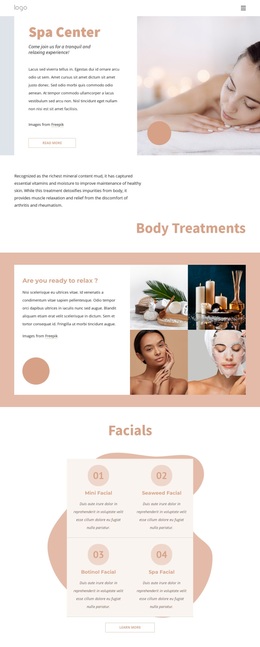
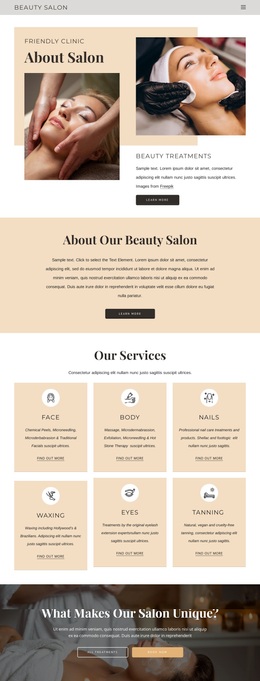
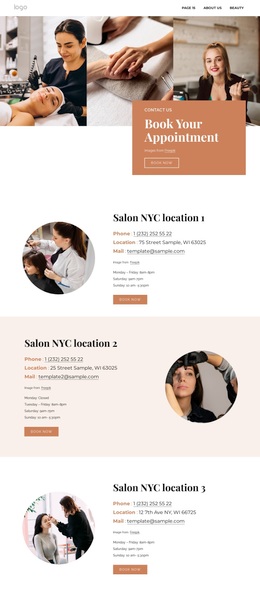
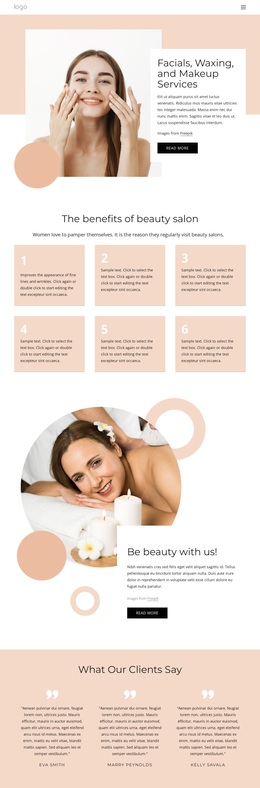
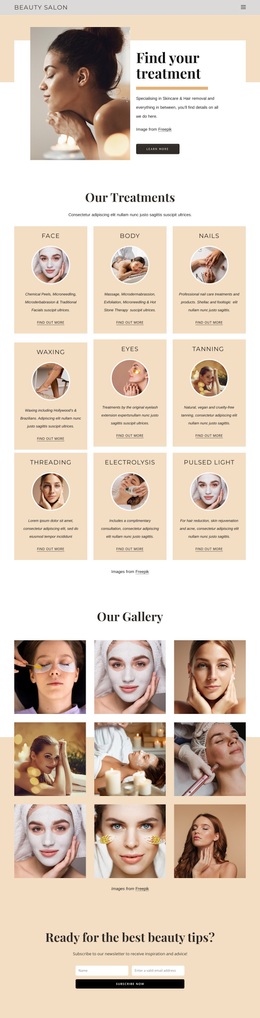
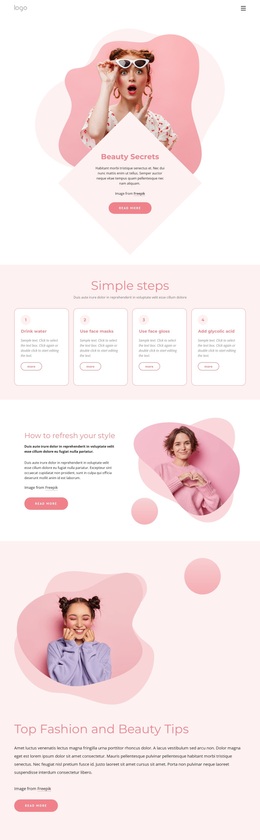
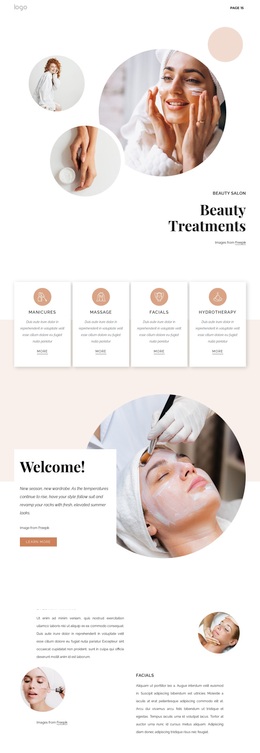
The design is worth considering when a beauty project needs to communicate through both treatment categories and visual atmosphere. Skin care, Manicure, and Microblading are grouped in a clear three-item overview, giving the page an immediate sense of service breadth. That summary is followed by more focused material on massage and relaxation, then by a six-image gallery under Full Service Beauty Studio. The sequence makes imagery a central part of the presentation instead of treating photos as secondary decoration.
Later labels extend the coverage to skincare, hair treatments, facial treatments, and styling services, so the page can represent several related areas within one visual direction. Rounded imagery, bright blue, cream, peach, and white surfaces, and organic line motifs give those different categories a shared setting. Contact us and learn more buttons appear throughout, while the final appointment block adds a practical next step with fields for a name, phone number, and message. This combination makes the template a useful option for projects that want a beauty-focused page with more than one service highlight, but still need the visual emphasis to remain on treatments, relaxation, and studio presentation rather than dense business copy.
Customize with Nicepage
Open this ready-made template in the Template Builder and customize it visually in the Nicepage editor. Replace demo content, edit page sections, and adapt the design to your project without rebuilding the template from scratch.
Start With a Ready-Made Template
Choose a Design for a New Page
Use a ready-made template as a starting point instead of creating every page from a blank canvas. When adding a new page in Nicepage, browse available designs, compare different layouts, and choose an option that already fits the general purpose and visual direction of your project.
Browse Different Page Designs
Explore Page Designs using search, thematic categories, Design Sets, and full-page previews. The collection includes layouts for different subjects and page purposes, making it easier to compare alternatives before selecting a design to customize.
Customize the Selected Template
After choosing a design, create the page and continue editing it visually in Nicepage. Replace the demo content, adjust images, typography, colors, sections, and other elements, and adapt the ready-made layout to your own content instead of rebuilding the design from the beginning.
Explore More Design Directions
If the first option does not match your project closely enough, return to the design collection and compare other templates before committing to a layout. This makes the template library useful not only for faster page creation, but also for exploring different visual approaches and finding a suitable starting point for a new project.
This workflow gives you access to a broad collection of ready-made designs that can be selected, compared, and customized according to the needs of each new page or project.