Flower delivery team Template


Edit Template Offline
2. Create new page and search for id 6348710
Edit Template Online
Create Awesome Websites


Free Nicepage Builder
Keywords
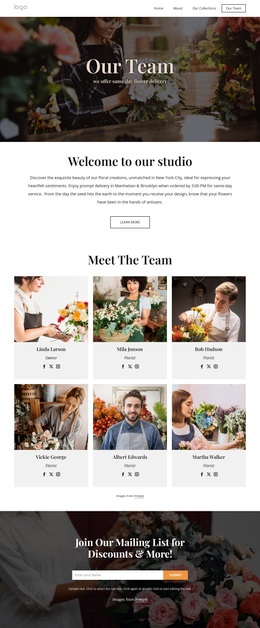
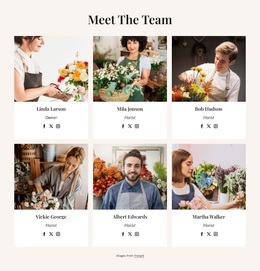
Six Floral Studio Profiles Give the Design a Distinctive Focus
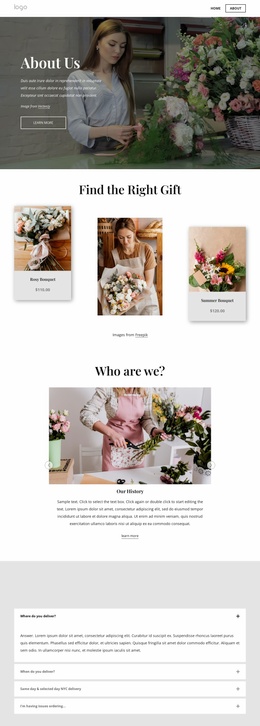
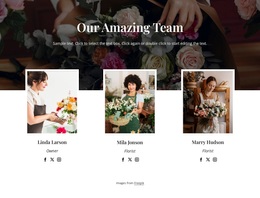
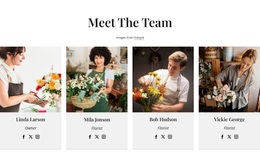
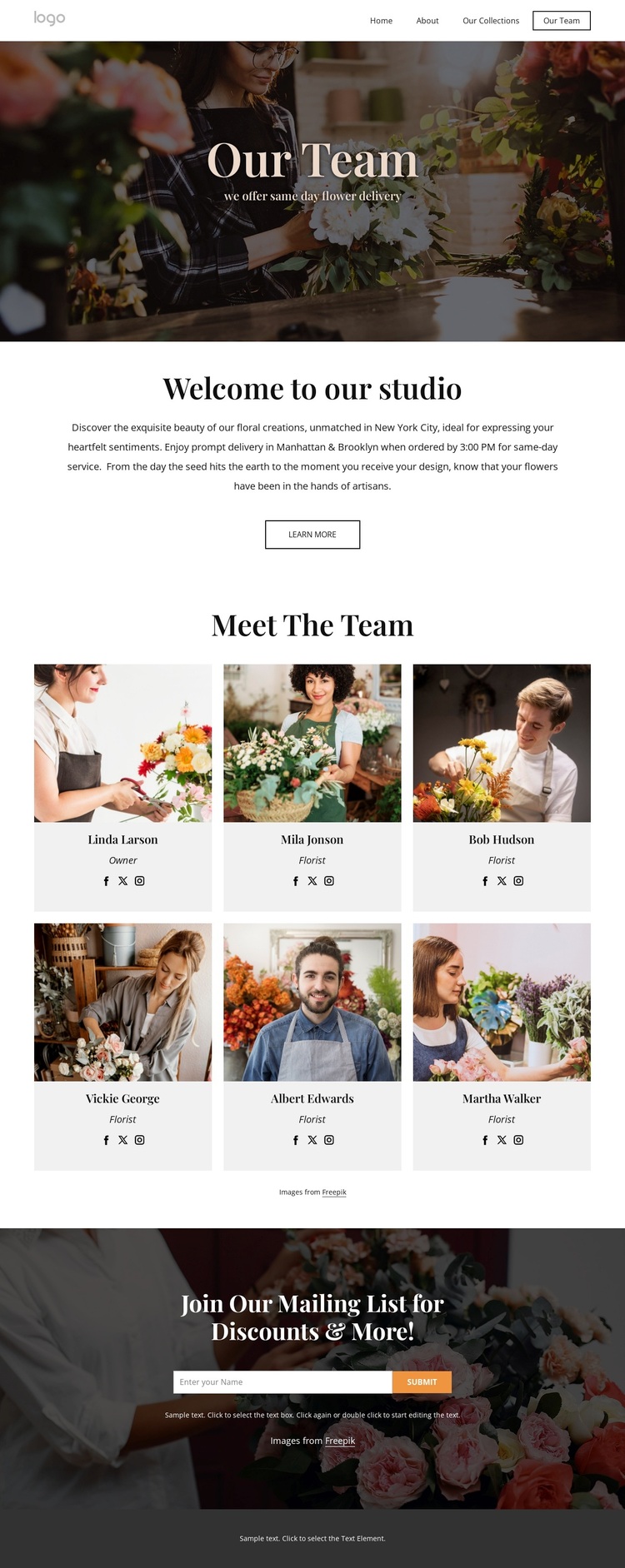
Six repeated team cards make the people behind the floral studio the central differentiator of this design. Each card combines a portrait, name, role, and social links, so the page offers more than a generic service introduction. The repeated arrangement creates a clear visual pattern while allowing the studio to replace the sample profiles with its own team information. This makes the design especially relevant to projects where personal presentation matters alongside the service itself.
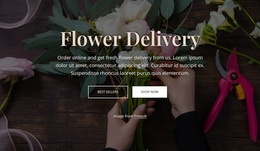
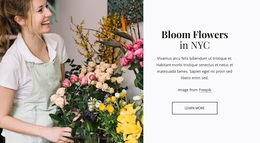
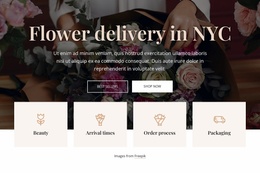
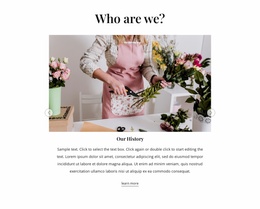
The surrounding sections reinforce that choice without competing with it. The Our Team hero uses a dark floral image and centered editorial typography to establish an elegant setting, while the same-day flower delivery subtitle identifies the practical offering. The welcome section then explains the studio in a quieter, more spacious block and adds a Learn more button. Together, the imagery and restrained text give the team directory a strong narrative position rather than treating it as an isolated grid.
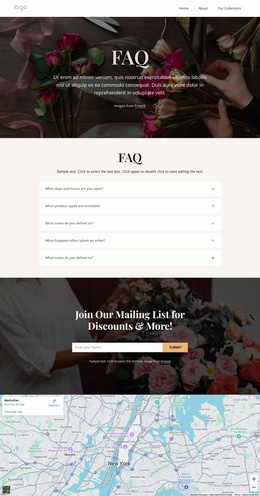
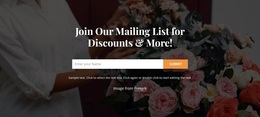
The final mailing-list banner extends the design beyond presentation. Its discounts-and-updates message, name field, and Submit action provide a concrete way to continue the relationship after visitors have met the team. Navigation for Home, About, and Our Collections also suggests how this page can fit into a wider floral studio presence. The result is a useful option for flower businesses that want service context, team visibility, and audience follow-up in one focused design.
Customize with Nicepage
Open this ready-made template in the Template Builder and customize it visually in the Nicepage editor. Replace demo content, edit page sections, and adapt the design to your project without rebuilding the template from scratch.
Start With a Ready-Made Template
Choose a Design for a New Page
Use a ready-made template as a starting point instead of creating every page from a blank canvas. When adding a new page in Nicepage, browse available designs, compare different layouts, and choose an option that already fits the general purpose and visual direction of your project.
Browse Different Page Designs
Explore Page Designs using search, thematic categories, Design Sets, and full-page previews. The collection includes layouts for different subjects and page purposes, making it easier to compare alternatives before selecting a design to customize.
Customize the Selected Template
After choosing a design, create the page and continue editing it visually in Nicepage. Replace the demo content, adjust images, typography, colors, sections, and other elements, and adapt the ready-made layout to your own content instead of rebuilding the design from the beginning.
Explore More Design Directions
If the first option does not match your project closely enough, return to the design collection and compare other templates before committing to a layout. This makes the template library useful not only for faster page creation, but also for exploring different visual approaches and finding a suitable starting point for a new project.
This workflow gives you access to a broad collection of ready-made designs that can be selected, compared, and customized according to the needs of each new page or project.