Exceptional beauty service Template



Edit Template Offline
2. Create new page and search for id 1292320
Edit Template Online
Create Awesome Websites


Free Nicepage Builder
Keywords
Gift Certificates and Treatment Photography Define the Design Choice
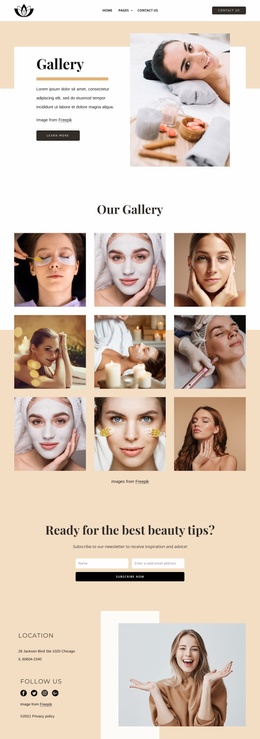
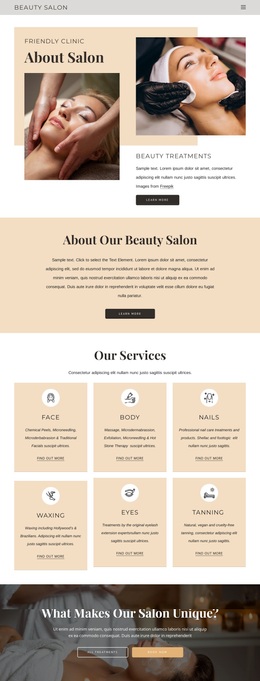
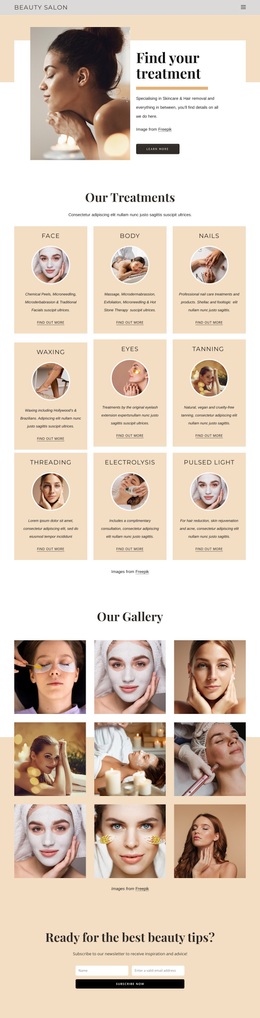
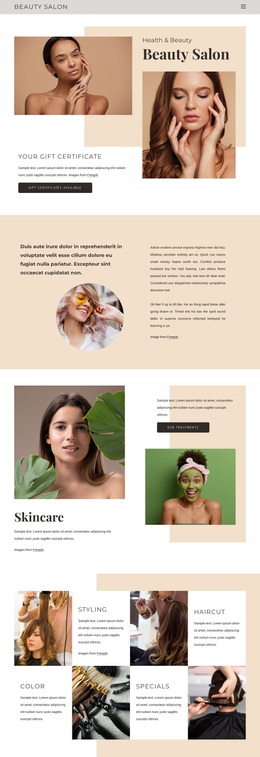
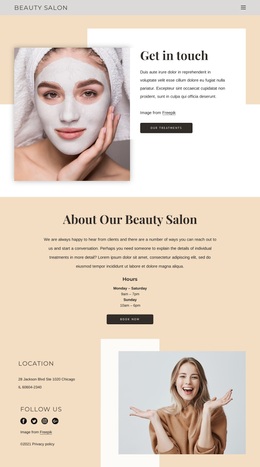
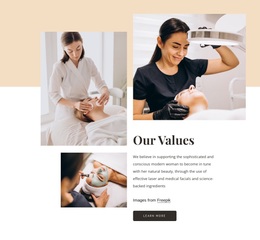
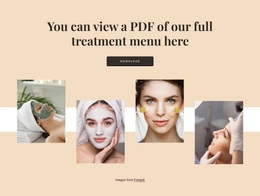
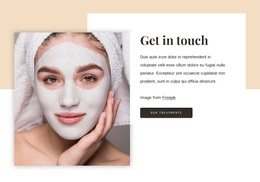
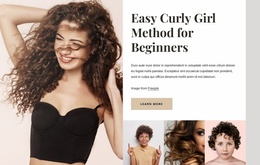
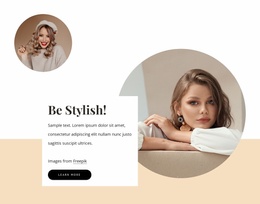
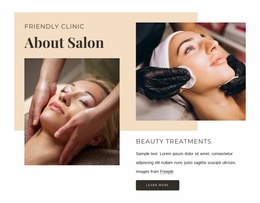
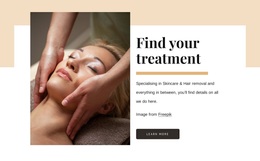
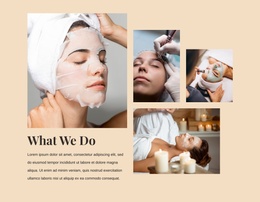
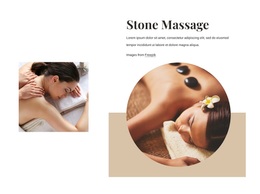
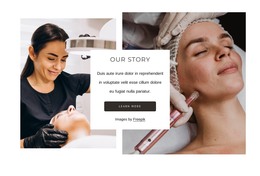
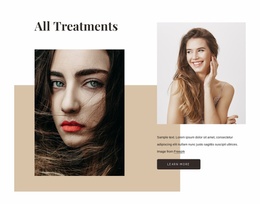
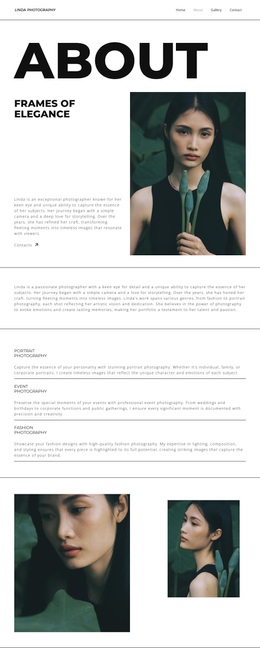
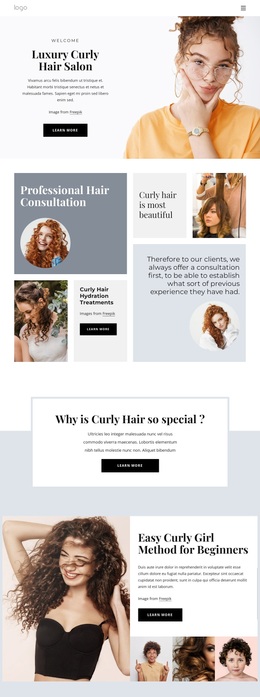
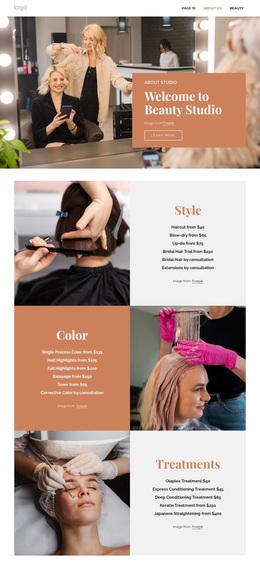
Large beauty photography carries much of the page’s message. The hero uses layered portrait imagery to establish the salon subject, while the Skincare and All Treatments sections give treatments a more spacious editorial presentation. Stone Massage is separated into its own focused area with circular photographs, so the design can appeal to projects that need imagery to explain atmosphere and service variety rather than relying on dense text alone.
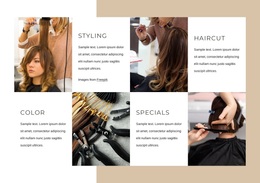
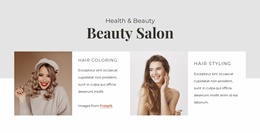
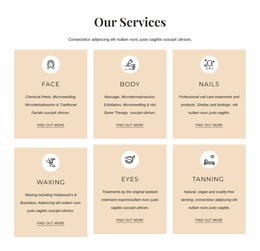
The gift certificate promotion adds a practical distinction. It appears in the hero and in a dedicated section with a Get Certificate action, giving the layout a clear promotional thread alongside its treatment content. The four compact categories—Styling, Haircut, Color, and Specials—then make the offer easier to scan. This combination of emotional imagery, a specific gift-oriented message, and concise service grouping makes the design a useful option for a salon or spa presentation with several related offerings.
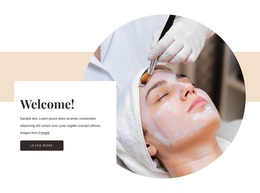
The lower Welcome, Follow Us, and newsletter regions prevent the page from ending at the treatment showcase. They add a softer introduction, social and contact context, and a final subscription area with Quick Links and Contact Us. Together, these facts distinguish the design from a purely portfolio-led or single-service layout while keeping the interpretation grounded in the verified page structure.
Customize with Nicepage
Open this ready-made template in the Template Builder and customize it visually in the Nicepage editor. Replace demo content, edit page sections, and adapt the design to your project without rebuilding the template from scratch.
Start With a Ready-Made Template
Choose a Design for a New Page
Use a ready-made template as a starting point instead of creating every page from a blank canvas. When adding a new page in Nicepage, browse available designs, compare different layouts, and choose an option that already fits the general purpose and visual direction of your project.
Browse Different Page Designs
Explore Page Designs using search, thematic categories, Design Sets, and full-page previews. The collection includes layouts for different subjects and page purposes, making it easier to compare alternatives before selecting a design to customize.
Customize the Selected Template
After choosing a design, create the page and continue editing it visually in Nicepage. Replace the demo content, adjust images, typography, colors, sections, and other elements, and adapt the ready-made layout to your own content instead of rebuilding the design from the beginning.
Explore More Design Directions
If the first option does not match your project closely enough, return to the design collection and compare other templates before committing to a layout. This makes the template library useful not only for faster page creation, but also for exploring different visual approaches and finding a suitable starting point for a new project.
This workflow gives you access to a broad collection of ready-made designs that can be selected, compared, and customized according to the needs of each new page or project.

Design Set (25)
-

-
-
-
-
-
-
-
-
-
-
-
-
-
-
Free Website Builder SoftwareDownload
-
-
-
-
-