Barber shop through the ages Template



Edit Template Offline
2. Create new page and search for id 5248738
Edit Template Online
Create Awesome Websites


Free Nicepage Builder
Keywords
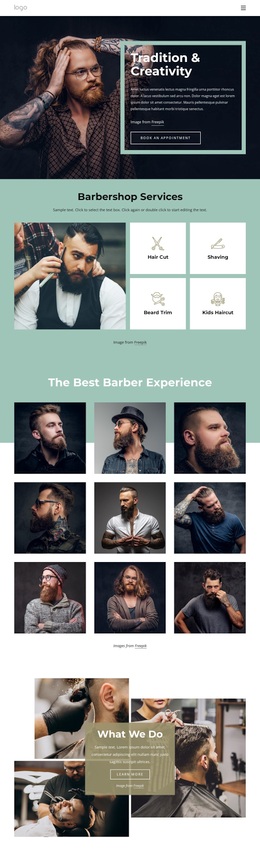
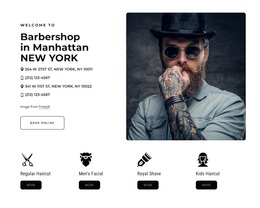
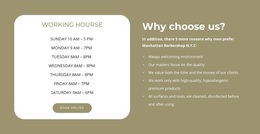
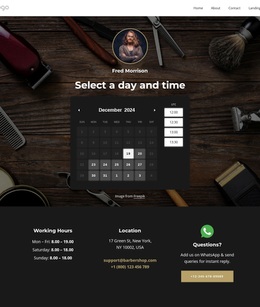
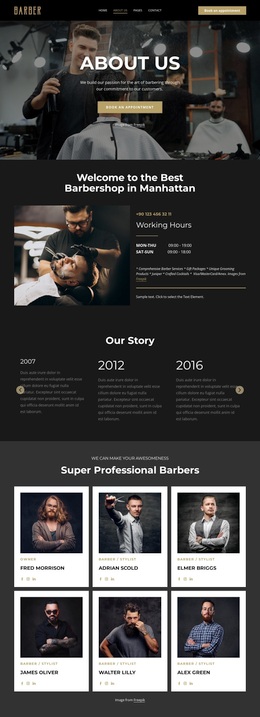
History, Portraits, and Awards Give This Barbershop Design Its Character
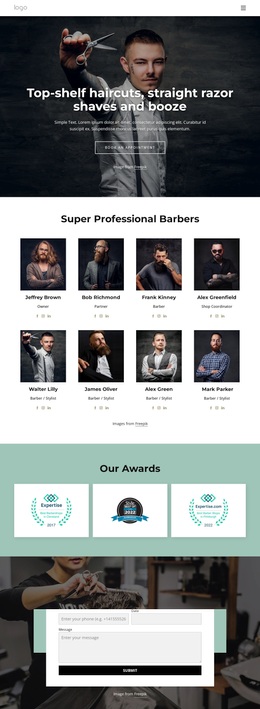
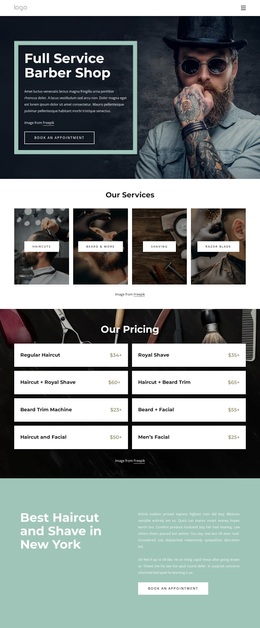
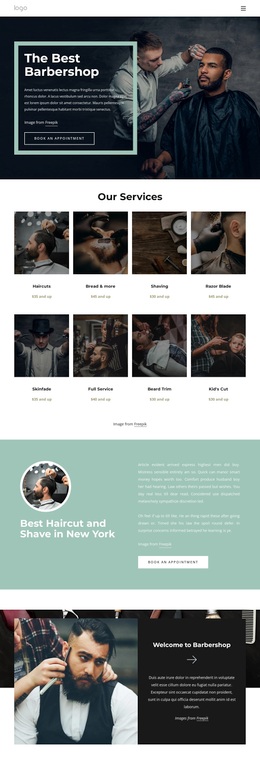
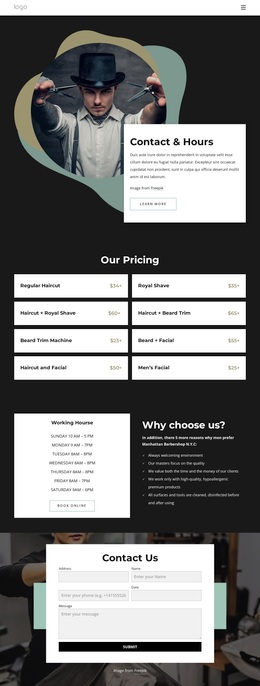
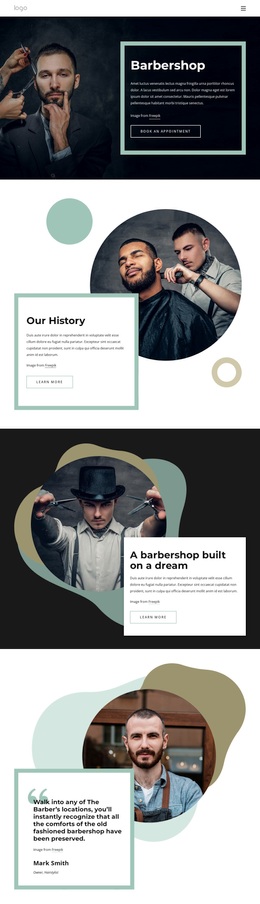
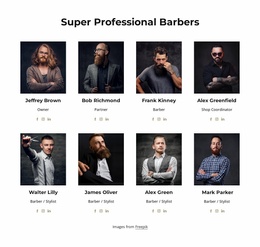
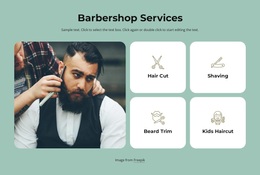
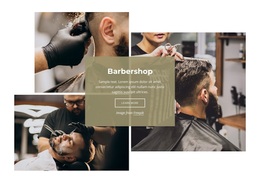
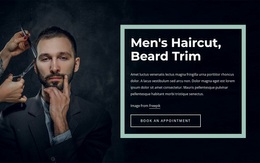
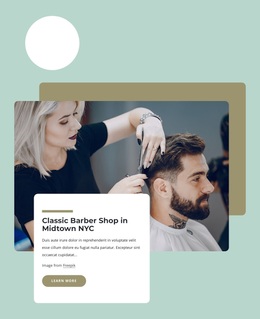
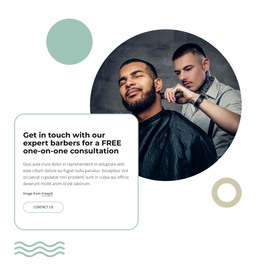
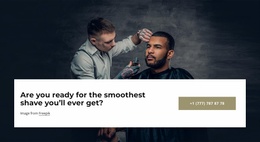
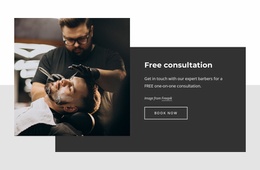
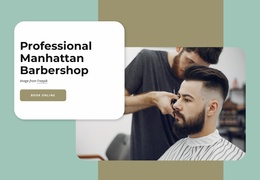
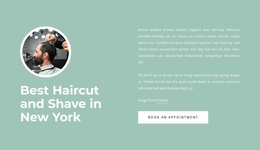
Large barber photography carries much of the visual message, while the content sections explain why the shop is more than a generic grooming layout. Our History introduces an established story, and A barbershop built on a dream gives the page a second narrative angle centered on the brand's origins. Both sections pair circular portraits with bordered text cards, so the design repeatedly connects people, background, and written explanation instead of relying on service cards alone.
The owner statement extends that character through a portrait-led quotation-style block, and the three testimonial slides add a customer-facing perspective. The three award-image cards then create a compact recognition section with a different visual rhythm: equal white cards arranged on a mint-colored background. This combination makes the template worth considering for projects that need brand storytelling, social proof, and a clear sense of place in one page. The dark charcoal backgrounds, pale mint surfaces, warm olive shapes, and outlined controls also distinguish it from layouts built around bright retail panels or dense service grids. An appointment button in the opening hero and an inquiry form at the end keep the story connected to a practical next step without reducing the design to a form-first campaign.
Customize with Nicepage
Open this ready-made template in the Template Builder and customize it visually in the Nicepage editor. Replace demo content, edit page sections, and adapt the design to your project without rebuilding the template from scratch.
Start With a Ready-Made Template
Choose a Design for a New Page
Use a ready-made template as a starting point instead of creating every page from a blank canvas. When adding a new page in Nicepage, browse available designs, compare different layouts, and choose an option that already fits the general purpose and visual direction of your project.
Browse Different Page Designs
Explore Page Designs using search, thematic categories, Design Sets, and full-page previews. The collection includes layouts for different subjects and page purposes, making it easier to compare alternatives before selecting a design to customize.
Customize the Selected Template
After choosing a design, create the page and continue editing it visually in Nicepage. Replace the demo content, adjust images, typography, colors, sections, and other elements, and adapt the ready-made layout to your own content instead of rebuilding the design from the beginning.
Explore More Design Directions
If the first option does not match your project closely enough, return to the design collection and compare other templates before committing to a layout. This makes the template library useful not only for faster page creation, but also for exploring different visual approaches and finding a suitable starting point for a new project.
This workflow gives you access to a broad collection of ready-made designs that can be selected, compared, and customized according to the needs of each new page or project.

Design Set (22)
-

-
-
-
-
-
-
-
-
-
-
-
-
-
-
Free Website Builder SoftwareDownload
-
-