HM Template


Edit Template Offline
2. Create new page and search for id 26813
Edit Template Online
Create Awesome Websites


Free Nicepage Builder
Keywords
Seasonal Imagery Connects Gift Cards, Collaborations, and Editorial Stories
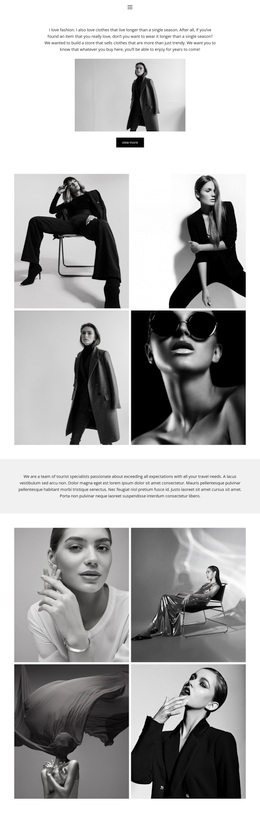
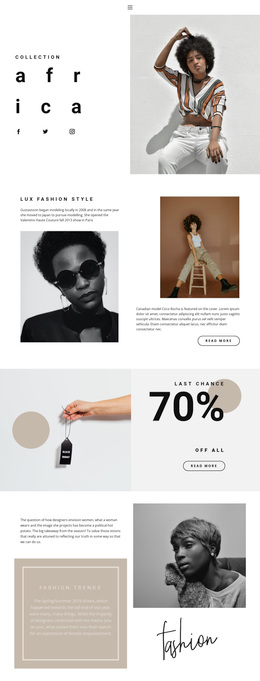
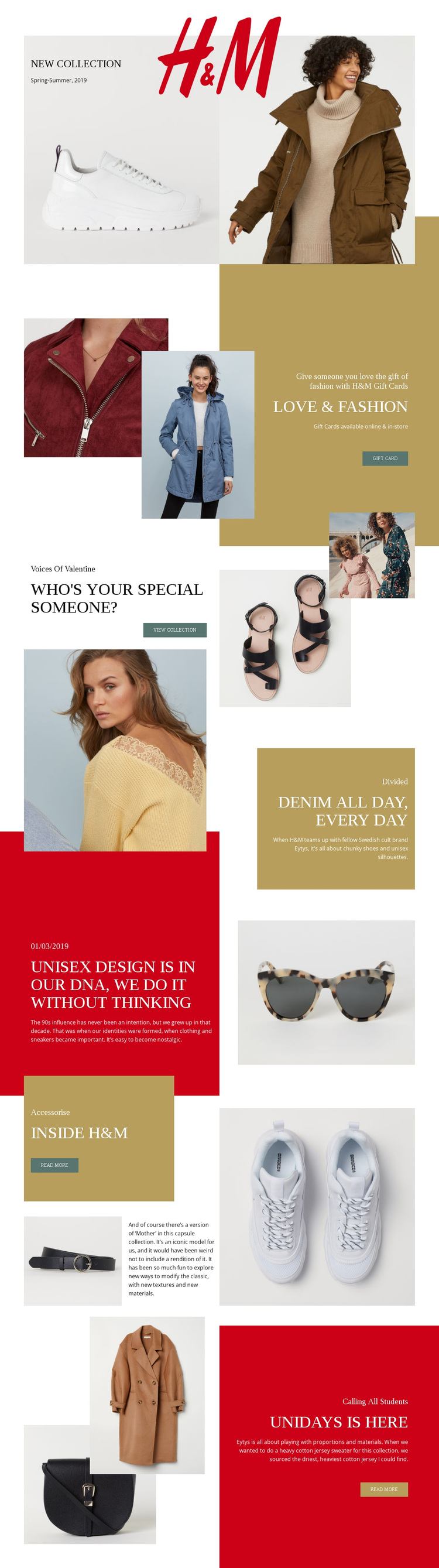
Large fashion photography gives this design a clear point of difference from layouts built mainly around dense service text or repeated product cards. The opening Spring-Summer 2019 collection panel makes imagery the first carrier of the message, then the LOVE & FASHION section turns the same visual language toward gift cards available online and in-store. That combination makes the template useful for campaigns that need to present a collection while also supporting a gift-oriented offer.
The page continues with several subject changes that remain easy to distinguish. Voices Of Valentine introduces a seasonal collection and View collection action, while the Divided section focuses on a denim collaboration with Eytys. The dated unisex design story adds a magazine-like editorial perspective, showing that the design can hold brand storytelling alongside direct promotion. Inside H&M develops that editorial direction through accessory imagery, descriptive copy, and a Read more action.
The closing UNiDAYS panel adds a student-focused use case without requiring a separate visual language. Its collage and promotional text follow the same image-to-copy rhythm established earlier, so the page can address a specific audience while remaining coherent. These relationships make the template a useful choice for fashion retail launches, seasonal campaigns, gift-card communication, or editorial merchandising where visual storytelling should carry as much weight as the written offer.
Customize with Nicepage
Open this ready-made template in the Template Builder and customize it visually in the Nicepage editor. Replace demo content, edit page sections, and adapt the design to your project without rebuilding the template from scratch.
Start With a Ready-Made Template
Choose a Design for a New Page
Use a ready-made template as a starting point instead of creating every page from a blank canvas. When adding a new page in Nicepage, browse available designs, compare different layouts, and choose an option that already fits the general purpose and visual direction of your project.
Browse Different Page Designs
Explore Page Designs using search, thematic categories, Design Sets, and full-page previews. The collection includes layouts for different subjects and page purposes, making it easier to compare alternatives before selecting a design to customize.
Customize the Selected Template
After choosing a design, create the page and continue editing it visually in Nicepage. Replace the demo content, adjust images, typography, colors, sections, and other elements, and adapt the ready-made layout to your own content instead of rebuilding the design from the beginning.
Explore More Design Directions
If the first option does not match your project closely enough, return to the design collection and compare other templates before committing to a layout. This makes the template library useful not only for faster page creation, but also for exploring different visual approaches and finding a suitable starting point for a new project.
This workflow gives you access to a broad collection of ready-made designs that can be selected, compared, and customized according to the needs of each new page or project.