Find your perfect travel Template


Edit Template Offline
2. Create new page and search for id 39481
Edit Template Online
Create Awesome Websites


Free Nicepage Builder
Keywords
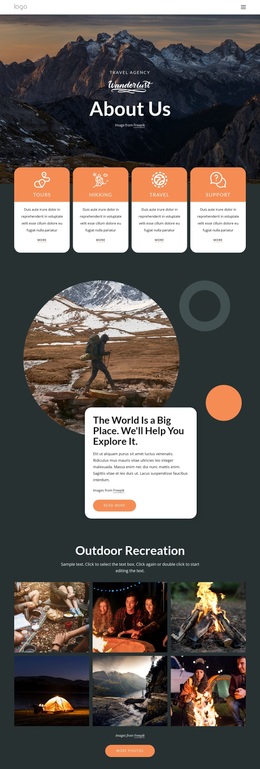
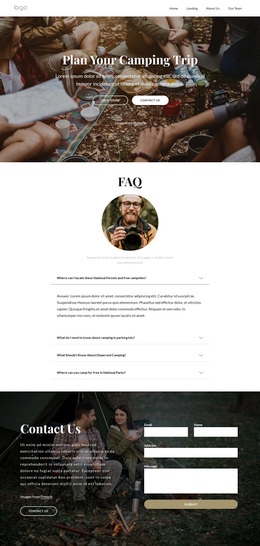
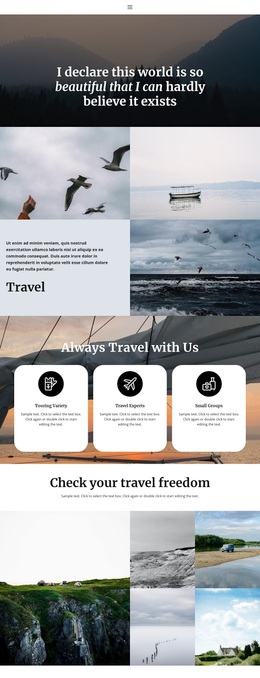
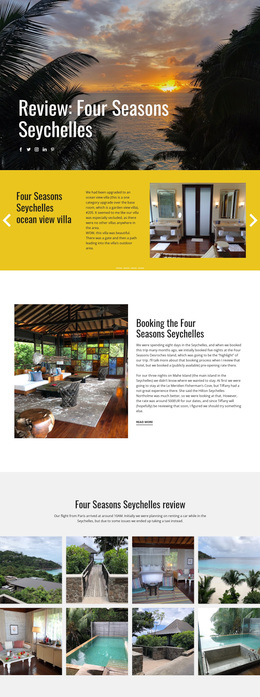
Trip Discovery and Agent Resources Meet in One Travel Design
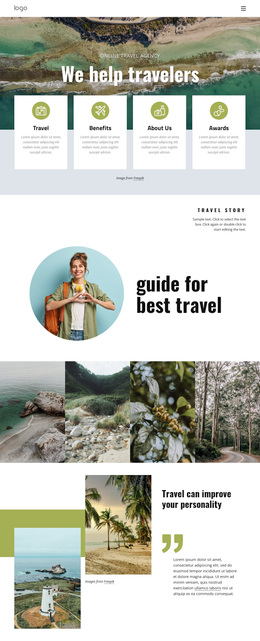
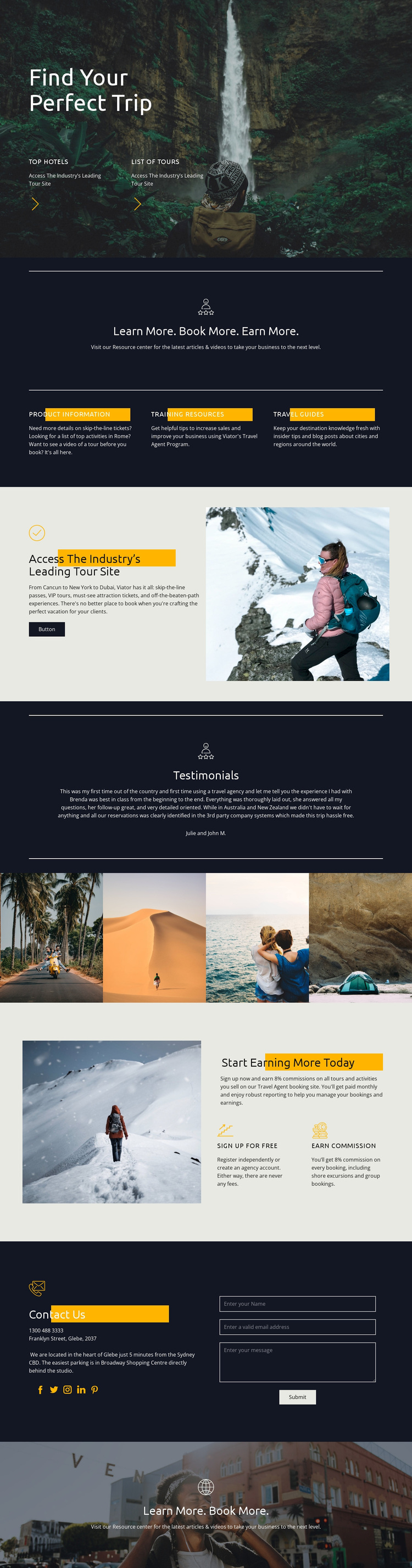
Large destination photography carries the first impression, beginning with the invitation to find a perfect trip and continuing through the tour-access, earning, and closing sections. That visual emphasis makes the design a strong option for projects where travel places and activities should be understood quickly, before visitors read longer explanations. The supporting links to Top Hotels and List of Tours make the opening more specific, connecting the emotional image with practical discovery paths.
The three equal resource cards distinguish this design from a page built only around a booking button. Product Information, Training Resources, and Travel Guides show that the program also needs education and supporting material. The following split section adds a direct connection to a tour site, while the testimonial offers a separate proof moment. Together, these elements create coverage for both travel-product exploration and confidence-building.
The lower half gives the design an additional point of distinction: it speaks to travel agents through sign-up and earning content rather than addressing travelers alone. Two supporting benefits sit beside an outdoor image, and the contact area provides social links and a form for continued communication. The four-image destination strip adds visual variety between these messages. As a ready-made design choice, the template suits travel programs that need to present places, resources, booking access, agent opportunity, and contact content in one coherent direction.
Customize with Nicepage
Open this ready-made template in the Template Builder and customize it visually in the Nicepage editor. Replace demo content, edit page sections, and adapt the design to your project without rebuilding the template from scratch.
Start With a Ready-Made Template
Choose a Design for a New Page
Use a ready-made template as a starting point instead of creating every page from a blank canvas. When adding a new page in Nicepage, browse available designs, compare different layouts, and choose an option that already fits the general purpose and visual direction of your project.
Browse Different Page Designs
Explore Page Designs using search, thematic categories, Design Sets, and full-page previews. The collection includes layouts for different subjects and page purposes, making it easier to compare alternatives before selecting a design to customize.
Customize the Selected Template
After choosing a design, create the page and continue editing it visually in Nicepage. Replace the demo content, adjust images, typography, colors, sections, and other elements, and adapt the ready-made layout to your own content instead of rebuilding the design from the beginning.
Explore More Design Directions
If the first option does not match your project closely enough, return to the design collection and compare other templates before committing to a layout. This makes the template library useful not only for faster page creation, but also for exploring different visual approaches and finding a suitable starting point for a new project.
This workflow gives you access to a broad collection of ready-made designs that can be selected, compared, and customized according to the needs of each new page or project.