Camping in National Park Template


Edit Template Offline
2. Create new page and search for id 2625204
Edit Template Online
Create Awesome Websites


Free Nicepage Builder
Keywords
National Park Imagery Paired With Broad Camping Content
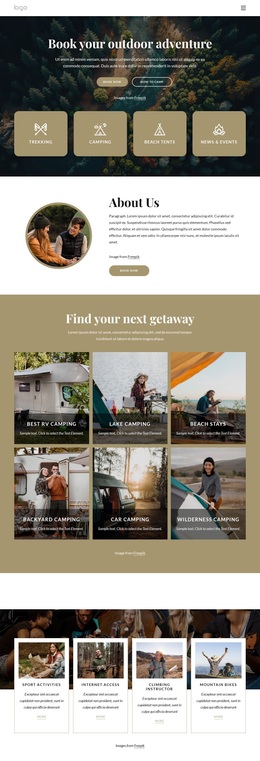
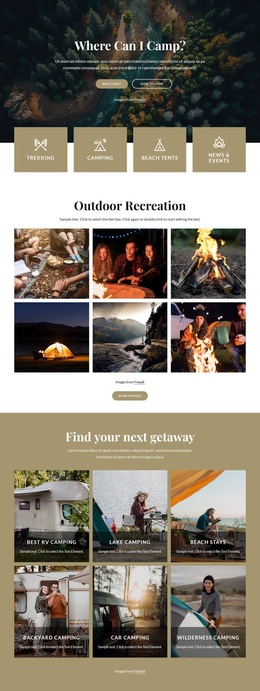
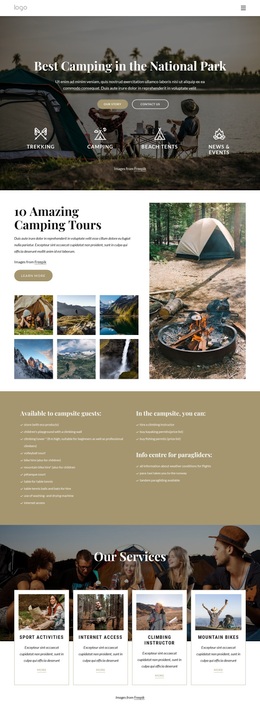
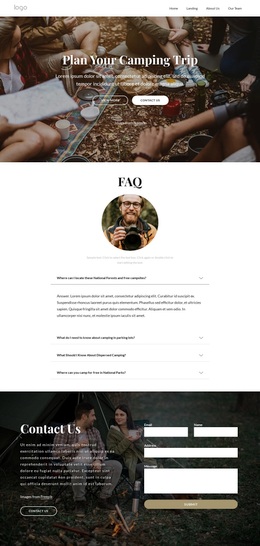
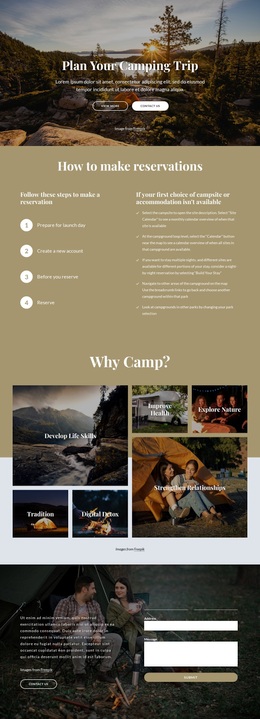
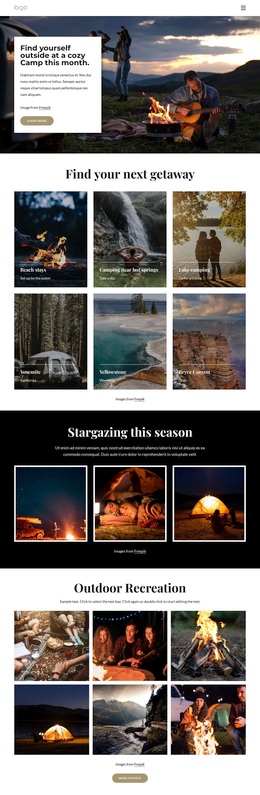
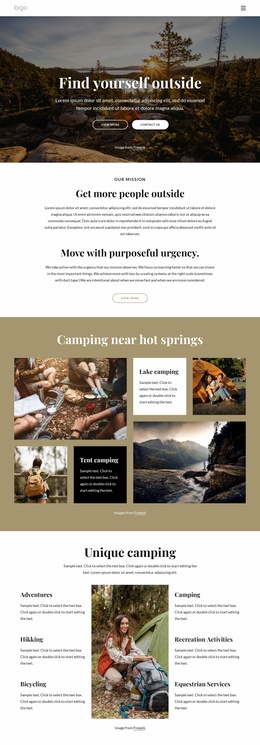
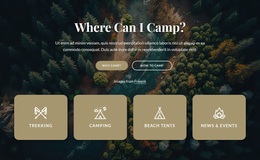
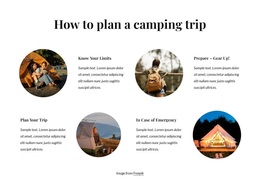
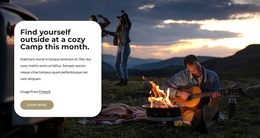
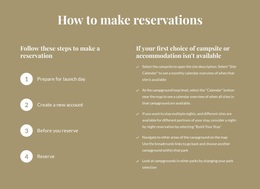
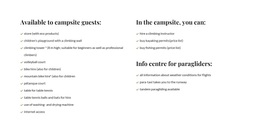
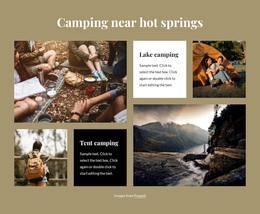
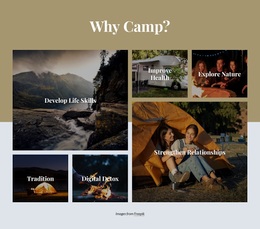
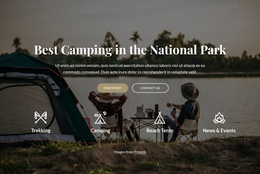
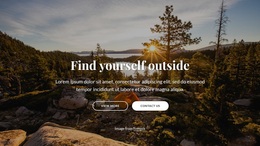
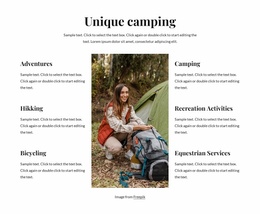
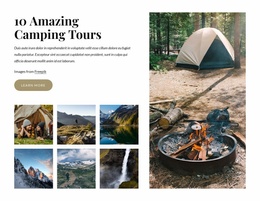
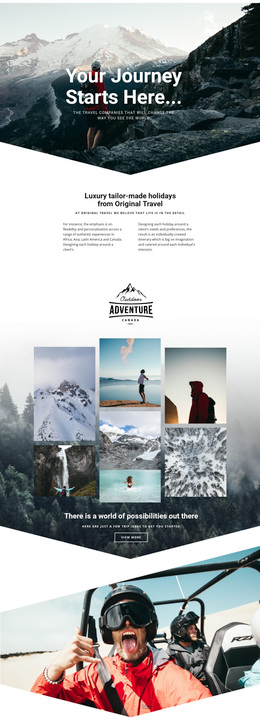
Large landscape photography gives this design a clear visual direction from the first section, while the content coverage keeps the page from depending on imagery alone. The opening destination message is followed by a camping tour presentation, so the design can communicate both atmosphere and a specific outdoor offer. The supporting image collection and larger tent photograph reinforce the camping subject, whereas the practical information block adds guidance that suits visitors who need more than a promotional overview.
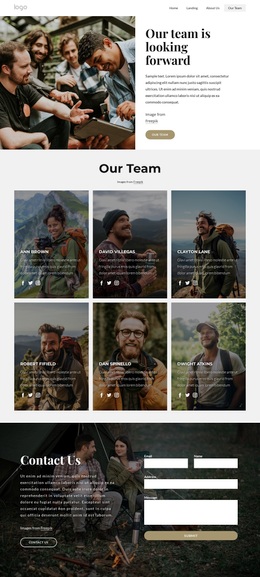
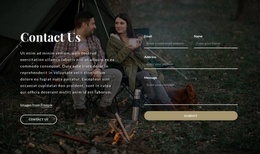
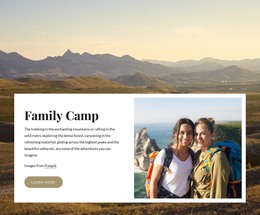
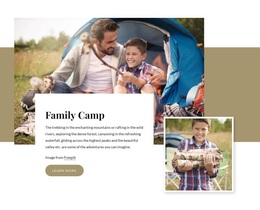
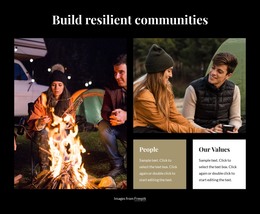
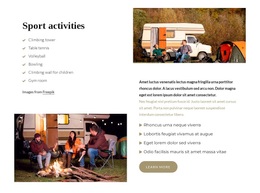
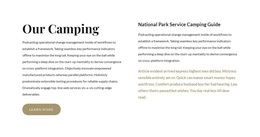
The four service cards make the option more distinctive by covering several parts of an outdoor experience: Sport Activities, Internet Access, Climbing Instructor, and Mountain Bikes. Family Camp introduces a separate family-oriented use case, and the alternating sport activity sections give the page room to explain movement, equipment, or related guidance through images and text. The National Park Service Camping Guide further broadens the content beyond a simple tour advertisement. Together, these relationships make the design a useful choice for projects that need destination storytelling, service coverage, practical information, and a visible inquiry route in one page. The dark photographic contact section provides a natural closing point, but the design's main character comes from the combination of landscape-led presentation and varied camping content rather than from a single technical implementation.
Customize with Nicepage
Open this ready-made template in the Template Builder and customize it visually in the Nicepage editor. Replace demo content, edit page sections, and adapt the design to your project without rebuilding the template from scratch.
Start With a Ready-Made Template
Choose a Design for a New Page
Use a ready-made template as a starting point instead of creating every page from a blank canvas. When adding a new page in Nicepage, browse available designs, compare different layouts, and choose an option that already fits the general purpose and visual direction of your project.
Browse Different Page Designs
Explore Page Designs using search, thematic categories, Design Sets, and full-page previews. The collection includes layouts for different subjects and page purposes, making it easier to compare alternatives before selecting a design to customize.
Customize the Selected Template
After choosing a design, create the page and continue editing it visually in Nicepage. Replace the demo content, adjust images, typography, colors, sections, and other elements, and adapt the ready-made layout to your own content instead of rebuilding the design from the beginning.
Explore More Design Directions
If the first option does not match your project closely enough, return to the design collection and compare other templates before committing to a layout. This makes the template library useful not only for faster page creation, but also for exploring different visual approaches and finding a suitable starting point for a new project.
This workflow gives you access to a broad collection of ready-made designs that can be selected, compared, and customized according to the needs of each new page or project.

Design Set (31)
-

-
-
-
-
-
-
-
-
-
-
-
-
Free Website Builder SoftwareDownload
-
-
-
-
-
-
-
-
-
-
-