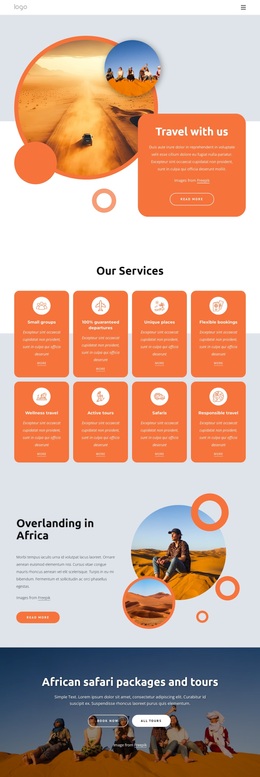
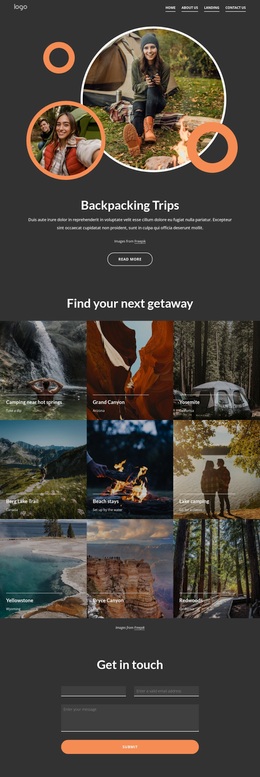
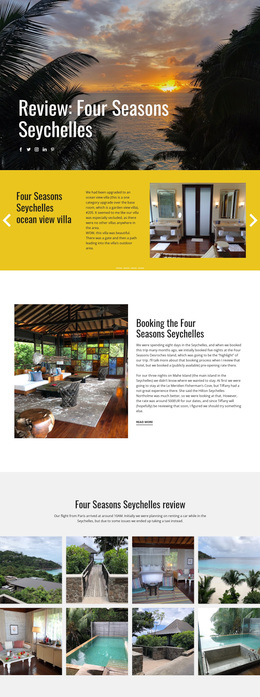
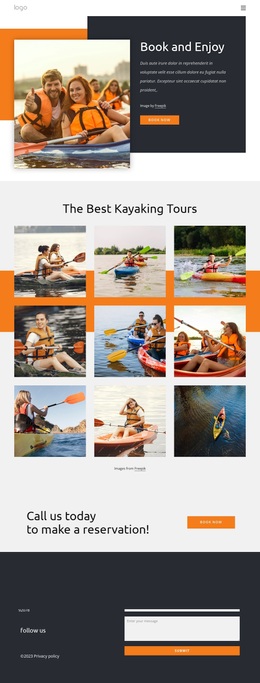
Original holiday travel Template


Edit Template Offline
2. Create new page and search for id 16634
Edit Template Online
Create Awesome Websites


Free Nicepage Builder
Keywords
Mountain Imagery and a World Map Shape the Travel Story
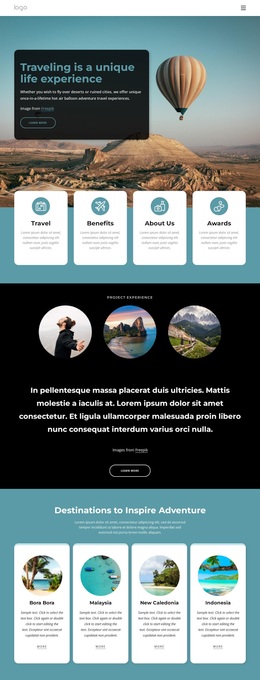
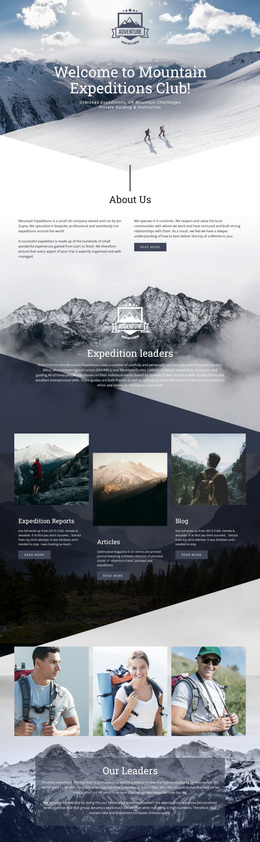
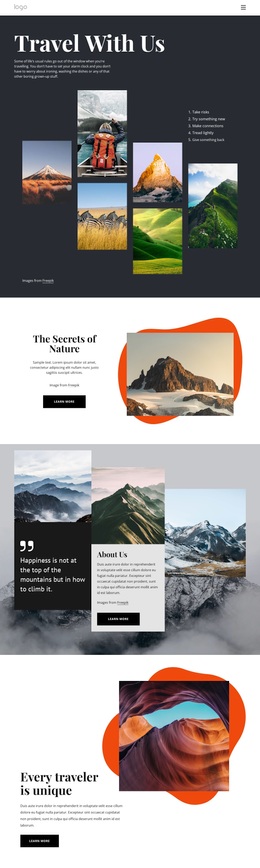
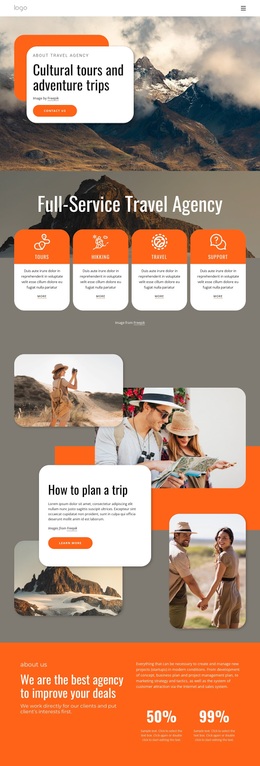
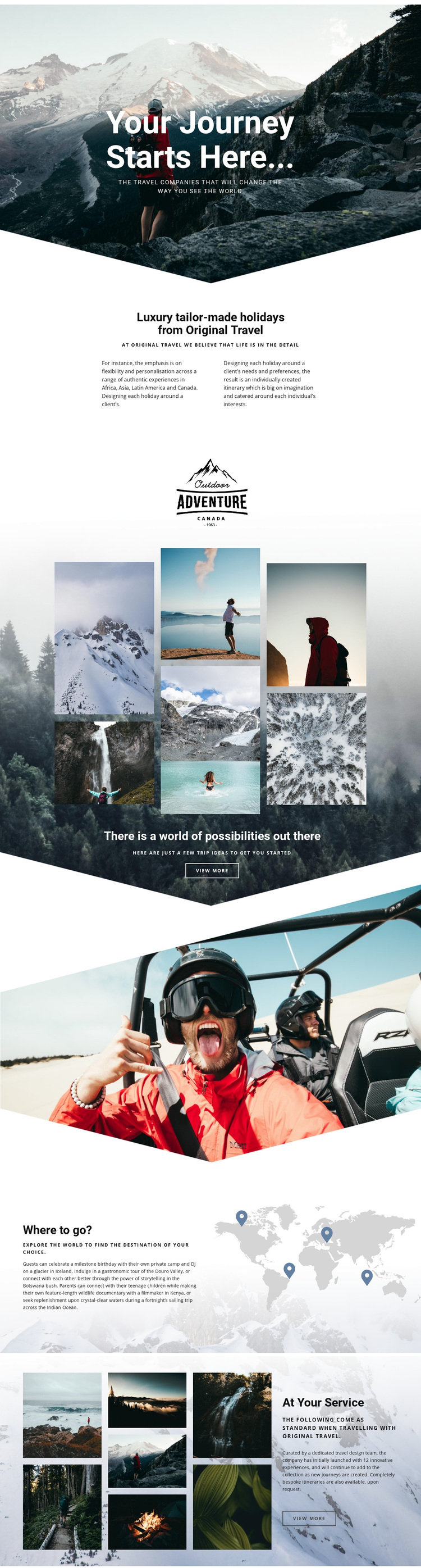
Large scenic photography carries much of the meaning in this design. The mountain hero introduces travel as an invitation to begin, while the later adventure collage turns that invitation into a set of visible trip possibilities. This makes the design a strong option for projects where imagery should lead the visitor into the subject before detailed service explanation takes over. The page does not rely only on a generic holiday message; it connects emotional landscape photography with a defined travel offer.
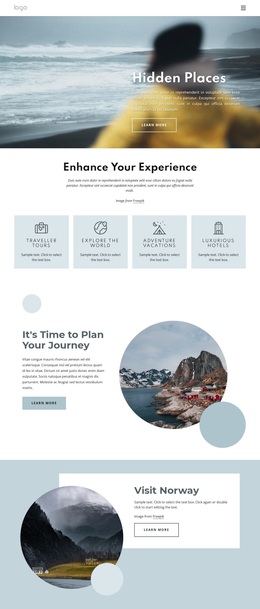
The About Us section adds an important layer of distinction. It identifies Original Travel and describes luxury tailor-made holidays, personalized planning, and individually created itineraries. The “Where to go?” section then expands the content beyond one destination, using a world map illustration and references to Africa, Asia, Latin America, Canada, Iceland, Botswana, Kenya, and the Indian Ocean. That combination supports projects that need to present both a broad range of possibilities and a premium, individually planned approach.
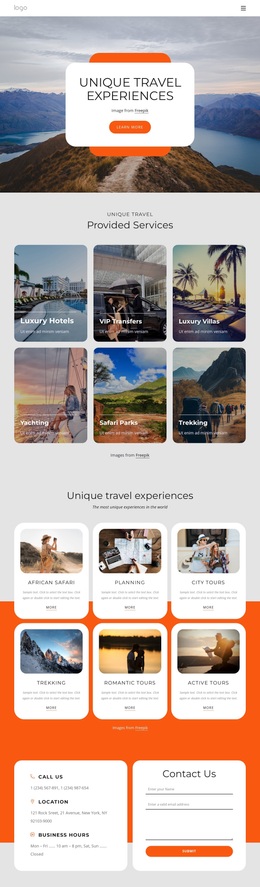
The closing service panel completes the design’s coverage by pairing another travel collage with information about a dedicated travel design team, innovative experiences, and bespoke itineraries. Together, the sections provide a clear starting point for a luxury travel presentation: strong visual storytelling, destination inspiration, company context, and service detail. It is especially suited to a travel brand that wants visitors to explore possibilities rather than begin with dense catalog-style information.
Customize with Nicepage
Open this ready-made template in the Template Builder and customize it visually in the Nicepage editor. Replace demo content, edit page sections, and adapt the design to your project without rebuilding the template from scratch.
Start With a Ready-Made Template
Choose a Design for a New Page
Use a ready-made template as a starting point instead of creating every page from a blank canvas. When adding a new page in Nicepage, browse available designs, compare different layouts, and choose an option that already fits the general purpose and visual direction of your project.
Browse Different Page Designs
Explore Page Designs using search, thematic categories, Design Sets, and full-page previews. The collection includes layouts for different subjects and page purposes, making it easier to compare alternatives before selecting a design to customize.
Customize the Selected Template
After choosing a design, create the page and continue editing it visually in Nicepage. Replace the demo content, adjust images, typography, colors, sections, and other elements, and adapt the ready-made layout to your own content instead of rebuilding the design from the beginning.
Explore More Design Directions
If the first option does not match your project closely enough, return to the design collection and compare other templates before committing to a layout. This makes the template library useful not only for faster page creation, but also for exploring different visual approaches and finding a suitable starting point for a new project.
This workflow gives you access to a broad collection of ready-made designs that can be selected, compared, and customized according to the needs of each new page or project.