Going on a camping trip Template



Edit Template Offline
2. Create new page and search for id 2650335
Edit Template Online
Create Awesome Websites


Free Nicepage Builder
Keywords
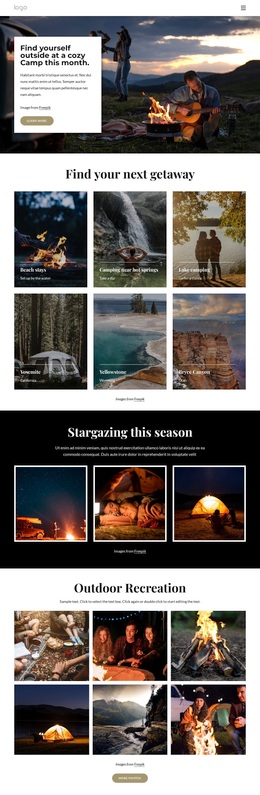
Six Destinations Lead Into a Broader Camping Story
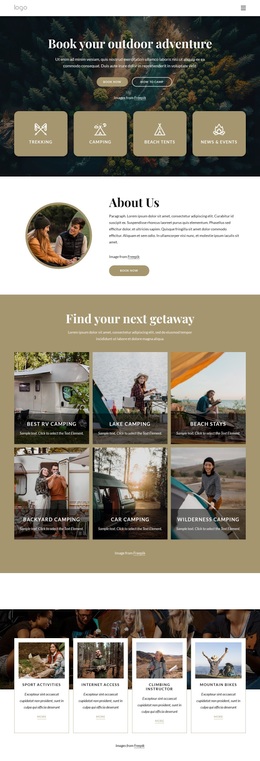
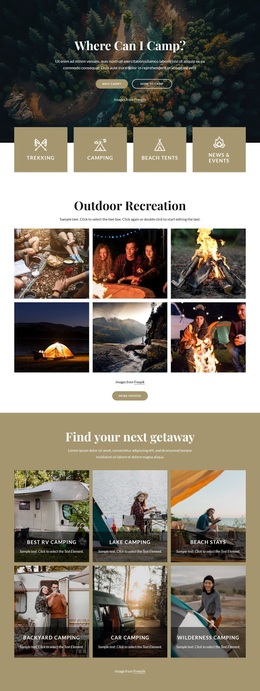
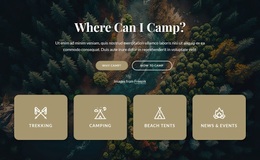
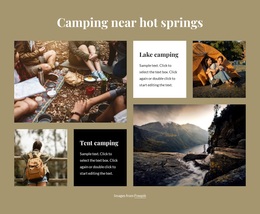
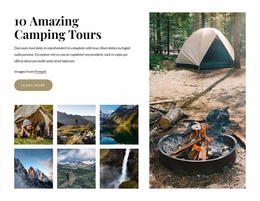
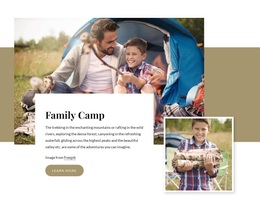
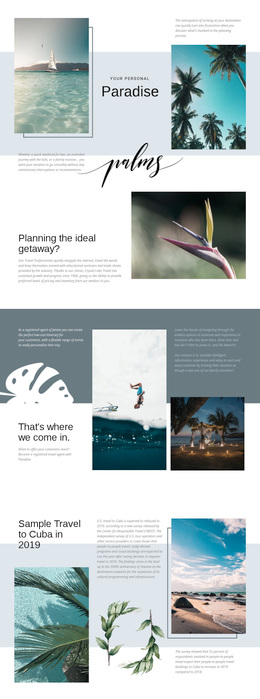
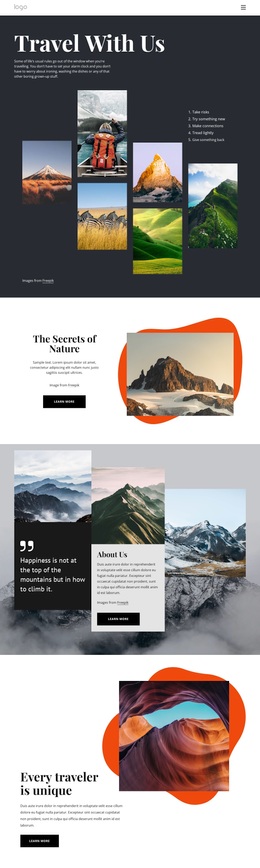
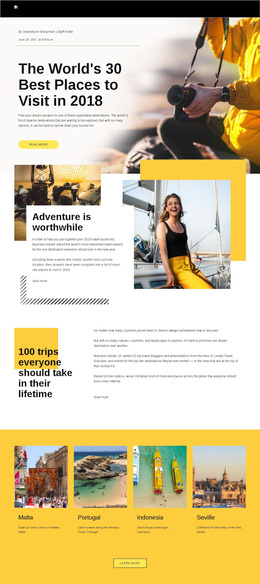
The six-image destination tile group gives this design a distinctive starting point because it presents several kinds of camping getaway in a compact visual format. Beach stays, hot-spring camping, lake camping, Yosemite, Yellowstone, and Bryce Canyon create more variety than a page focused on a single resort or activity. Visitors can understand the intended range of the project before moving into the longer sections.
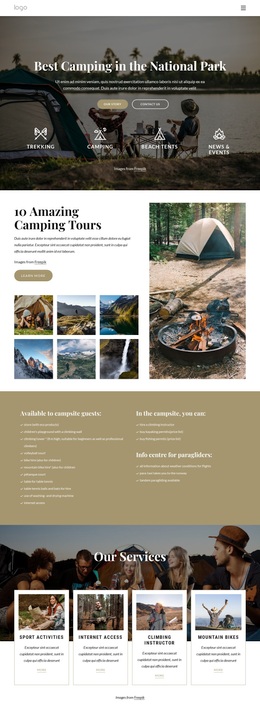
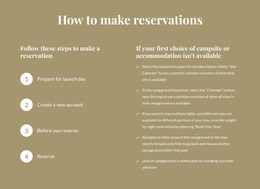
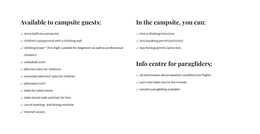
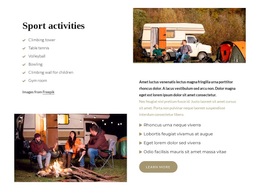
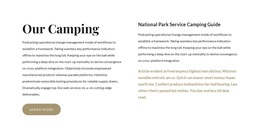
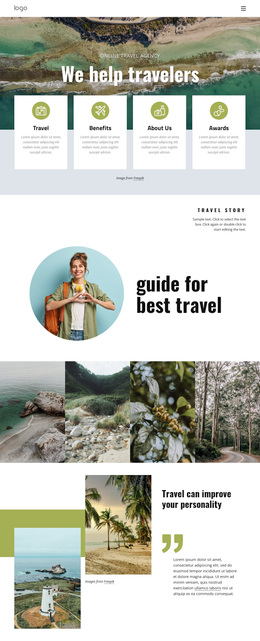
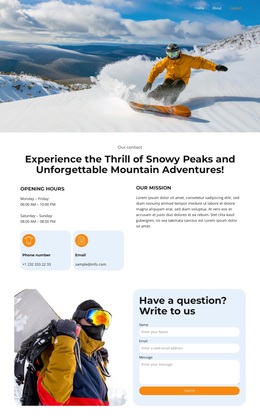
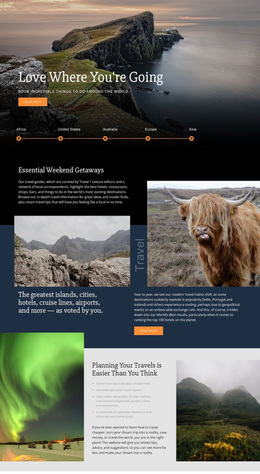
The design also covers both inspiration and practical information. The stargazing feature and six-image outdoor recreation gallery make scenic experience central to the presentation, while the three reservation cards address how to reserve, camping types, and services and amenities. That combination helps the page speak to travelers who want to imagine the setting as well as understand what information they may need before contacting the provider.
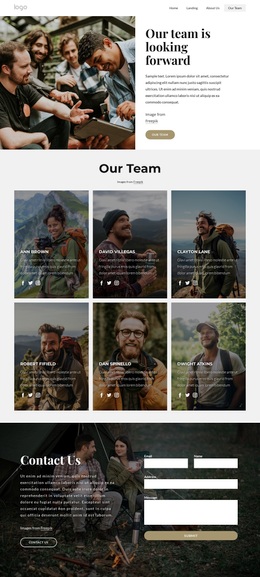
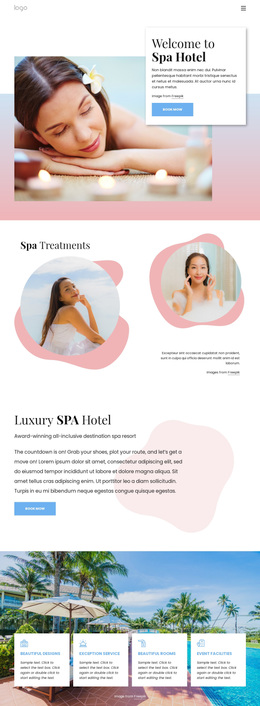
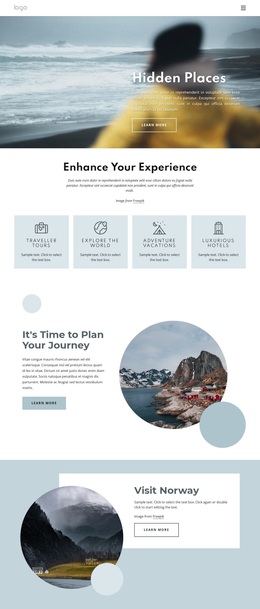
The recommendation cards add another layer through hidden gems, cottage stays, and glamping, and the contact section gives the journey a useful conclusion. The result is a strong option for projects that need destination discovery, activity imagery, accommodation variety, and reservation context in the same design. Its appeal comes from the relationship between visual breadth and practical coverage, rather than from a single decorative feature.
Customize with Nicepage
Open this ready-made template in the Template Builder and customize it visually in the Nicepage editor. Replace demo content, edit page sections, and adapt the design to your project without rebuilding the template from scratch.
Start With a Ready-Made Template
Choose a Design for a New Page
Use a ready-made template as a starting point instead of creating every page from a blank canvas. When adding a new page in Nicepage, browse available designs, compare different layouts, and choose an option that already fits the general purpose and visual direction of your project.
Browse Different Page Designs
Explore Page Designs using search, thematic categories, Design Sets, and full-page previews. The collection includes layouts for different subjects and page purposes, making it easier to compare alternatives before selecting a design to customize.
Customize the Selected Template
After choosing a design, create the page and continue editing it visually in Nicepage. Replace the demo content, adjust images, typography, colors, sections, and other elements, and adapt the ready-made layout to your own content instead of rebuilding the design from the beginning.
Explore More Design Directions
If the first option does not match your project closely enough, return to the design collection and compare other templates before committing to a layout. This makes the template library useful not only for faster page creation, but also for exploring different visual approaches and finding a suitable starting point for a new project.
This workflow gives you access to a broad collection of ready-made designs that can be selected, compared, and customized according to the needs of each new page or project.

Design Set (31)
-

-
-
-
-
-
-
-
-
-
-
-
-
Free Website Builder SoftwareDownload
-
-
-
-
-
-
-
-
-
-
-