Adventure and travel Template


Edit Template Offline
2. Create new page and search for id 11925
Edit Template Online
Create Awesome Websites


Free Nicepage Builder
Keywords
A Gallery-Led Layout Makes Exploration the Main Message
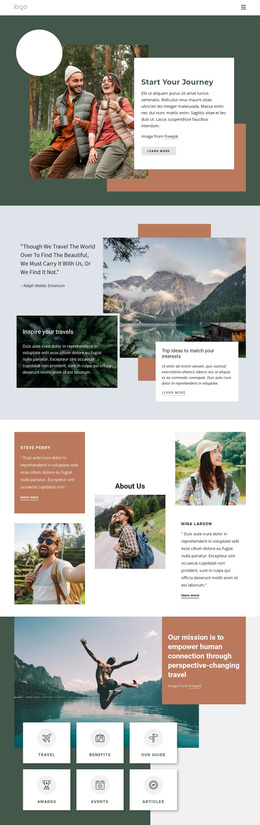
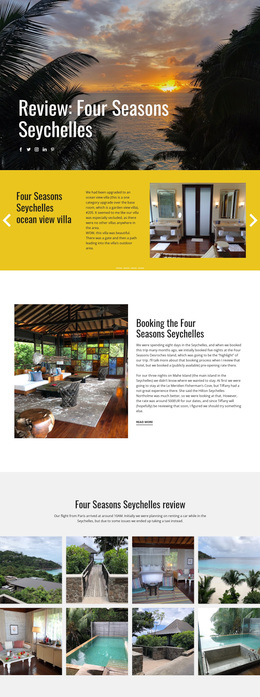
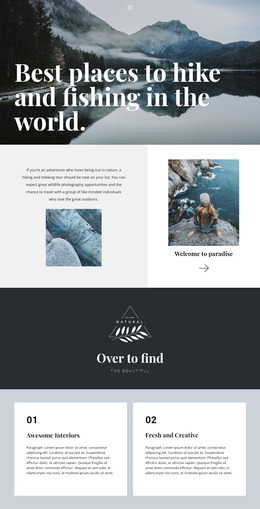
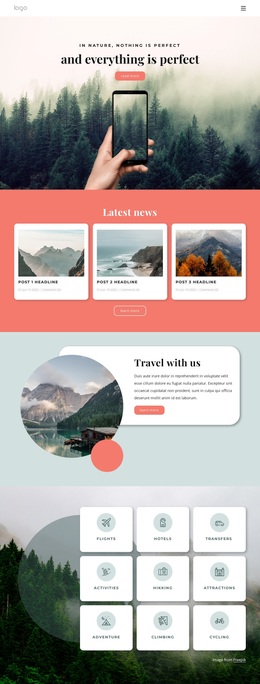
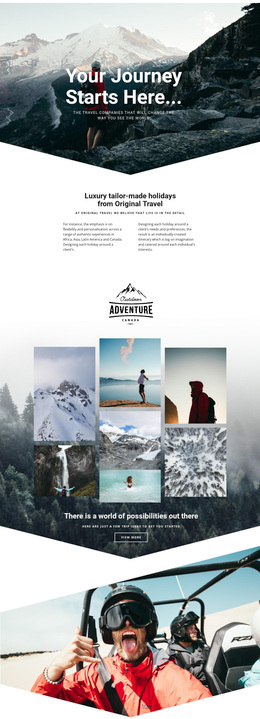
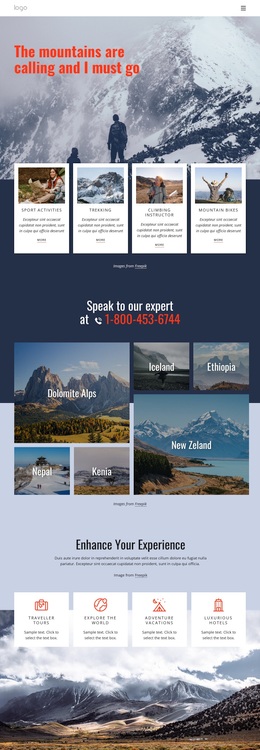
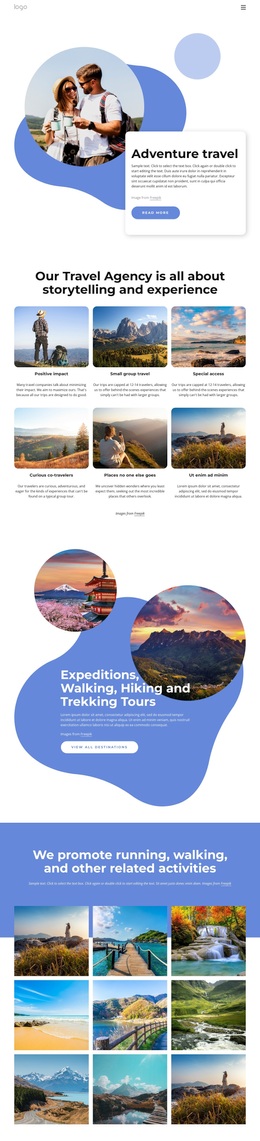
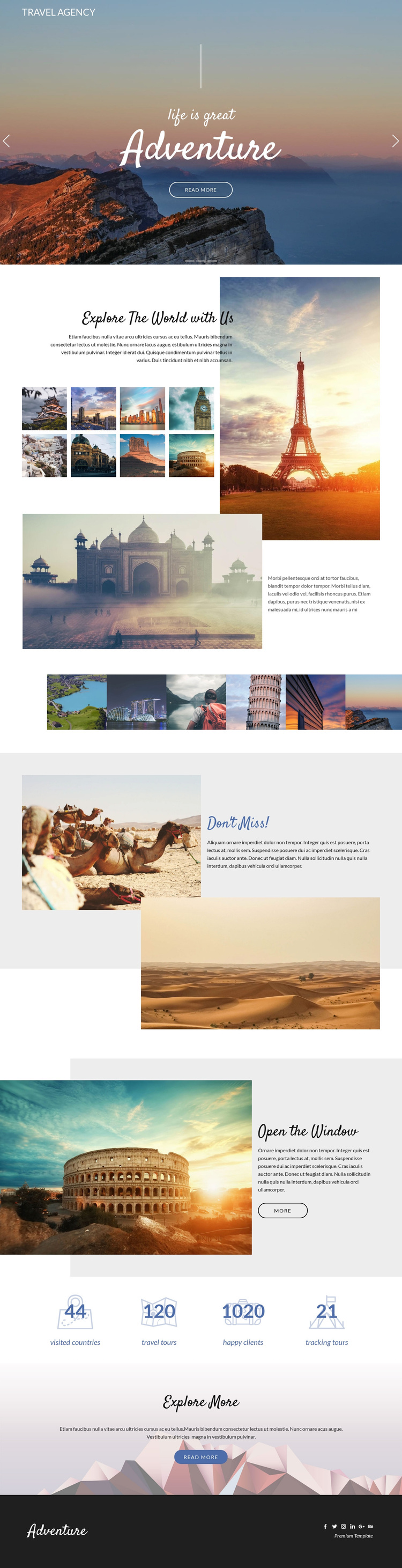
Large scenic images carry much of the communication in this design, beginning with the three-slide hero and continuing through the destination montage, six-image gallery, and later split sections. That consistency makes the template a useful choice for projects where places and atmosphere should be understood visually before visitors read dense explanatory copy. The centered Adventure introduction establishes the subject quickly, while Explore The World with Us adds enough editorial context to keep the page from functioning as only a photo display.
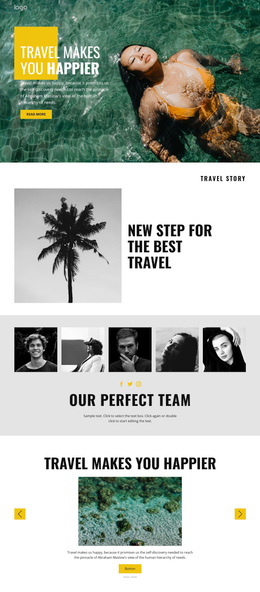
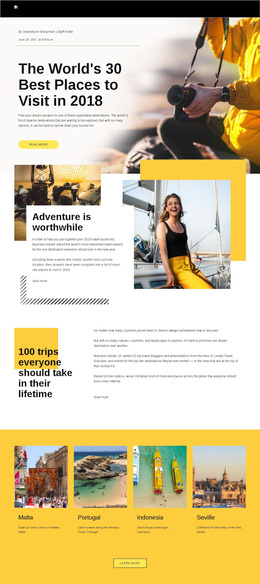
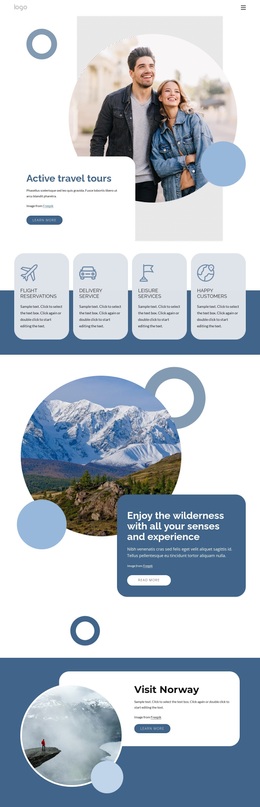
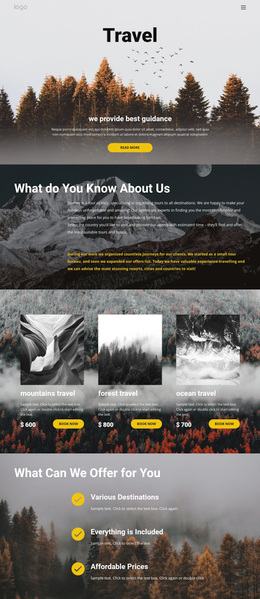
The “Don’t Miss!” and “Open the Window” blocks provide two different ways to feature travel content: one isolates a highlighted recommendation, while the other combines a text panel, action, and large destination image. The four travel-related metric labels add a contrasting information pattern, giving the page a compact pause between image-led sections and the closing Explore More invitation. Their sample numbers should be replaced or independently verified rather than treated as actual agency achievements. The combination of carousel storytelling, gallery coverage, feature highlights, and a social footer distinguishes this option from a travel layout centered mainly on lists, pricing, or long-form service descriptions. It is strongest where visual discovery and an open-ended invitation to keep exploring are more important than a narrowly defined transaction.
Customize with Nicepage
Open this ready-made template in the Template Builder and customize it visually in the Nicepage editor. Replace demo content, edit page sections, and adapt the design to your project without rebuilding the template from scratch.
Start With a Ready-Made Template
Choose a Design for a New Page
Use a ready-made template as a starting point instead of creating every page from a blank canvas. When adding a new page in Nicepage, browse available designs, compare different layouts, and choose an option that already fits the general purpose and visual direction of your project.
Browse Different Page Designs
Explore Page Designs using search, thematic categories, Design Sets, and full-page previews. The collection includes layouts for different subjects and page purposes, making it easier to compare alternatives before selecting a design to customize.
Customize the Selected Template
After choosing a design, create the page and continue editing it visually in Nicepage. Replace the demo content, adjust images, typography, colors, sections, and other elements, and adapt the ready-made layout to your own content instead of rebuilding the design from the beginning.
Explore More Design Directions
If the first option does not match your project closely enough, return to the design collection and compare other templates before committing to a layout. This makes the template library useful not only for faster page creation, but also for exploring different visual approaches and finding a suitable starting point for a new project.
This workflow gives you access to a broad collection of ready-made designs that can be selected, compared, and customized according to the needs of each new page or project.