Travel Makes You Happier Template


Edit Template Offline
2. Create new page and search for id 16995
Edit Template Online
Create Awesome Websites


Free Nicepage Builder
Keywords
Three Travel Benefits Give the Design a Distinctive Point of View
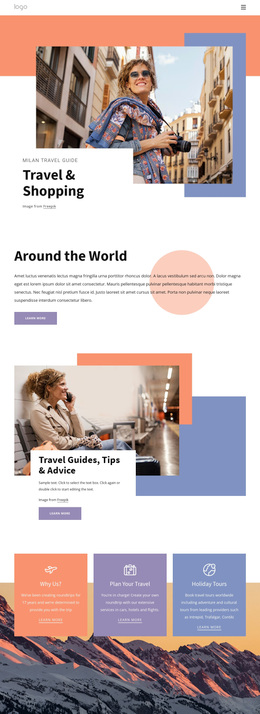
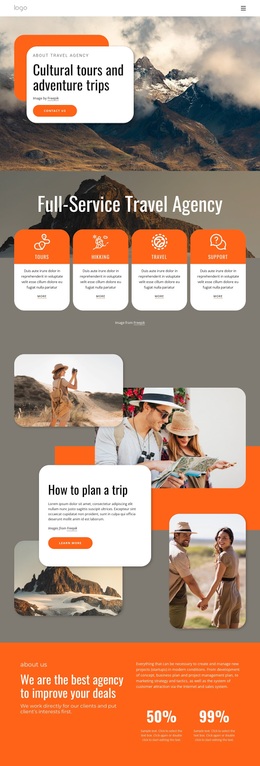
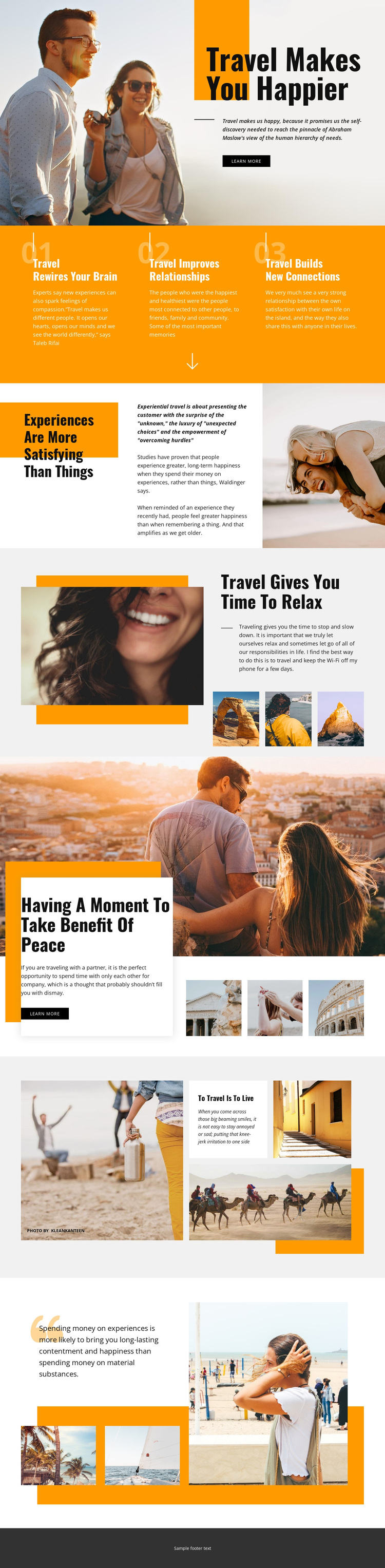
The page stands out by presenting travel as a source of personal and social value rather than only as a list of destinations. Its orange feature band identifies three specific benefits: travel requires the brain, improves relationships, and builds new connections. Those labels give the design a clear conceptual center, while the surrounding photography keeps the message grounded in visible experiences instead of dense explanatory text.
The editorial sections develop that point of view with deliberate contrasts. “Experiences Are More Satisfying Than Things” frames travel through a values-based comparison, and “Travel Gives You Time To Relax” shifts the emphasis toward rest. The peace-focused overlap block adds another visual and textual pause, using a scenic photograph, a white card, smaller supporting images, and a Shop Now button. This combination makes the design suitable for projects that want travel to feel reflective, emotional, and image-led.
The gallery and closing image arrangements broaden the choice with varied beach, seaside, and activity photography. Warm orange areas contrast with pale surfaces and dark charcoal sections, giving the page recognizable visual anchors. Together, the benefit structure, reflective headlines, photographs, and action points distinguish this option from travel layouts organized mainly around accommodation listings, maps, or dense service cards.
Customize with Nicepage
Open this ready-made template in the Template Builder and customize it visually in the Nicepage editor. Replace demo content, edit page sections, and adapt the design to your project without rebuilding the template from scratch.
Start With a Ready-Made Template
Choose a Design for a New Page
Use a ready-made template as a starting point instead of creating every page from a blank canvas. When adding a new page in Nicepage, browse available designs, compare different layouts, and choose an option that already fits the general purpose and visual direction of your project.
Browse Different Page Designs
Explore Page Designs using search, thematic categories, Design Sets, and full-page previews. The collection includes layouts for different subjects and page purposes, making it easier to compare alternatives before selecting a design to customize.
Customize the Selected Template
After choosing a design, create the page and continue editing it visually in Nicepage. Replace the demo content, adjust images, typography, colors, sections, and other elements, and adapt the ready-made layout to your own content instead of rebuilding the design from the beginning.
Explore More Design Directions
If the first option does not match your project closely enough, return to the design collection and compare other templates before committing to a layout. This makes the template library useful not only for faster page creation, but also for exploring different visual approaches and finding a suitable starting point for a new project.
This workflow gives you access to a broad collection of ready-made designs that can be selected, compared, and customized according to the needs of each new page or project.