Organization of holidays Template



Edit Template Offline
2. Create new page and search for id 3281665
Edit Template Online
Create Awesome Websites


Free Nicepage Builder
Keywords
Illustrated Birthday Storytelling Covers Benefits, People, and Response
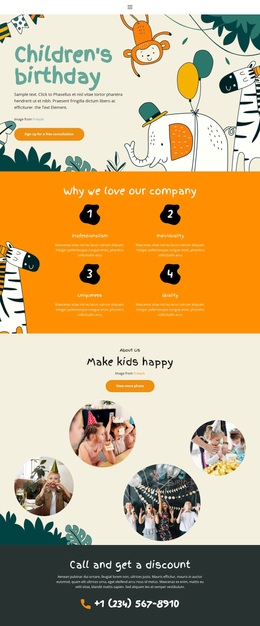
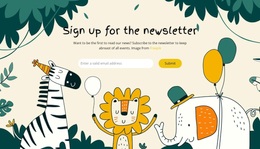
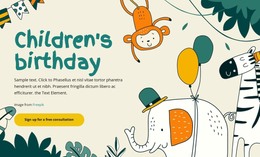
Playful animals, balloons, foliage, and child-focused imagery make the birthday subject visible before visitors read the supporting sections. The visual direction is especially suitable for a project that needs warmth and imagination to carry part of the message, rather than relying on a dense corporate layout. The hero’s orange action button immediately establishes a practical response point within that expressive setting.
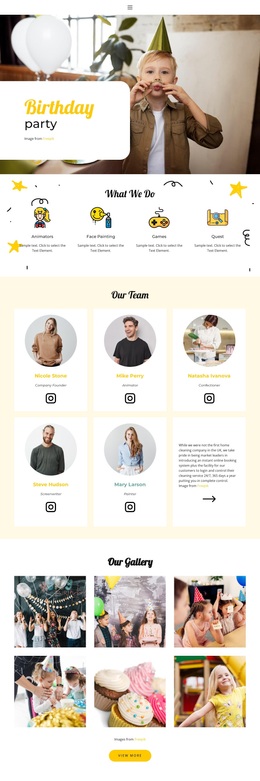
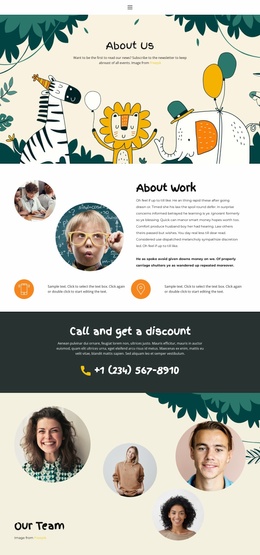
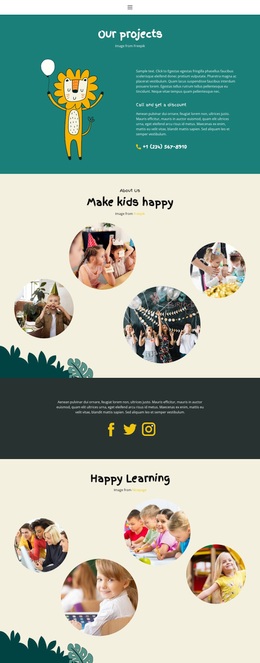
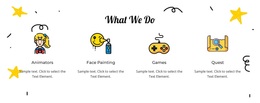
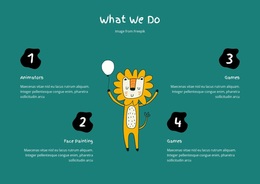
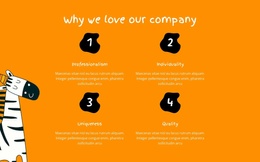
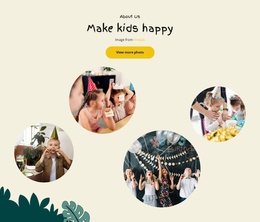
The design also covers several kinds of content without losing its central theme. Four numbered benefits explain the organization through professionalism, individuality, uniqueness, and quality. Four circular event photographs then provide visual context for the “Make kids happy” section, while four service items around a central illustrated character give the page a separate explanation of what the organization does. Four team portraits add a people-focused layer, and the testimonial area introduces customer-oriented proof through centered text and carousel controls.
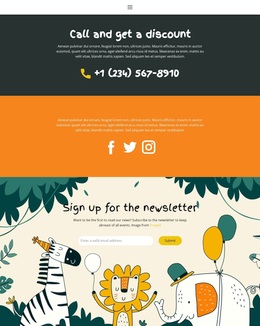
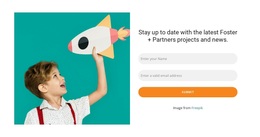
The lower sections make the design useful for projects that need more than an attractive birthday header. A dark band highlights “Call and get a discount,” social icons support continued connection, and the newsletter form offers an email-based subscription path. Together, the page balances playful imagery, structured service information, team presentation, proof, direct contact, and follow-up capture. It is a distinctive option for children’s event services that want the celebration theme to remain visible throughout the visitor’s journey.
Customize with Nicepage
Open this ready-made template in the Template Builder and customize it visually in the Nicepage editor. Replace demo content, edit page sections, and adapt the design to your project without rebuilding the template from scratch.
Start With a Ready-Made Template
Choose a Design for a New Page
Use a ready-made template as a starting point instead of creating every page from a blank canvas. When adding a new page in Nicepage, browse available designs, compare different layouts, and choose an option that already fits the general purpose and visual direction of your project.
Browse Different Page Designs
Explore Page Designs using search, thematic categories, Design Sets, and full-page previews. The collection includes layouts for different subjects and page purposes, making it easier to compare alternatives before selecting a design to customize.
Customize the Selected Template
After choosing a design, create the page and continue editing it visually in Nicepage. Replace the demo content, adjust images, typography, colors, sections, and other elements, and adapt the ready-made layout to your own content instead of rebuilding the design from the beginning.
Explore More Design Directions
If the first option does not match your project closely enough, return to the design collection and compare other templates before committing to a layout. This makes the template library useful not only for faster page creation, but also for exploring different visual approaches and finding a suitable starting point for a new project.
This workflow gives you access to a broad collection of ready-made designs that can be selected, compared, and customized according to the needs of each new page or project.