Modern Television Channel Template


Edit Template Offline
2. Create new page and search for id 6668487
Edit Template Online
Create Awesome Websites


Free Nicepage Builder
Keywords
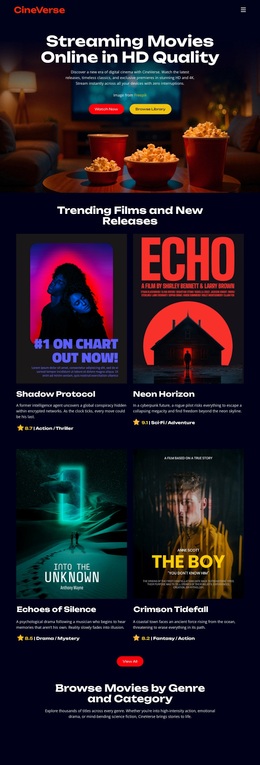
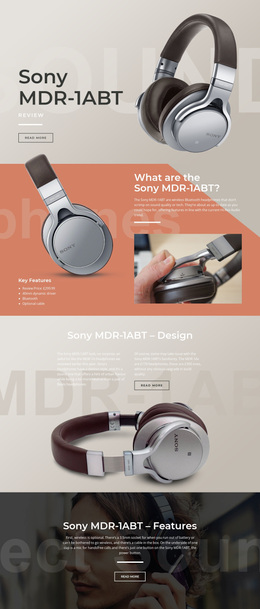
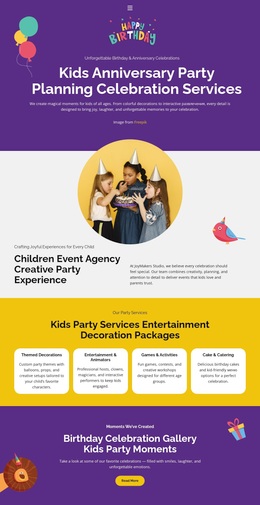
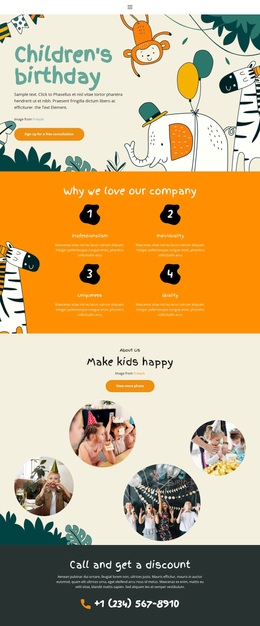
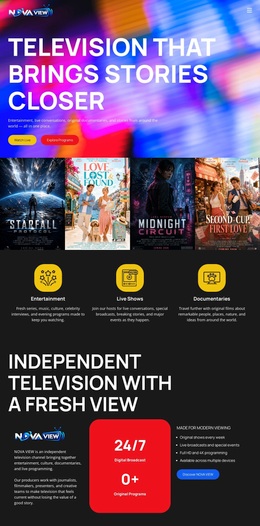
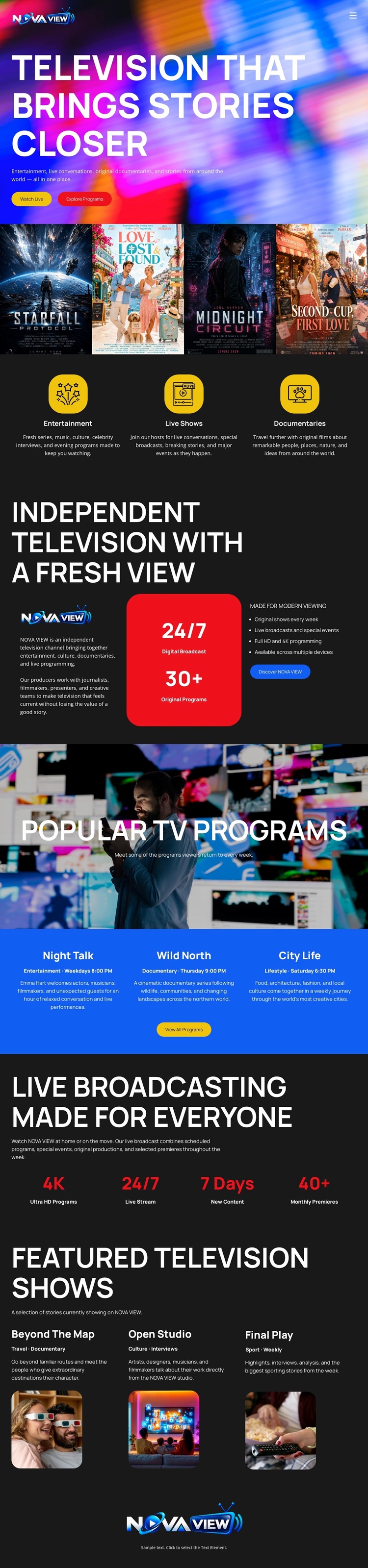
Four Posters and Three Program Groups Make the Concept Easy to Choose
The four program covers give this design an immediate point of difference: television content is introduced visually before the page moves into longer explanations. Starfall, Love Lost and Found, Midnight Circuit, and Second Cup: First Love create a compact showcase that can communicate variety through artwork and titles. The three category cards then broaden that impression by separating Entertainment, Live Shows, and Documentaries into clear programming directions.
The rest of the page supports the same choice without becoming a generic media layout. The independent television statement defines the network character, while Popular TV Programs introduces another group of named content through Night Talk, Wild North, and City Life. The broadcasting section adds live and streaming emphasis, and the final featured-show cards extend the presentation with Beyond The Map, Open Studio, and Final Play. This combination suits a project where viewers should browse a visual range of programs rather than read a dense corporate explanation. The design is therefore a useful option for a television channel, entertainment network, or broadcast concept that needs strong imagery, recognizable content groupings, and a clear path from network identity to program discovery.
Customize with Nicepage
Open this ready-made template in the Template Builder and customize it visually in the Nicepage editor. Replace demo content, edit page sections, and adapt the design to your project without rebuilding the template from scratch.
Start With a Ready-Made Template
Choose a Design for a New Page
Use a ready-made template as a starting point instead of creating every page from a blank canvas. When adding a new page in Nicepage, browse available designs, compare different layouts, and choose an option that already fits the general purpose and visual direction of your project.
Browse Different Page Designs
Explore Page Designs using search, thematic categories, Design Sets, and full-page previews. The collection includes layouts for different subjects and page purposes, making it easier to compare alternatives before selecting a design to customize.
Customize the Selected Template
After choosing a design, create the page and continue editing it visually in Nicepage. Replace the demo content, adjust images, typography, colors, sections, and other elements, and adapt the ready-made layout to your own content instead of rebuilding the design from the beginning.
Explore More Design Directions
If the first option does not match your project closely enough, return to the design collection and compare other templates before committing to a layout. This makes the template library useful not only for faster page creation, but also for exploring different visual approaches and finding a suitable starting point for a new project.
This workflow gives you access to a broad collection of ready-made designs that can be selected, compared, and customized according to the needs of each new page or project.