Listening your favorite music Template


Edit Template Offline
2. Create new page and search for id 20021
Edit Template Online
Create Awesome Websites


Free Nicepage Builder
Keywords
A Review Choice Built Around Product Evidence and Visual Rhythm
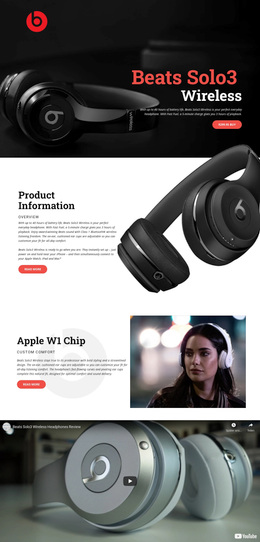
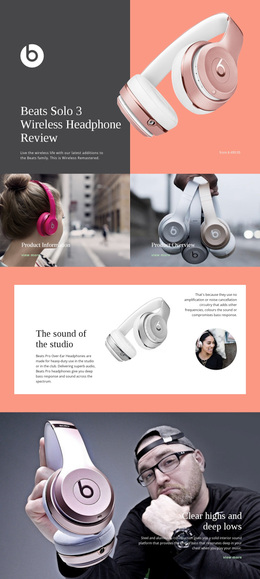
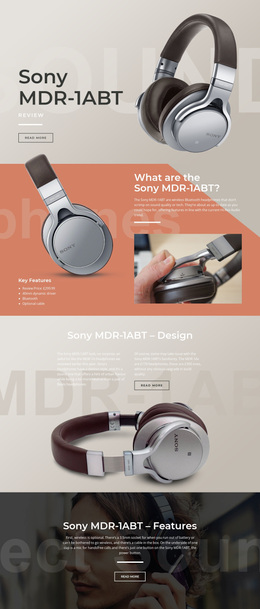
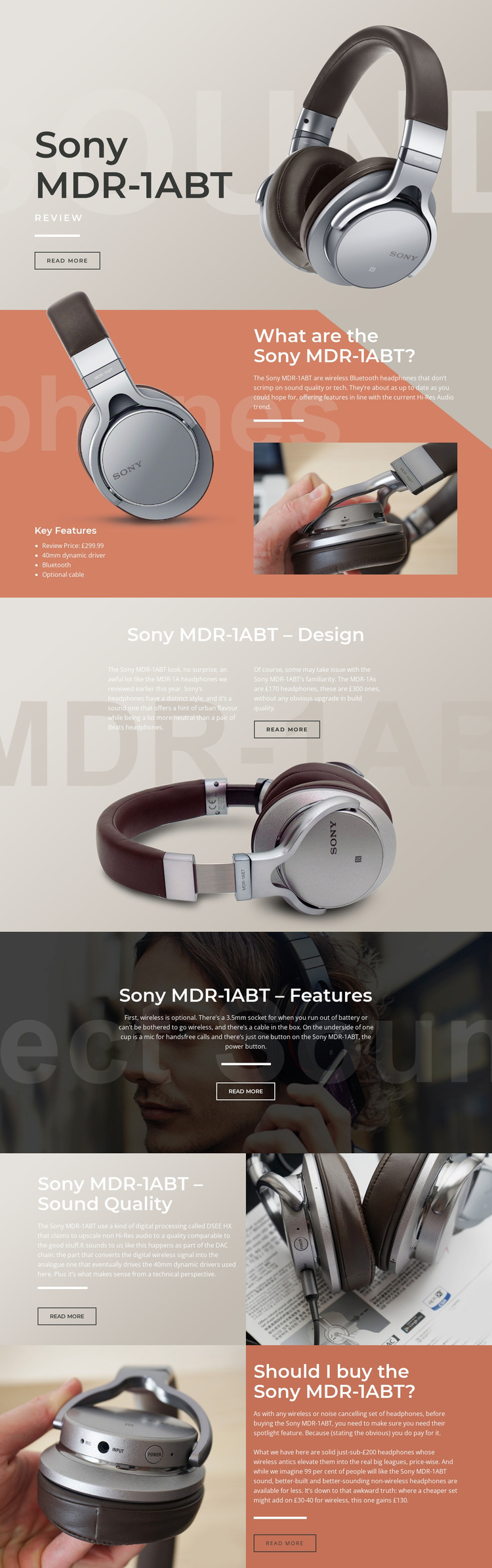
Large headphone imagery carries the subject from the opening Sony MDR-1ABT introduction into a sequence of increasingly specific review questions. The overview section combines a short explanation, a four-item feature list, the £299.99 review price, and supporting photography, giving the design more content coverage than a simple product splash page. Later sections then isolate design, practical connectivity, sound quality, and purchase value.
The choice is especially suited to projects where readers need both visual product context and editorial evaluation. Bluetooth and the optional cable create a practical contrast between wireless convenience and wired fallback. The 3.5mm socket and hands-free microphone support the features discussion, while DSEE HX processing and 40mm dynamic drivers give the sound-quality section a technical subject to explain. The final recommendation panel brings those strands together by weighing sound, construction, wireless use, and price rather than ending with an unrelated promotional block.
Its visual direction also separates it from layouts centered on dense specification tables or numerous product cards. Muted beige, coral, gray, and dark photographic backgrounds support the magazine-like tone; large white headings and thin divider lines keep the sections legible; compact outlined buttons provide restrained points for further reading. As a template option, its strength is the relationship between evidence and pacing: each verified product topic receives a distinct editorial setting, yet the repeated split and text-on-image patterns make the review feel like one considered design.
Customize with Nicepage
Open this ready-made template in the Template Builder and customize it visually in the Nicepage editor. Replace demo content, edit page sections, and adapt the design to your project without rebuilding the template from scratch.
Start With a Ready-Made Template
Choose a Design for a New Page
Use a ready-made template as a starting point instead of creating every page from a blank canvas. When adding a new page in Nicepage, browse available designs, compare different layouts, and choose an option that already fits the general purpose and visual direction of your project.
Browse Different Page Designs
Explore Page Designs using search, thematic categories, Design Sets, and full-page previews. The collection includes layouts for different subjects and page purposes, making it easier to compare alternatives before selecting a design to customize.
Customize the Selected Template
After choosing a design, create the page and continue editing it visually in Nicepage. Replace the demo content, adjust images, typography, colors, sections, and other elements, and adapt the ready-made layout to your own content instead of rebuilding the design from the beginning.
Explore More Design Directions
If the first option does not match your project closely enough, return to the design collection and compare other templates before committing to a layout. This makes the template library useful not only for faster page creation, but also for exploring different visual approaches and finding a suitable starting point for a new project.
This workflow gives you access to a broad collection of ready-made designs that can be selected, compared, and customized according to the needs of each new page or project.