Mountain Holidays Template


Edit Template Offline
2. Create new page and search for id 12913
Edit Template Online
Create Awesome Websites


Free Nicepage Builder
Keywords
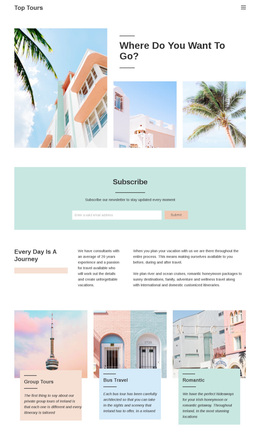
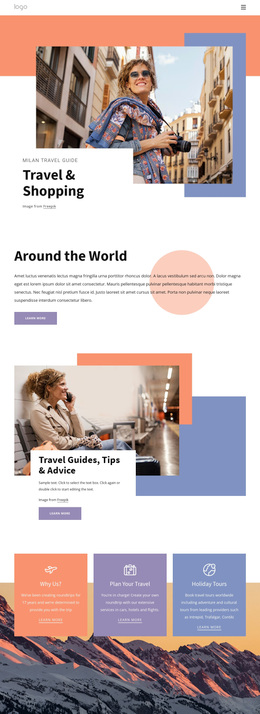
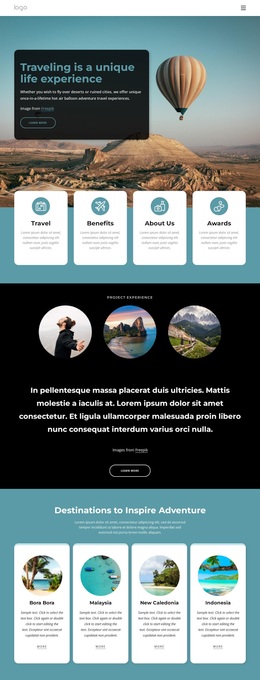
Editorial Mountain Stories Give This Travel Design Its Character
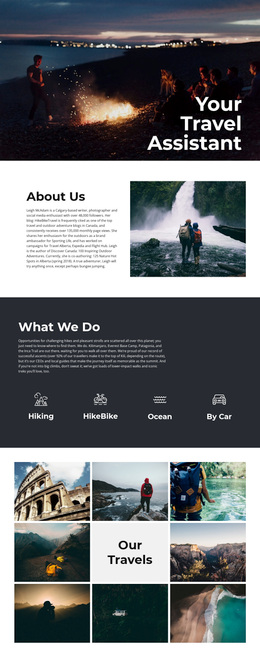
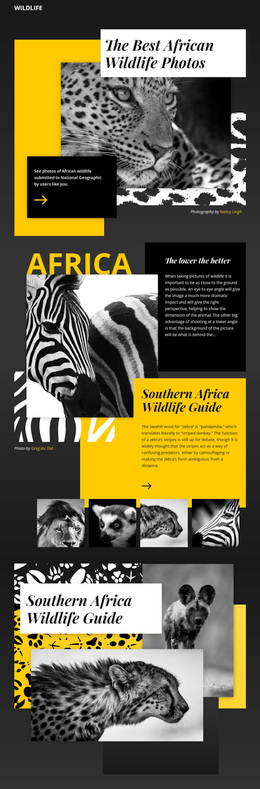
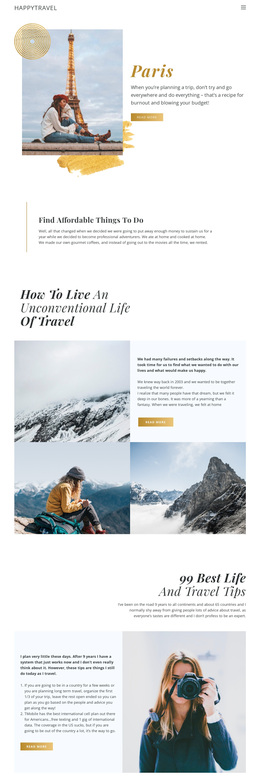
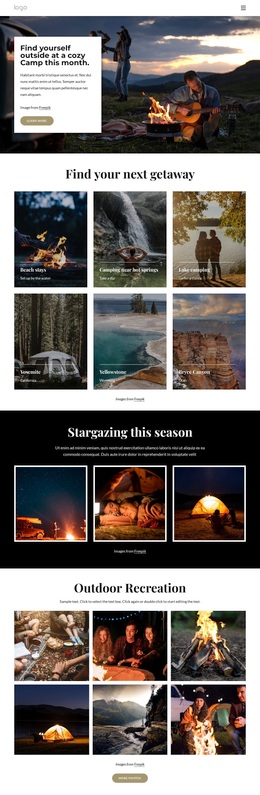
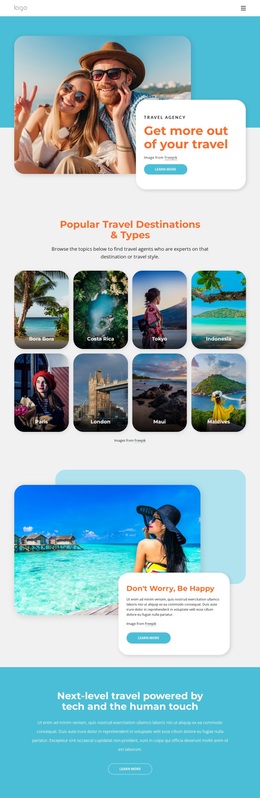
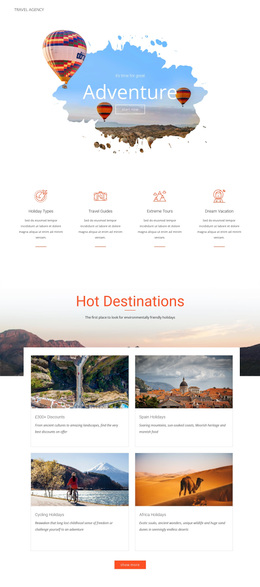
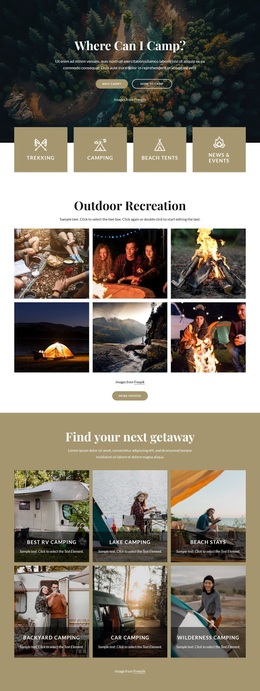
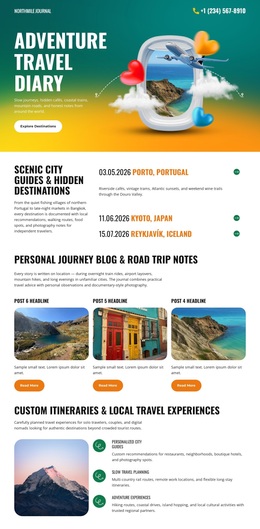
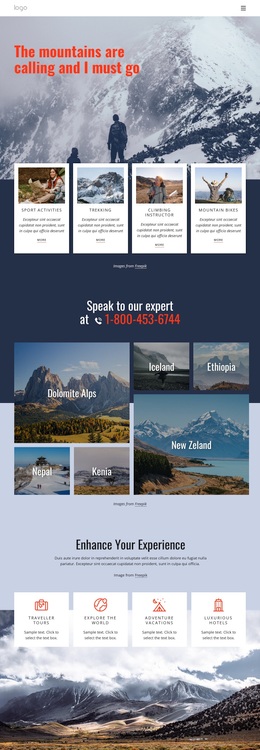
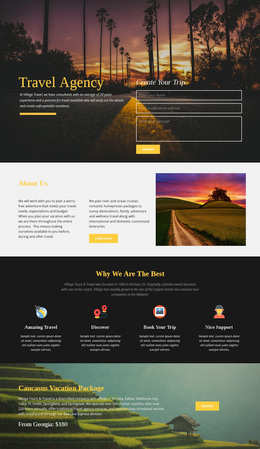
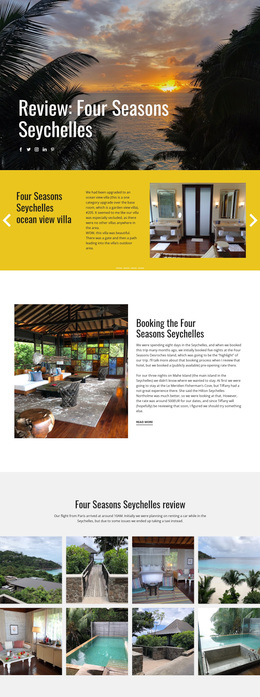
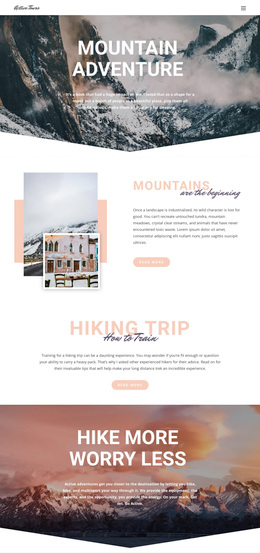
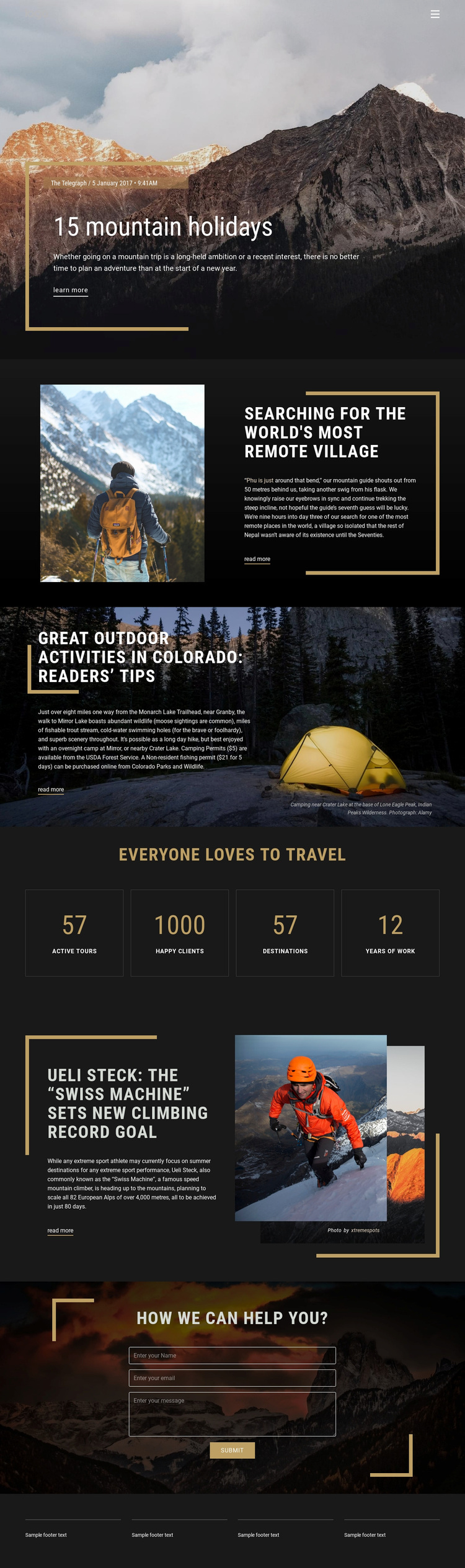
Cinematic mountain photography carries much of the page’s identity. Instead of presenting travel as a dense list of offers, the design leads with a featured mountain-holiday story and then develops the subject through a remote-village article, a Colorado outdoor-activity feature, and a climbing story. The combination of trekking, camping, fishing, and mountaineering gives the layout broad adventure coverage while keeping every section within a coherent travel direction.
The page is also worth choosing when visual storytelling needs to carry as much weight as explanatory copy. Text-on-image sections create immediate atmosphere, while split arrangements slow the rhythm and give individual stories room beside their supporting photographs. Editorial typography, charcoal panels, warm gold accents, and geometric lines reinforce that magazine-like approach. The four repeated metric panels add another content mode, offering a concise visual summary between longer stories.
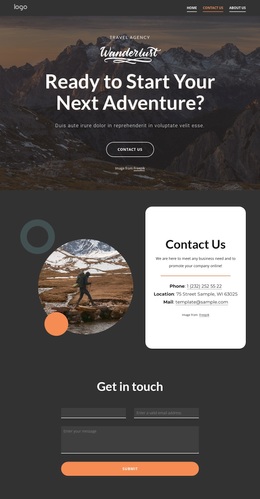
A final inquiry form prevents the design from ending as a purely inspirational feature page. The “How We Can Help You?” section provides a visible response point over a dark mountain background, with a submit action framed by decorative lines. This combination of story depth, image-led presentation, outdoor subject coverage, travel highlights, and contact opportunity makes the design a useful option for projects that need a more editorial mountain-holiday starting point.
Customize with Nicepage
Open this ready-made template in the Template Builder and customize it visually in the Nicepage editor. Replace demo content, edit page sections, and adapt the design to your project without rebuilding the template from scratch.
Start With a Ready-Made Template
Choose a Design for a New Page
Use a ready-made template as a starting point instead of creating every page from a blank canvas. When adding a new page in Nicepage, browse available designs, compare different layouts, and choose an option that already fits the general purpose and visual direction of your project.
Browse Different Page Designs
Explore Page Designs using search, thematic categories, Design Sets, and full-page previews. The collection includes layouts for different subjects and page purposes, making it easier to compare alternatives before selecting a design to customize.
Customize the Selected Template
After choosing a design, create the page and continue editing it visually in Nicepage. Replace the demo content, adjust images, typography, colors, sections, and other elements, and adapt the ready-made layout to your own content instead of rebuilding the design from the beginning.
Explore More Design Directions
If the first option does not match your project closely enough, return to the design collection and compare other templates before committing to a layout. This makes the template library useful not only for faster page creation, but also for exploring different visual approaches and finding a suitable starting point for a new project.
This workflow gives you access to a broad collection of ready-made designs that can be selected, compared, and customized according to the needs of each new page or project.