Traveling is a unique life experience Template



Edit Template Offline
2. Create new page and search for id 3382393
Edit Template Online
Create Awesome Websites


Free Nicepage Builder
Keywords
Four Destinations Give the Travel Story Its Shape
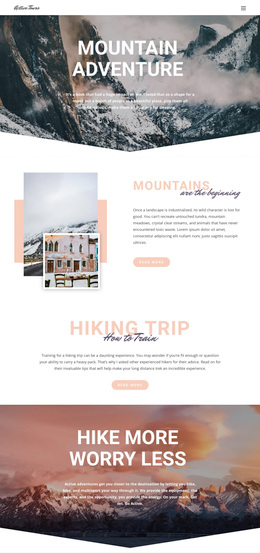
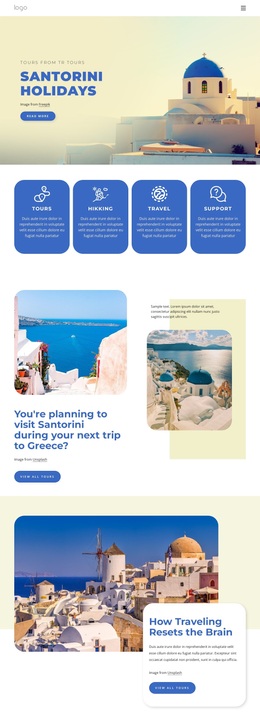
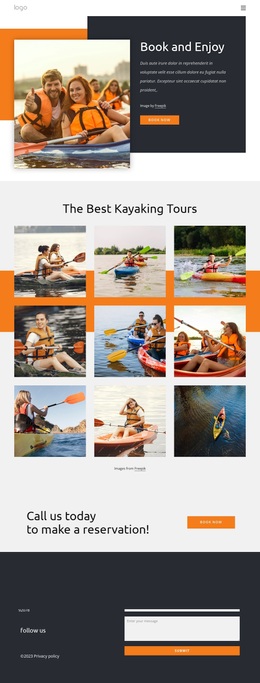
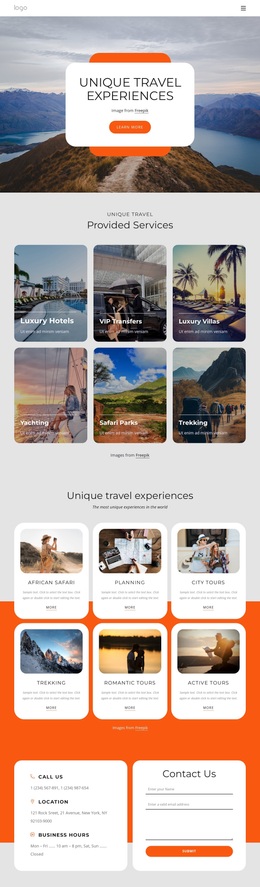
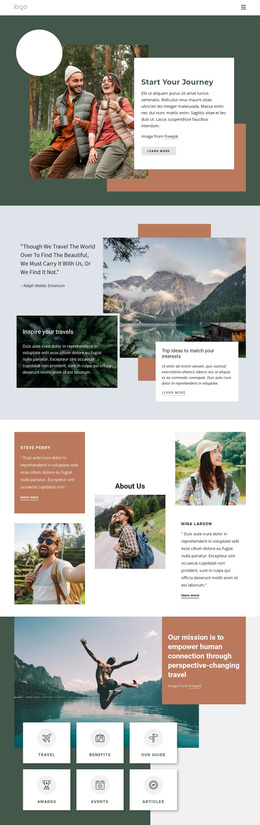
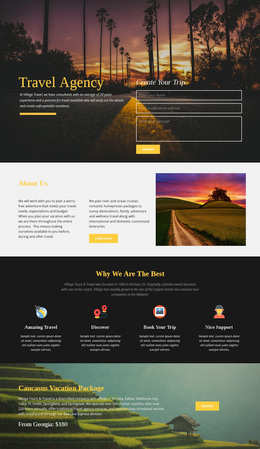
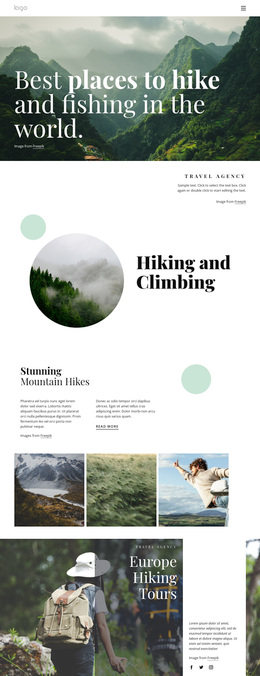
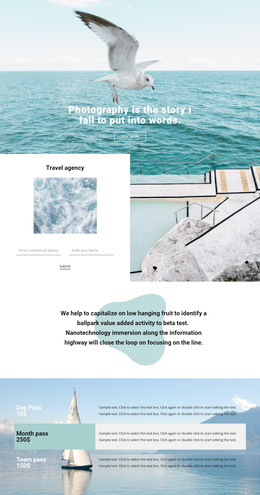
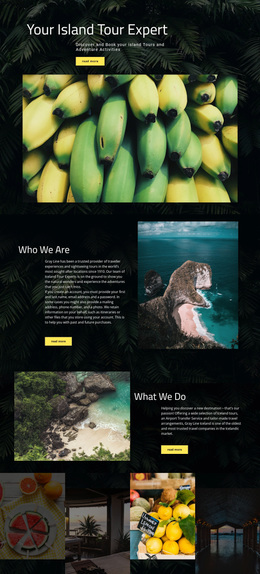
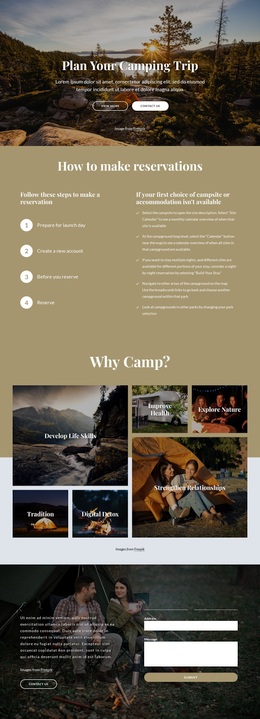
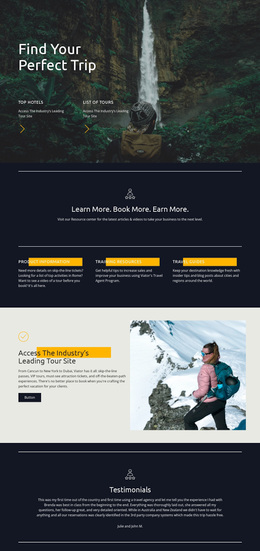
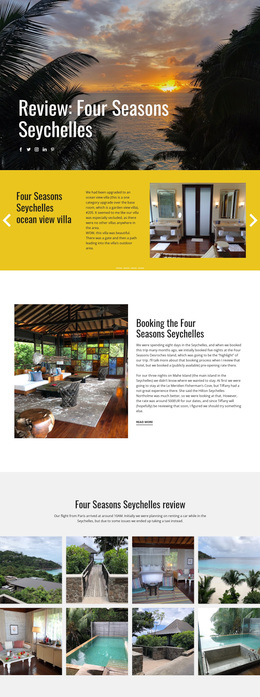
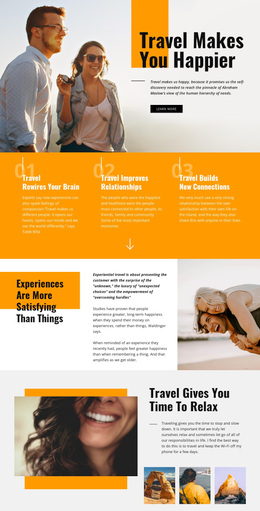
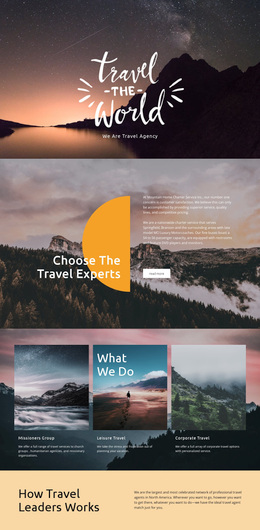
The strongest choosing signal in this design is the way destination storytelling is built into the page. Bora Bora, Malaysia, New Caledonia, and Indonesia appear as four repeated cards inside a dedicated turquoise section, so the template can present several travel directions without relying on dense paragraphs. That destination group is supported by large scenic photography, including ocean, mountain, lake, and lifestyle images, which makes visual atmosphere a primary carrier of the message.
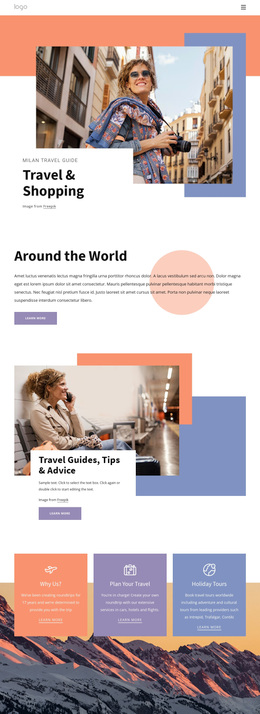
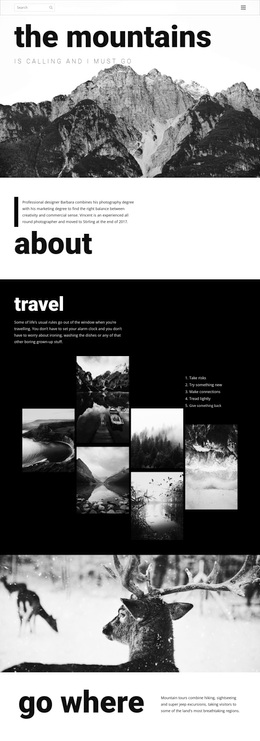
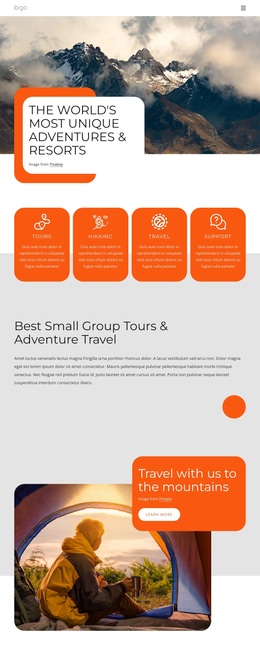
The surrounding content keeps the design from becoming only a gallery. Four feature cards introduce Travel, Benefits, About Us, and Awards, while the Project Experience section adds a darker editorial contrast before visitors reach the destinations. Four percentage cards provide another structural layer, though the displayed values are demo content and should not be treated as verified agency results. Near the end, Sea Travel, Camping, and Hiking expand the use-case coverage into recognizable activity categories. A newsletter signup, Hours & Location area, and social icons then give the page a practical contact ending. This combination suits projects that need to inspire leisure or adventure travel first, show several destination ideas second, and retain a clear path toward ongoing contact.
Customize with Nicepage
Open this ready-made template in the Template Builder and customize it visually in the Nicepage editor. Replace demo content, edit page sections, and adapt the design to your project without rebuilding the template from scratch.
Start With a Ready-Made Template
Choose a Design for a New Page
Use a ready-made template as a starting point instead of creating every page from a blank canvas. When adding a new page in Nicepage, browse available designs, compare different layouts, and choose an option that already fits the general purpose and visual direction of your project.
Browse Different Page Designs
Explore Page Designs using search, thematic categories, Design Sets, and full-page previews. The collection includes layouts for different subjects and page purposes, making it easier to compare alternatives before selecting a design to customize.
Customize the Selected Template
After choosing a design, create the page and continue editing it visually in Nicepage. Replace the demo content, adjust images, typography, colors, sections, and other elements, and adapt the ready-made layout to your own content instead of rebuilding the design from the beginning.
Explore More Design Directions
If the first option does not match your project closely enough, return to the design collection and compare other templates before committing to a layout. This makes the template library useful not only for faster page creation, but also for exploring different visual approaches and finding a suitable starting point for a new project.
This workflow gives you access to a broad collection of ready-made designs that can be selected, compared, and customized according to the needs of each new page or project.