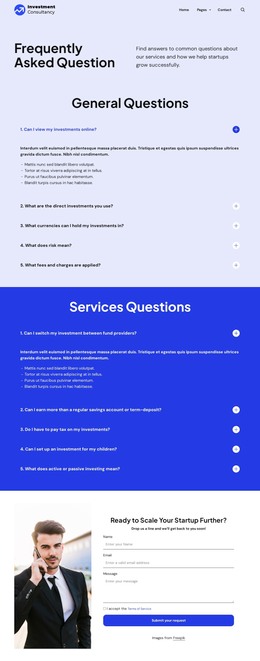
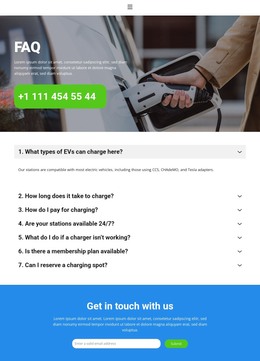
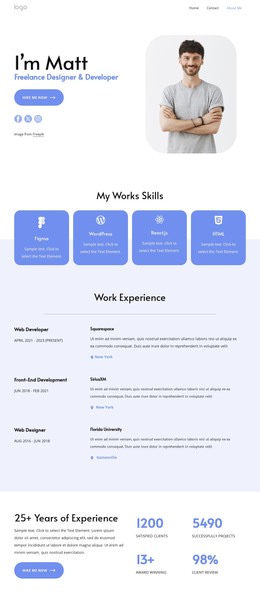
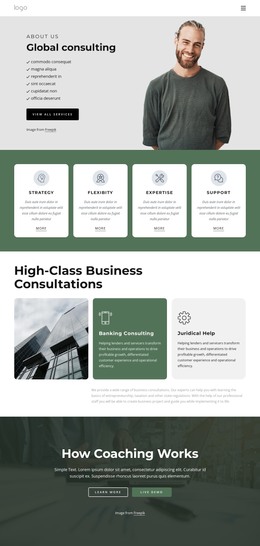
Four levels WordPress Theme


Four Service Categories Create Stable WordPress Page Content
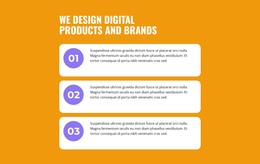
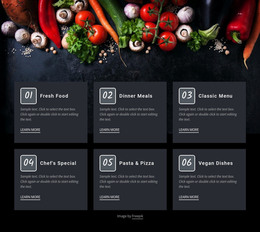
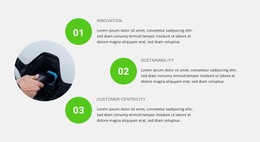
The block’s strongest page-content pattern is the relationship between one introduction and four repeated service entries. “What Does We Do?” frames the subject, while the supporting paragraph provides room for a concise explanation before the row of numbered categories. Call Service, Your Strategy, Team Building, and Premium plan are presented as equal items rather than as a single long text passage. Their 01–04 markers support quick scanning, and the matching learn-more links give each entry an identifiable continuation.
For a WordPress-managed page, this makes the section appropriate for relatively stable services content that can sit within a wider site structure. The labels and links can be adapted as the project’s page content develops, while the repeated item arrangement preserves a recognizable service pattern. The generic supporting copy should be revised to match the surrounding page, but no new component is needed to understand the block’s core role.
The design reinforces that content model through restrained visual repetition. Teal circles identify the numbered entries, dark typography keeps the heading and descriptions prominent, and alternating white card backgrounds add separation against the light gray field. Generous horizontal spacing prevents the four categories from reading as one crowded sentence. Within a WordPress-oriented project, the block can therefore function as a reusable services region on a page while other content areas handle broader navigation, detailed explanations, and additional site sections. It remains a section of page content rather than a complete WordPress theme.
Customize with Nicepage
Open this ready-made template in the WordPress Website Builder and customize it visually in the Nicepage editor. Replace demo content, edit page sections, and adapt the design to your project without rebuilding the template from scratch.
Edit Template Offline
2. Create a new page or select existing
3. Click Add new block, search for id 776522 and click enter
Edit Template Online
Create Awesome Websites


Free Nicepage Builder
Keywords
Manage and Edit This Theme in WordPress
Customize and Install the WordPress Theme
Start with this ready-made theme instead of building the WordPress design from scratch. Customize its layout, content, typography, images, sections, and other design elements visually in Nicepage editor, then export and install the WordPress Theme, Plugin, and Pages on your WordPress site. The Nicepage WordPress Plugin lets you continue working with the site after installation.
Edit the Theme Directly in WordPress
After installation, you can edit the WordPress Theme directly in WordPress with the Nicepage WordPress Plugin. Use Site Style to customize site Colors, Fonts, Header, Footer, Blog, and Post Page Templates while working within your WordPress website.
Edit WordPress Pages Visually
Use the Nicepage WordPress Plugin to edit page content directly from the WordPress admin area. Open a WordPress Page with Nicepage and visually change its text, images, sections, and other page elements while continuing to manage the Page through WordPress.
WordPress Content and Theme Integration
Use the customized theme with WordPress Pages, Posts, Blog and Post Templates, menus, widgets, and other CMS-managed content. Shared theme elements such as Colors, Fonts, Header, Footer, Blog, and Post Page Templates can be managed as part of the overall site design, while WordPress provides the CMS environment for managing site content.
This workflow combines a ready-made WordPress Theme with visual customization, direct theme editing in WordPress, and continued content management through the Nicepage WordPress Plugin.