Digital marketing increases WordPress Theme


Edit Template Offline
2. Create new page and search for id 6440675
Edit Template Online
Create Awesome Websites


Free Nicepage Builder
Keywords
Agency information and recurring questions fit a content-managed theme
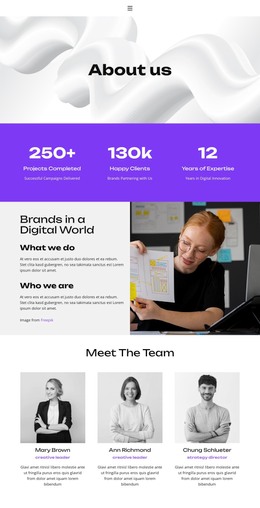
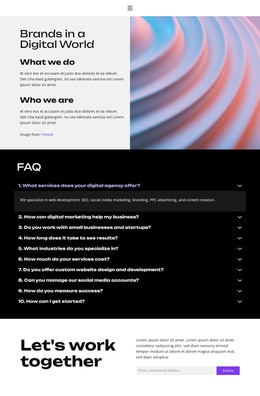
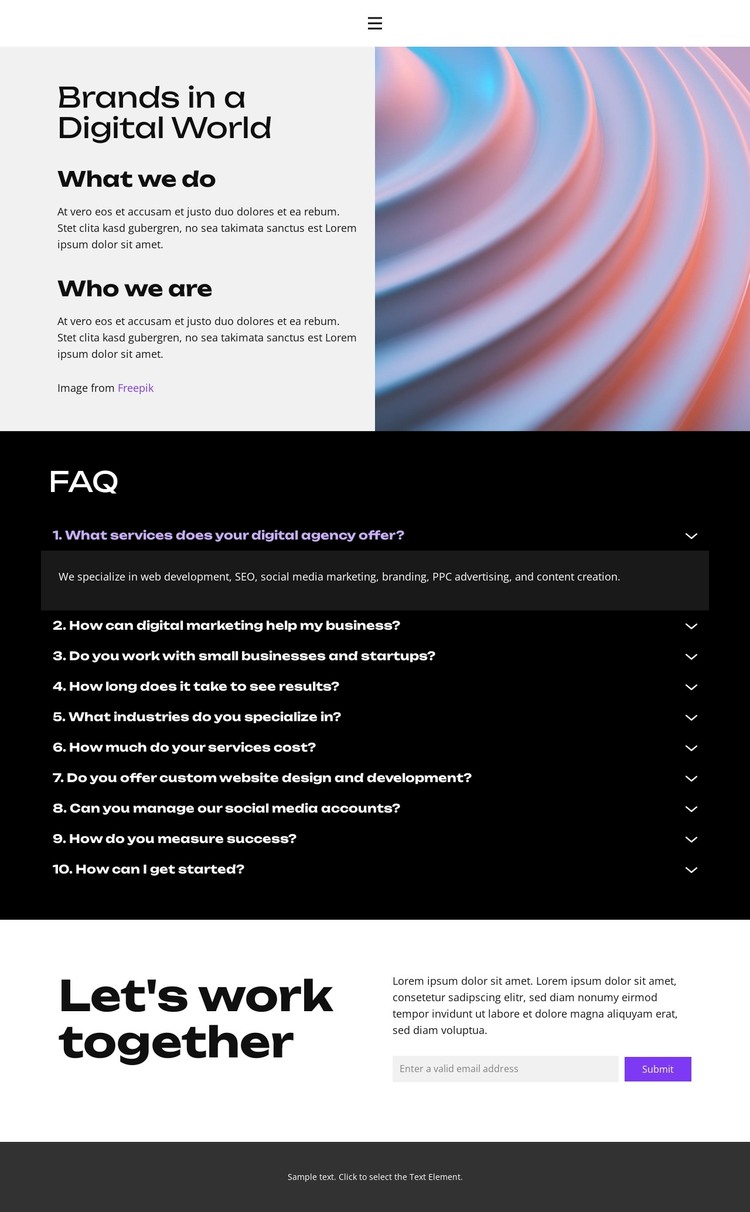
The page divides its subject matter into content areas that can support a WordPress-managed agency presence. The navigation connects Home, About, Projects, FAQ, and Contact, while the opening split section establishes the brand context through “Brands in a Digital World,” “What we do,” and “Who we are.” The abstract multicolor image gives the introduction a recognizable visual marker, leaving the surrounding text available for agency positioning and service information.
The ten-question accordion provides the page’s most structured content group. Each numbered question has its own expandable answer area, and the first answer is visibly open, so visitors can understand the interaction without a separate explanation. This organization is useful for maintaining client-facing information alongside service subjects such as web development, SEO, social media marketing, branding, PPC advertising, and content creation. Those subjects can be revised as the agency’s published content changes while the visual grouping remains stable.
The final “Let’s work together” section adds a permanent response area with supporting copy and an email submission form. In a WordPress project, it can sit alongside page-oriented agency information and future editorial content without changing the core visual character of the theme. The template does not claim existing WordPress Posts or blog structures; its verified value is the combination of navigation, agency context, FAQ content, abstract imagery, and consultation contact.
Customize with Nicepage
Open this ready-made template in the WordPress Website Builder and customize it visually in the Nicepage editor. Replace demo content, edit page sections, and adapt the design to your project without rebuilding the template from scratch.
Manage and Edit This Theme in WordPress
Customize and Install the WordPress Theme
Start with this ready-made theme instead of building the WordPress design from scratch. Customize its layout, content, typography, images, sections, and other design elements visually in Nicepage editor, then export and install the WordPress Theme, Plugin, and Pages on your WordPress site. The Nicepage WordPress Plugin lets you continue working with the site after installation.
Edit the Theme Directly in WordPress
After installation, you can edit the WordPress Theme directly in WordPress with the Nicepage WordPress Plugin. Use Site Style to customize site Colors, Fonts, Header, Footer, Blog, and Post Page Templates while working within your WordPress website.
Edit WordPress Pages Visually
Use the Nicepage WordPress Plugin to edit page content directly from the WordPress admin area. Open a WordPress Page with Nicepage and visually change its text, images, sections, and other page elements while continuing to manage the Page through WordPress.
WordPress Content and Theme Integration
Use the customized theme with WordPress Pages, Posts, Blog and Post Templates, menus, widgets, and other CMS-managed content. Shared theme elements such as Colors, Fonts, Header, Footer, Blog, and Post Page Templates can be managed as part of the overall site design, while WordPress provides the CMS environment for managing site content.
This workflow combines a ready-made WordPress Theme with visual customization, direct theme editing in WordPress, and continued content management through the Nicepage WordPress Plugin.