Tender photos in the gallery WordPress Theme


Four Image Items Create Stable Gallery Content
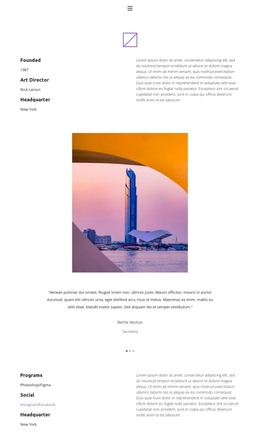
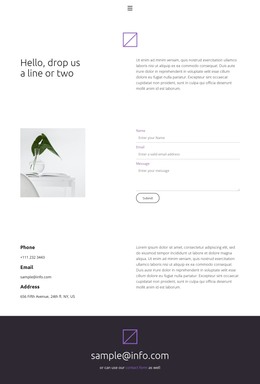
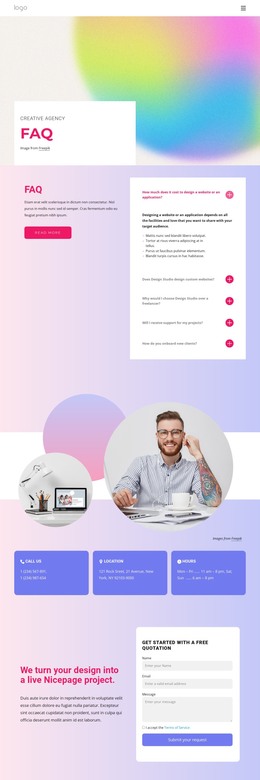
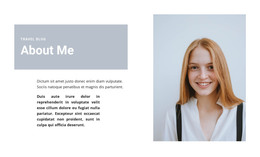
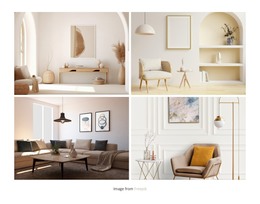
The four-image grid reads as durable visual page content rather than a time-based feed. An open book with flowers, a dried botanical stem, a pink flower, and dark stones are presented in equal tiles, giving the section a defined collection structure that can remain consistent within a WordPress-managed page. Narrow white spacing separates the items and preserves the two-by-two relationship, while the soft neutral, pink, and earthy palette gives the gallery a recognizable visual direction.
This content model can suit a permanent gallery, portfolio-like image area, or art-and-design section when the surrounding project needs a visual counterpoint to written page content. The block itself contains no heading, paragraph, button, control, or overlay, so its role stays focused on displaying the four images. Context, captions, or related editorial information can be handled elsewhere in the containing page without changing the block's structure.
A WordPress-oriented interpretation concerns how this visual section participates in managed page content, not the block's identity as a standalone theme. The gallery can remain one reusable design area while other page sections handle introductions, articles, services, or contact information. Since the interaction is static, the complete collection is visible at once, making the block straightforward to position as a stable image section whose equal geometry and calm tones can coexist with the wider site's content and visual language.
Customize with Nicepage
Open this ready-made template in the WordPress Website Builder and customize it visually in the Nicepage editor. Replace demo content, edit page sections, and adapt the design to your project without rebuilding the template from scratch.
Edit Template Offline
2. Create a new page or select existing
3. Click Add new block, search for id 6267354 and click enter
Edit Template Online
Create Awesome Websites


Free Nicepage Builder
Keywords
Manage and Edit This Theme in WordPress
Customize and Install the WordPress Theme
Start with this ready-made theme instead of building the WordPress design from scratch. Customize its layout, content, typography, images, sections, and other design elements visually in Nicepage editor, then export and install the WordPress Theme, Plugin, and Pages on your WordPress site. The Nicepage WordPress Plugin lets you continue working with the site after installation.
Edit the Theme Directly in WordPress
After installation, you can edit the WordPress Theme directly in WordPress with the Nicepage WordPress Plugin. Use Site Style to customize site Colors, Fonts, Header, Footer, Blog, and Post Page Templates while working within your WordPress website.
Edit WordPress Pages Visually
Use the Nicepage WordPress Plugin to edit page content directly from the WordPress admin area. Open a WordPress Page with Nicepage and visually change its text, images, sections, and other page elements while continuing to manage the Page through WordPress.
WordPress Content and Theme Integration
Use the customized theme with WordPress Pages, Posts, Blog and Post Templates, menus, widgets, and other CMS-managed content. Shared theme elements such as Colors, Fonts, Header, Footer, Blog, and Post Page Templates can be managed as part of the overall site design, while WordPress provides the CMS environment for managing site content.
This workflow combines a ready-made WordPress Theme with visual customization, direct theme editing in WordPress, and continued content management through the Nicepage WordPress Plugin.