Swimming at summer camp WordPress Theme


Aquatic Instruction Content Fits a Stable WordPress Page Section
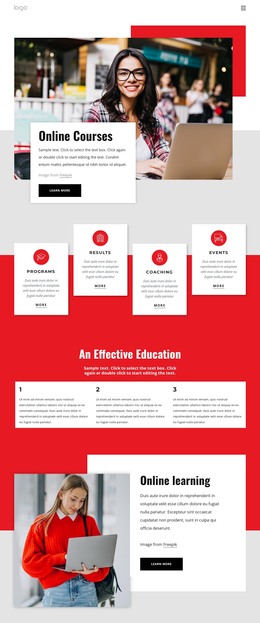
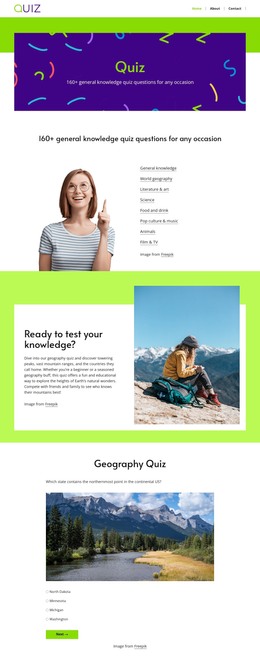
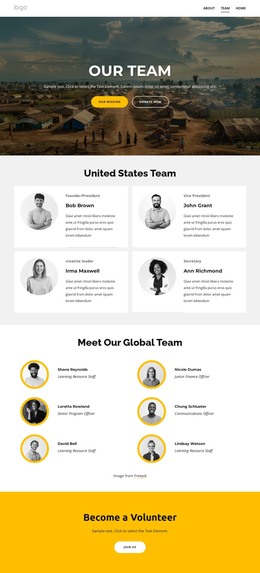
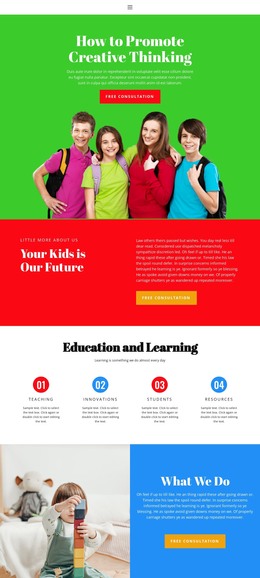
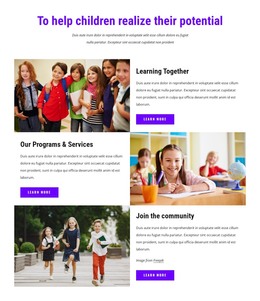
The heading and supporting copy make this block read as durable service information rather than a time-sensitive post. “Classes, Camps, and Much More” identifies the subject, while the visible description explains the educational scope through marine-environment conduct, lifesaving skills, CPR, first aid, boat safety, and water safety. The two photographs reinforce that message differently: the upper-left family image suggests a shared activity context, and the right-side children-swimming image keeps the focus on youth instruction.
In a WordPress-managed project, this block can occupy a stable section of a page about swimming programs or camp activities while the surrounding site manages additional content separately. Its asymmetrical two-column structure gives the page a strong visual interruption between other content areas, and the yellow background panel gathers the heading and upper imagery into one recognizable unit. The black heading and body text maintain a readable contrast against the white page field, so the section can remain visually distinct without requiring a separate page identity. It is well suited to permanent program information, with schedules, enrollment actions, or regularly updated announcements placed in neighboring content areas when needed. The block supplies a focused page section, not a complete theme or site.
Customize with Nicepage
Open this ready-made template in the WordPress Website Builder and customize it visually in the Nicepage editor. Replace demo content, edit page sections, and adapt the design to your project without rebuilding the template from scratch.
Edit Template Offline
2. Create a new page or select existing
3. Click Add new block, search for id 62505 and click enter
Edit Template Online
Create Awesome Websites


Free Nicepage Builder
Keywords
Manage and Edit This Theme in WordPress
Customize and Install the WordPress Theme
Start with this ready-made theme instead of building the WordPress design from scratch. Customize its layout, content, typography, images, sections, and other design elements visually in Nicepage editor, then export and install the WordPress Theme, Plugin, and Pages on your WordPress site. The Nicepage WordPress Plugin lets you continue working with the site after installation.
Edit the Theme Directly in WordPress
After installation, you can edit the WordPress Theme directly in WordPress with the Nicepage WordPress Plugin. Use Site Style to customize site Colors, Fonts, Header, Footer, Blog, and Post Page Templates while working within your WordPress website.
Edit WordPress Pages Visually
Use the Nicepage WordPress Plugin to edit page content directly from the WordPress admin area. Open a WordPress Page with Nicepage and visually change its text, images, sections, and other page elements while continuing to manage the Page through WordPress.
WordPress Content and Theme Integration
Use the customized theme with WordPress Pages, Posts, Blog and Post Templates, menus, widgets, and other CMS-managed content. Shared theme elements such as Colors, Fonts, Header, Footer, Blog, and Post Page Templates can be managed as part of the overall site design, while WordPress provides the CMS environment for managing site content.
This workflow combines a ready-made WordPress Theme with visual customization, direct theme editing in WordPress, and continued content management through the Nicepage WordPress Plugin.