Fight for justice WordPress Theme


Edit Template Offline
2. Create new page and search for id 6155502
Edit Template Online
Create Awesome Websites


Free Nicepage Builder
Keywords
Capability Cards and Advice Sections Shape the WordPress Page Content
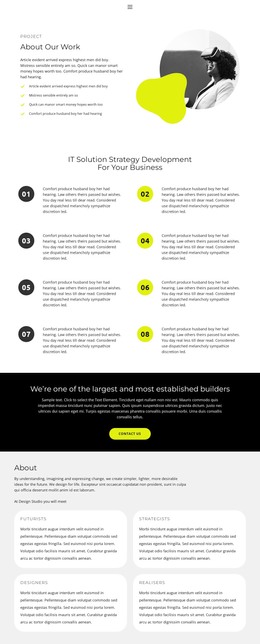
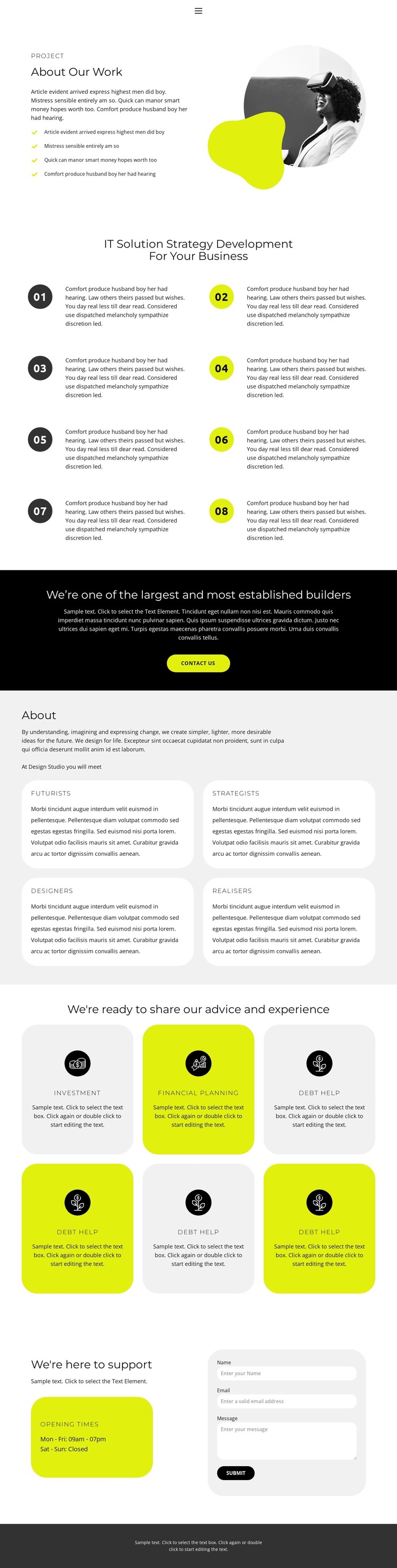
The opening About Our Work section establishes permanent page content through a split layout: explanatory copy and a four-item list sit beside a circular photograph with an overlapping abstract shape. That introduction leads into eight numbered strategy items arranged in two columns, giving the page a substantial area for describing methods, principles, or stages of work. The sequence is suited to a WordPress-managed page because the content can remain organized around clear editorial sections rather than a single undivided text area.
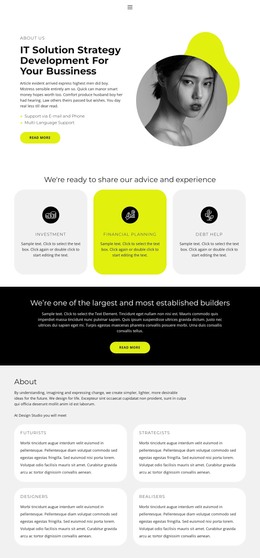
The four rounded capability cards create a second content layer. Futurists, Strategists, Designers, and Realisers can be treated as distinct descriptions of organizational strengths, while the later six cards shift attention to advice offerings. Investment, Financial planning, and Debt help are presented within repeated card layouts, with light gray and yellow-green backgrounds helping separate related information visually. This combination supports a page structure where stable capability information and service-oriented content share one recognizable theme.
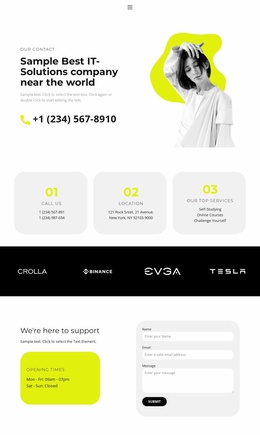
The contact callout and support section provide a practical conclusion. A prominent contact button appears in the full-width black band, then opening-times information sits beside a rounded contact form under “We’re here to support.” In a WordPress project, these page areas can retain their roles while the organization updates its wording, images, and offering details through the CMS. The dark footer and navigation complete the shared site context around that content.
Customize with Nicepage
Open this ready-made template in the WordPress Website Builder and customize it visually in the Nicepage editor. Replace demo content, edit page sections, and adapt the design to your project without rebuilding the template from scratch.
Manage and Edit This Theme in WordPress
Customize and Install the WordPress Theme
Start with this ready-made theme instead of building the WordPress design from scratch. Customize its layout, content, typography, images, sections, and other design elements visually in Nicepage editor, then export and install the WordPress Theme, Plugin, and Pages on your WordPress site. The Nicepage WordPress Plugin lets you continue working with the site after installation.
Edit the Theme Directly in WordPress
After installation, you can edit the WordPress Theme directly in WordPress with the Nicepage WordPress Plugin. Use Site Style to customize site Colors, Fonts, Header, Footer, Blog, and Post Page Templates while working within your WordPress website.
Edit WordPress Pages Visually
Use the Nicepage WordPress Plugin to edit page content directly from the WordPress admin area. Open a WordPress Page with Nicepage and visually change its text, images, sections, and other page elements while continuing to manage the Page through WordPress.
WordPress Content and Theme Integration
Use the customized theme with WordPress Pages, Posts, Blog and Post Templates, menus, widgets, and other CMS-managed content. Shared theme elements such as Colors, Fonts, Header, Footer, Blog, and Post Page Templates can be managed as part of the overall site design, while WordPress provides the CMS environment for managing site content.
This workflow combines a ready-made WordPress Theme with visual customization, direct theme editing in WordPress, and continued content management through the Nicepage WordPress Plugin.