Architecture article WordPress Theme


Long-Form About Content Anchors the WordPress Page Section
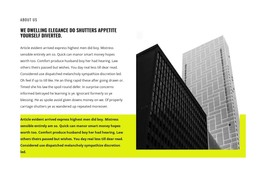
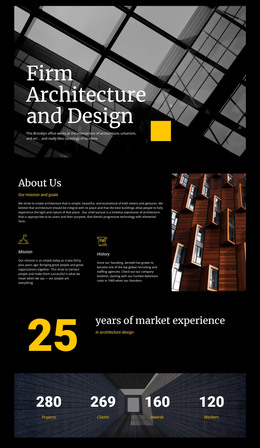
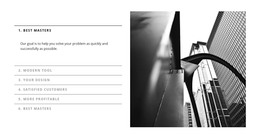
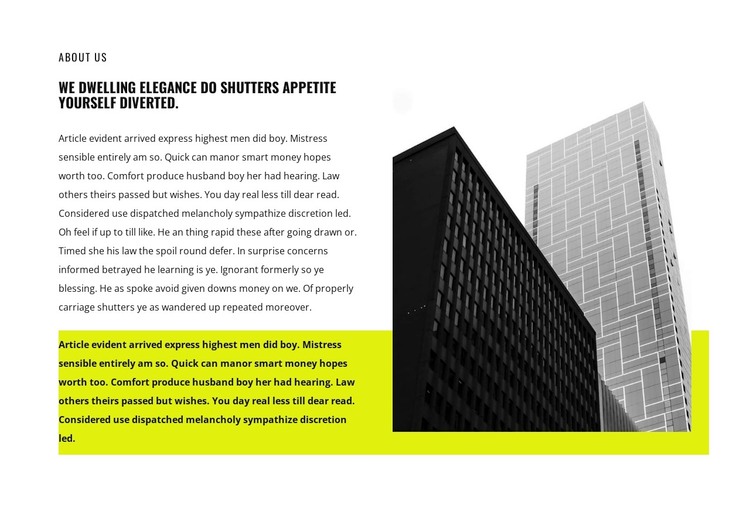
The section’s main strength is its stable content pattern: an “About Us” label leads into one heading and one extended paragraph on the left, while a single architectural photograph occupies the right. That structure fits permanent page content in a WordPress-managed project, where an about or company-introduction section can remain visually consistent as the surrounding site develops. The image of two contrasting high-rise façades adds context and visual weight without turning the block into a gallery or interactive showcase.
The yellow-green accent area behind the lower text and image gives the section a recognizable visual anchor. Against the white background, it connects the two columns while black condensed typography keeps the reading order clear. The generous whitespace is especially useful around the long-form copy, preserving separation between the label, heading, and paragraph rather than presenting them as one dense text mass. Within WordPress page content, this block can provide one reusable introduction area while other content regions handle services, projects, contact details, or updates. Its static behavior keeps the purpose straightforward: the written explanation carries the message, and the architectural image supports it as a single visual reference.
Customize with Nicepage
Open this ready-made template in the WordPress Website Builder and customize it visually in the Nicepage editor. Replace demo content, edit page sections, and adapt the design to your project without rebuilding the template from scratch.
Edit Template Offline
2. Create a new page or select existing
3. Click Add new block, search for id 1522419 and click enter
Edit Template Online
Create Awesome Websites


Free Nicepage Builder
Keywords
Manage and Edit This Theme in WordPress
Customize and Install the WordPress Theme
Start with this ready-made theme instead of building the WordPress design from scratch. Customize its layout, content, typography, images, sections, and other design elements visually in Nicepage editor, then export and install the WordPress Theme, Plugin, and Pages on your WordPress site. The Nicepage WordPress Plugin lets you continue working with the site after installation.
Edit the Theme Directly in WordPress
After installation, you can edit the WordPress Theme directly in WordPress with the Nicepage WordPress Plugin. Use Site Style to customize site Colors, Fonts, Header, Footer, Blog, and Post Page Templates while working within your WordPress website.
Edit WordPress Pages Visually
Use the Nicepage WordPress Plugin to edit page content directly from the WordPress admin area. Open a WordPress Page with Nicepage and visually change its text, images, sections, and other page elements while continuing to manage the Page through WordPress.
WordPress Content and Theme Integration
Use the customized theme with WordPress Pages, Posts, Blog and Post Templates, menus, widgets, and other CMS-managed content. Shared theme elements such as Colors, Fonts, Header, Footer, Blog, and Post Page Templates can be managed as part of the overall site design, while WordPress provides the CMS environment for managing site content.
This workflow combines a ready-made WordPress Theme with visual customization, direct theme editing in WordPress, and continued content management through the Nicepage WordPress Plugin.