Assure you that you will win WordPress Theme


Edit Template Offline
2. Create new page and search for id 6155426
Edit Template Online
Create Awesome Websites


Free Nicepage Builder
Keywords
Service and Capability Areas Give WordPress Content Clear Roles
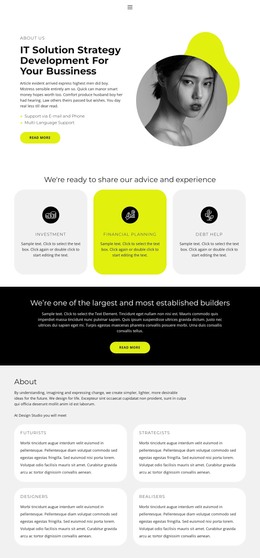
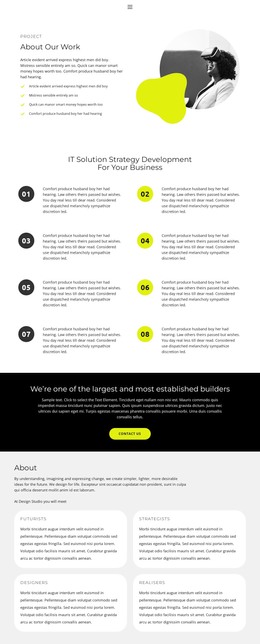
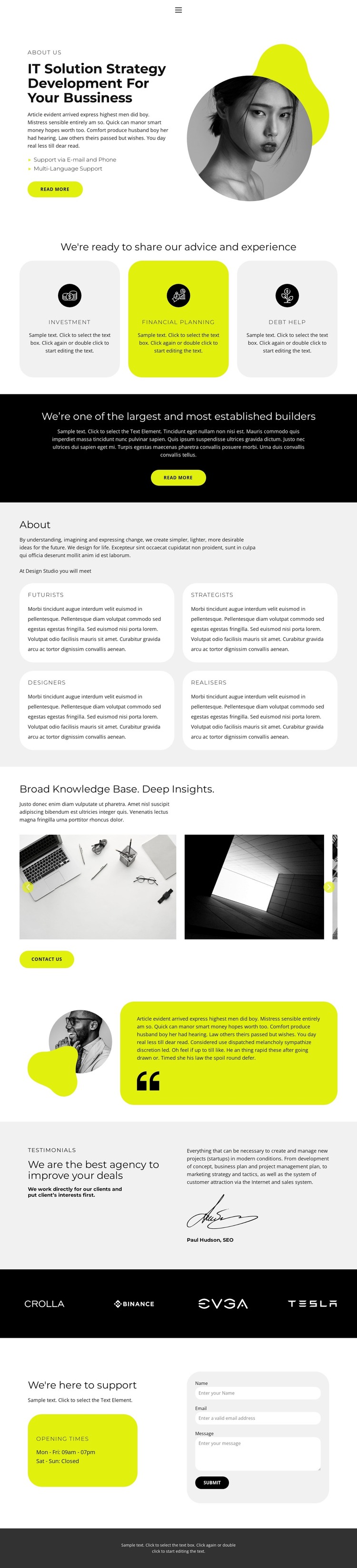
The three rounded service cards provide the clearest page-oriented content groups in this design. Investment, Financial planning, and Debt help are presented as separate categories after the opening IT strategy message, allowing a WordPress-oriented project to treat each subject as distinct informational content rather than combining every offering into one paragraph. The About section extends that structure with four capability labels—Futurists, Strategists, Designers, and Realisers—giving the site another repeatable way to describe the organization’s expertise.
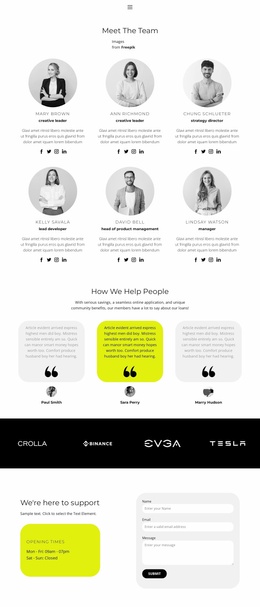
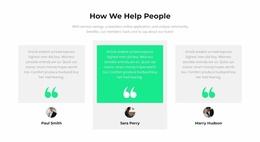
The page also contains content suited to ongoing presentation and reuse. A six-image gallery introduces a knowledge-base and visual-insight area, while the testimonial attributed to Paul Hudson, SEO, provides an example of attributed feedback. The black brand-logo strip creates a separate association region. These elements are structural evidence from the template; the sample names, wording, and marks should be replaced with the project’s own verified material before publication.
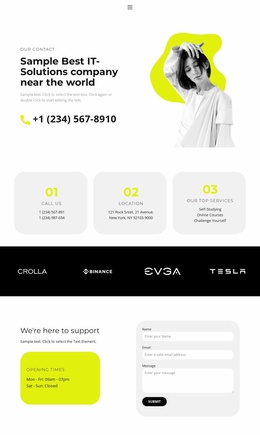
Navigation links for Home 1, About 1, Team, and Contact 1 keep the content areas connected, and the closing support block provides a practical permanent page section. Its weekday hours, weekend closure note, and name, email, and message inputs make the contact purpose explicit. In a WordPress theme project, these page sections can remain within one visual system while additional editorial or business content is added around them.
Customize with Nicepage
Open this ready-made template in the WordPress Website Builder and customize it visually in the Nicepage editor. Replace demo content, edit page sections, and adapt the design to your project without rebuilding the template from scratch.
Manage and Edit This Theme in WordPress
Customize and Install the WordPress Theme
Start with this ready-made theme instead of building the WordPress design from scratch. Customize its layout, content, typography, images, sections, and other design elements visually in Nicepage editor, then export and install the WordPress Theme, Plugin, and Pages on your WordPress site. The Nicepage WordPress Plugin lets you continue working with the site after installation.
Edit the Theme Directly in WordPress
After installation, you can edit the WordPress Theme directly in WordPress with the Nicepage WordPress Plugin. Use Site Style to customize site Colors, Fonts, Header, Footer, Blog, and Post Page Templates while working within your WordPress website.
Edit WordPress Pages Visually
Use the Nicepage WordPress Plugin to edit page content directly from the WordPress admin area. Open a WordPress Page with Nicepage and visually change its text, images, sections, and other page elements while continuing to manage the Page through WordPress.
WordPress Content and Theme Integration
Use the customized theme with WordPress Pages, Posts, Blog and Post Templates, menus, widgets, and other CMS-managed content. Shared theme elements such as Colors, Fonts, Header, Footer, Blog, and Post Page Templates can be managed as part of the overall site design, while WordPress provides the CMS environment for managing site content.
This workflow combines a ready-made WordPress Theme with visual customization, direct theme editing in WordPress, and continued content management through the Nicepage WordPress Plugin.