A contact us page WordPress Theme


Edit Template Offline
2. Create new page and search for id 6098855
Edit Template Online
Create Awesome Websites


Free Nicepage Builder
Keywords
Office Content and Navigation Give the Theme a Clear CMS Shape
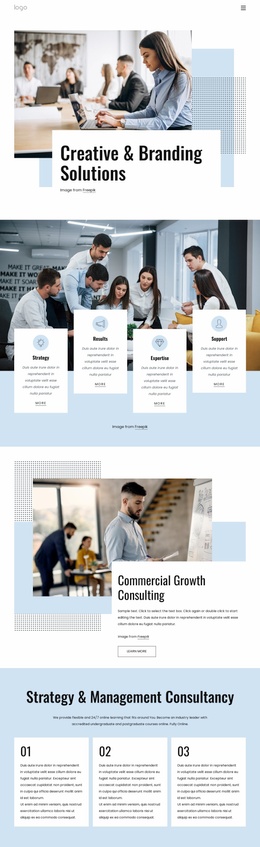
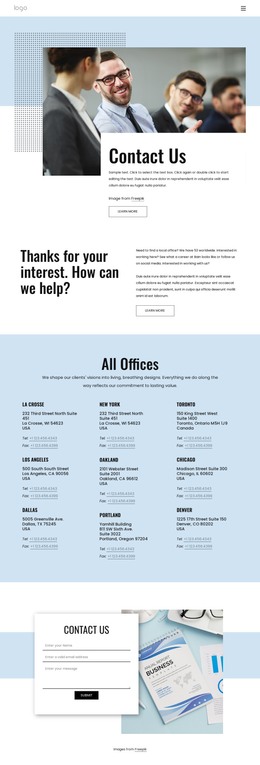
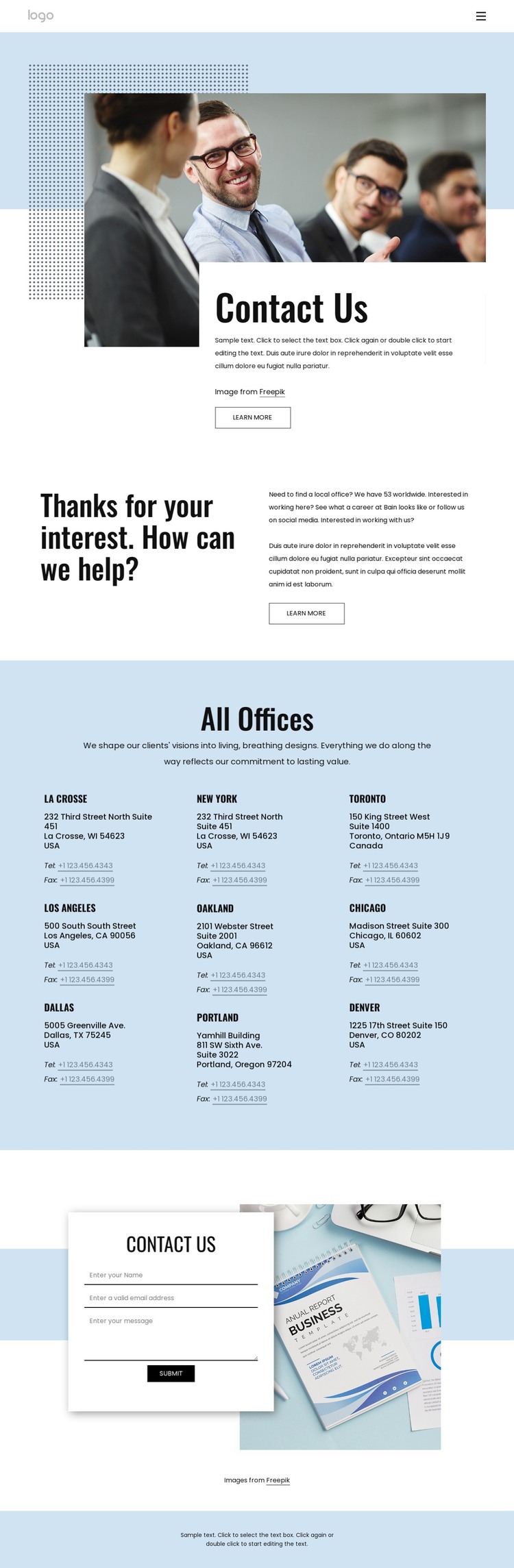
The navigation links for Home, About Us, Blog, and Contact Us establish the permanent page-oriented framework of this design. Within that framework, the contact page separates general guidance from repeatable location content. The hero introduces the subject with a large photograph, an overlapping white panel, and a Learn more action, while the next split section provides explanatory copy beside its heading. These areas can serve as stable page content within a WordPress-managed visual system.
The All Offices block is especially suitable for content that needs consistent presentation across repeated entries. Nine office listings are displayed in three columns, and each combines a location name with address and telephone or fax links. Interpreted as WordPress theme content, that repeated visual pattern provides a useful structure for maintaining office information without treating the listings as one undifferentiated text block. The exact sample names and addresses should remain replaceable content rather than being treated as verified business data.
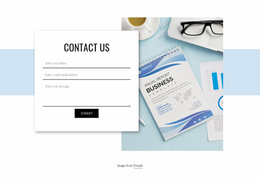
The final form gives the page a separate communication area. Its image backdrop, centered card, name and email inputs, message field, and Submit control distinguish visitor-submitted inquiries from published office information. This separation helps the theme accommodate both permanent contact details and changing page content while preserving the same visual direction. The blue footer and bold condensed headings can continue the identity across related pages, but the verified template itself should not be read as evidence of additional WordPress post or blog structures beyond the navigation shown.
Customize with Nicepage
Open this ready-made template in the WordPress Website Builder and customize it visually in the Nicepage editor. Replace demo content, edit page sections, and adapt the design to your project without rebuilding the template from scratch.
Manage and Edit This Theme in WordPress
Customize and Install the WordPress Theme
Start with this ready-made theme instead of building the WordPress design from scratch. Customize its layout, content, typography, images, sections, and other design elements visually in Nicepage editor, then export and install the WordPress Theme, Plugin, and Pages on your WordPress site. The Nicepage WordPress Plugin lets you continue working with the site after installation.
Edit the Theme Directly in WordPress
After installation, you can edit the WordPress Theme directly in WordPress with the Nicepage WordPress Plugin. Use Site Style to customize site Colors, Fonts, Header, Footer, Blog, and Post Page Templates while working within your WordPress website.
Edit WordPress Pages Visually
Use the Nicepage WordPress Plugin to edit page content directly from the WordPress admin area. Open a WordPress Page with Nicepage and visually change its text, images, sections, and other page elements while continuing to manage the Page through WordPress.
WordPress Content and Theme Integration
Use the customized theme with WordPress Pages, Posts, Blog and Post Templates, menus, widgets, and other CMS-managed content. Shared theme elements such as Colors, Fonts, Header, Footer, Blog, and Post Page Templates can be managed as part of the overall site design, while WordPress provides the CMS environment for managing site content.
This workflow combines a ready-made WordPress Theme with visual customization, direct theme editing in WordPress, and continued content management through the Nicepage WordPress Plugin.